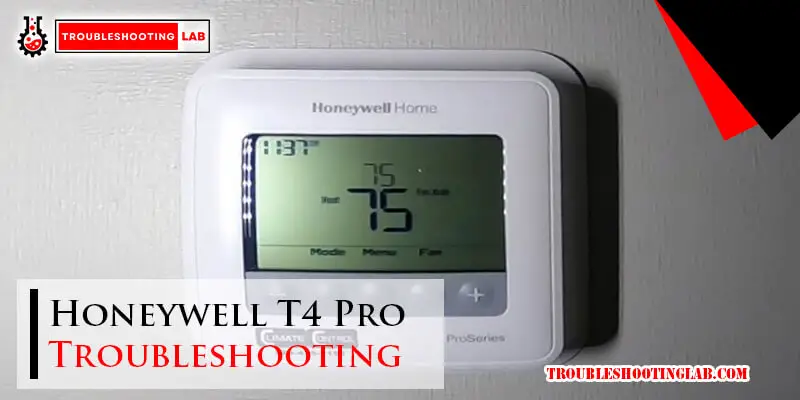
Honeywell T4 Pro Thermostat Not Working

Is your Honeywell T4 Pro thermostat acting up? A malfunctioning thermostat can wreak havoc on your energy bills and comfort. This article provides a comprehensive guide to troubleshooting common issues, maximizing energy savings, and exploring smarter HVAC integration options.
Honeywell T4 Pro Thermostat: Common Issues and Quick Fixes
The Honeywell T4 Pro is a popular choice for its ease of use and basic programmability, but like any electronic device, it can experience problems. Let’s look at some typical scenarios:
1. Blank Screen or No Power
Possible Causes:
- Dead Batteries: This is the most common culprit. The T4 Pro typically requires two AA batteries.
- Tripped Circuit Breaker: Check the breaker that controls your HVAC system.
- Loose Wiring: Inspect the wiring connections at both the thermostat and the HVAC unit. Caution: Disconnect power before working with wiring. If you are uncomfortable, contact a qualified HVAC technician.
Solutions:
- Replace the batteries with new, high-quality alkaline batteries. Energy Star recommends using rechargeable batteries to reduce waste.
- Reset the circuit breaker.
- Carefully check and tighten any loose wiring connections.
2. Thermostat Not Responding to Settings
Possible Causes:
- Incorrect Programming: Review the programming schedule to ensure it aligns with your desired temperatures.
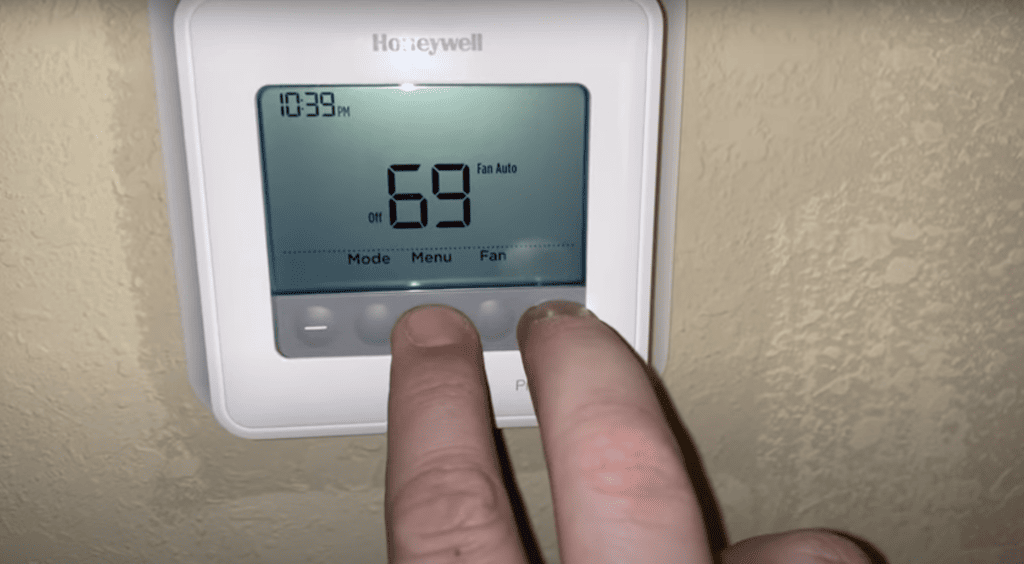
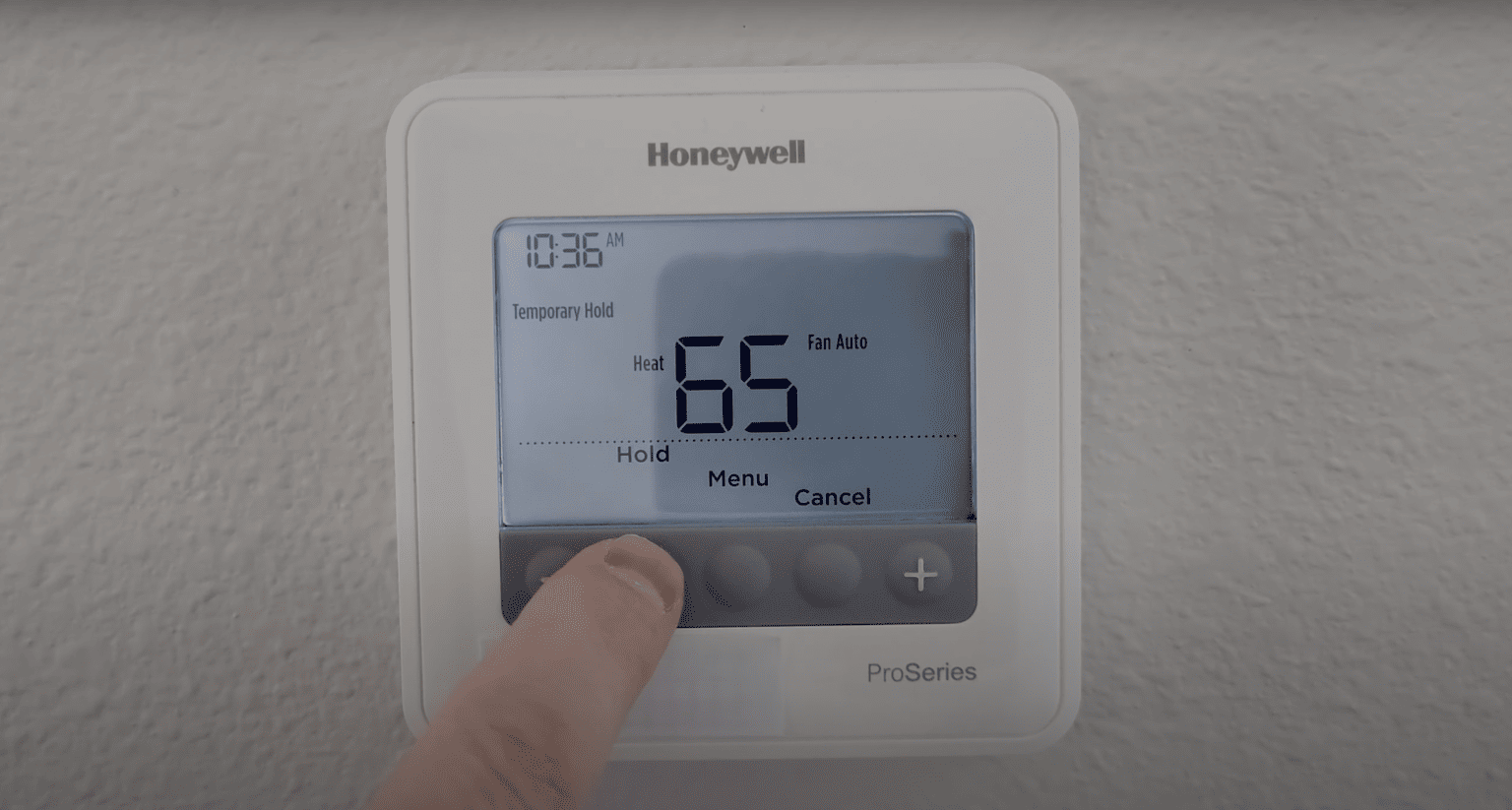
- Hold Mode Activated: The thermostat might be in "Hold" mode, overriding the programmed schedule.
- Faulty Sensor: The thermostat's temperature sensor might be inaccurate.
- Wiring Issues: Incorrect wiring can prevent the thermostat from communicating with the HVAC system.
Solutions:
- Review and adjust the programming schedule. Consult the Honeywell T4 Pro user manual for detailed instructions.
- Deactivate "Hold" mode to allow the programmed schedule to run.
- Recalibrate the thermostat's temperature sensor (see the user manual). If recalibration doesn't work, the sensor might need replacement.
- Double-check the wiring diagram to ensure proper connections. Refer to the manual or consult a professional.
3. HVAC System Not Turning On or Off
Possible Causes:
- Incorrect Thermostat Settings: Ensure the thermostat is set to "Heat" or "Cool" mode, depending on your needs.
- Wiring Issues: A loose or incorrect wire connection can prevent the thermostat from signaling the HVAC system.
- HVAC System Malfunction: The problem might not be the thermostat itself but a separate issue with the furnace, air conditioner, or heat pump.
Solutions:
- Verify the thermostat is in the correct mode and the setpoint temperature is appropriate.
- Inspect the wiring connections.
- If the wiring is correct and the thermostat settings are appropriate, contact an HVAC technician to diagnose and repair the HVAC system.
4. Error Messages Displayed
The Honeywell T4 Pro might display error messages, indicating specific problems. Consult the user manual for a detailed explanation of each error code and recommended solutions. Common errors include sensor failures, communication issues, and wiring problems.
Optimizing Energy Savings with Your Honeywell T4 Pro
Even a basic programmable thermostat like the T4 Pro can significantly reduce energy consumption and lower your bills. Here’s how:
1. Smart Scheduling
Program your thermostat to automatically adjust the temperature based on your daily schedule. For example, lower the temperature while you're away at work or asleep. According to the U.S. Department of Energy, you can save as much as 10% a year on heating and cooling costs by turning your thermostat back 7°-10°F for 8 hours a day from its normal setting.
2. Avoid Overheating or Overcooling
Resist the urge to crank up the heat or AC excessively. Each degree beyond your comfort zone can add significantly to your energy bill. Aim for a comfortable but energy-conscious temperature setting, typically between 68-72°F in winter and 75-78°F in summer.
3. Utilize Vacation Mode
If you're going away for an extended period, use the thermostat's "Vacation" or "Away" mode to maintain a minimum temperature (to prevent frozen pipes in winter) or a slightly higher temperature in summer (to prevent excessive humidity). This prevents wasted energy while you're gone.
4. Combine with Home Energy Audit
A home energy audit can identify areas where your home is losing energy, such as drafts around windows and doors, or inadequate insulation. Addressing these issues, in conjunction with smart thermostat use, can lead to substantial energy savings. You might be able to find rebates or incentives for energy audits from your local utility company.
Upgrading to a Smart Thermostat: The Next Level of Energy Efficiency
While the Honeywell T4 Pro offers basic programmability, upgrading to a smart thermostat can unlock even greater energy savings and convenience. Consider these advantages:
1. Remote Control and Monitoring
Smart thermostats allow you to control your HVAC system from anywhere using your smartphone or tablet. This is particularly useful if you forget to adjust the thermostat before leaving home or want to pre-cool or pre-heat your house before arriving.
2. Geofencing
Geofencing creates a virtual boundary around your home. When your smartphone (or other connected device) enters or exits this boundary, the smart thermostat automatically adjusts the temperature accordingly.
3. Learning Capabilities
Some smart thermostats learn your heating and cooling preferences over time and automatically create an optimal schedule for energy savings. This eliminates the need for manual programming.
4. Advanced Reporting and Insights
Smart thermostats provide detailed reports on your energy consumption, helping you identify areas where you can further reduce your usage. This data can inform decisions about insulation upgrades, window replacements, or other energy-efficient improvements.
5. Integration with Smart Home Ecosystems
Smart thermostats can integrate with other smart home devices, such as smart lighting, smart blinds, and smart sensors. This allows for coordinated control and automation, further enhancing energy efficiency and comfort.
Examples of smart thermostats to consider as an upgrade include the Nest Learning Thermostat, the Ecobee Smart Thermostat with Voice Control, and Honeywell's own higher-end smart thermostat models. Research different models and compare features and pricing to find the best fit for your needs.
HVAC Contractor Considerations: Selling and Installing Energy-Efficient Thermostats
For HVAC contractors, offering energy-efficient thermostats like the Honeywell T4 Pro and smart thermostat alternatives is a valuable service for your customers. Highlight the following benefits:
- Reduced Energy Bills: Emphasize the potential cost savings associated with programmable and smart thermostats. Provide estimates based on typical usage patterns and local energy rates.
- Increased Comfort: Showcase how these thermostats can maintain consistent and comfortable temperatures throughout the home.
- Convenience and Control: Promote the ease of use and remote control capabilities of smart thermostats.
- Environmental Benefits: Position energy-efficient thermostats as a way to reduce carbon footprint and contribute to a more sustainable future.
- Rebates and Incentives: Inform customers about available rebates and incentives from utility companies and government programs. Energy Star certified products often qualify for these incentives.
When installing thermostats, ensure proper wiring and configuration. Provide clear instructions to homeowners on how to program and operate their new thermostat. Offer ongoing support and maintenance to ensure continued performance and customer satisfaction. By offering and properly installing energy-efficient thermostats, HVAC contractors can build trust, increase customer loyalty, and contribute to a more energy-conscious community. The ROI is there for the homeowner and good business for the contractor.
Conclusion
A properly functioning thermostat is essential for maintaining a comfortable and energy-efficient home. By troubleshooting common issues with your Honeywell T4 Pro, optimizing your settings, and considering an upgrade to a smart thermostat, you can take control of your energy consumption and lower your bills. Remember to consult the user manual for specific instructions and safety precautions, and don't hesitate to contact an HVAC professional for assistance when needed. With the right knowledge and tools, you can create a more energy-efficient and comfortable living environment.