Andover Controls Thermostat How To Use
Understanding Your Andover Controls Thermostat: A Homeowner's Guide
Andover Controls, now part of Schneider Electric, has been a long-standing name in building automation and HVAC systems. While often found in commercial settings, some homeowners also have Andover Controls thermostats managing their home climate. This guide provides an overview of how to use and troubleshoot common issues with your Andover Controls thermostat.
Navigating the Basics
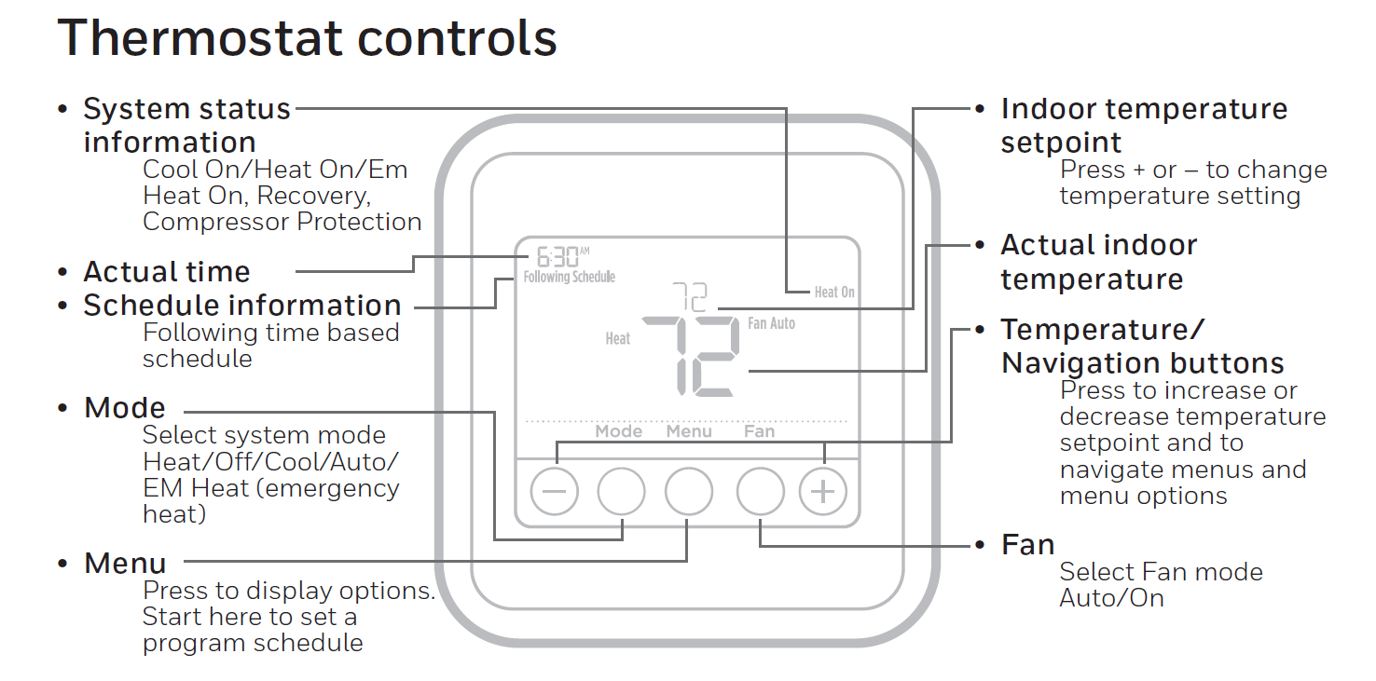
Andover Controls thermostats, even the older models, typically feature a user-friendly interface. Most models include:
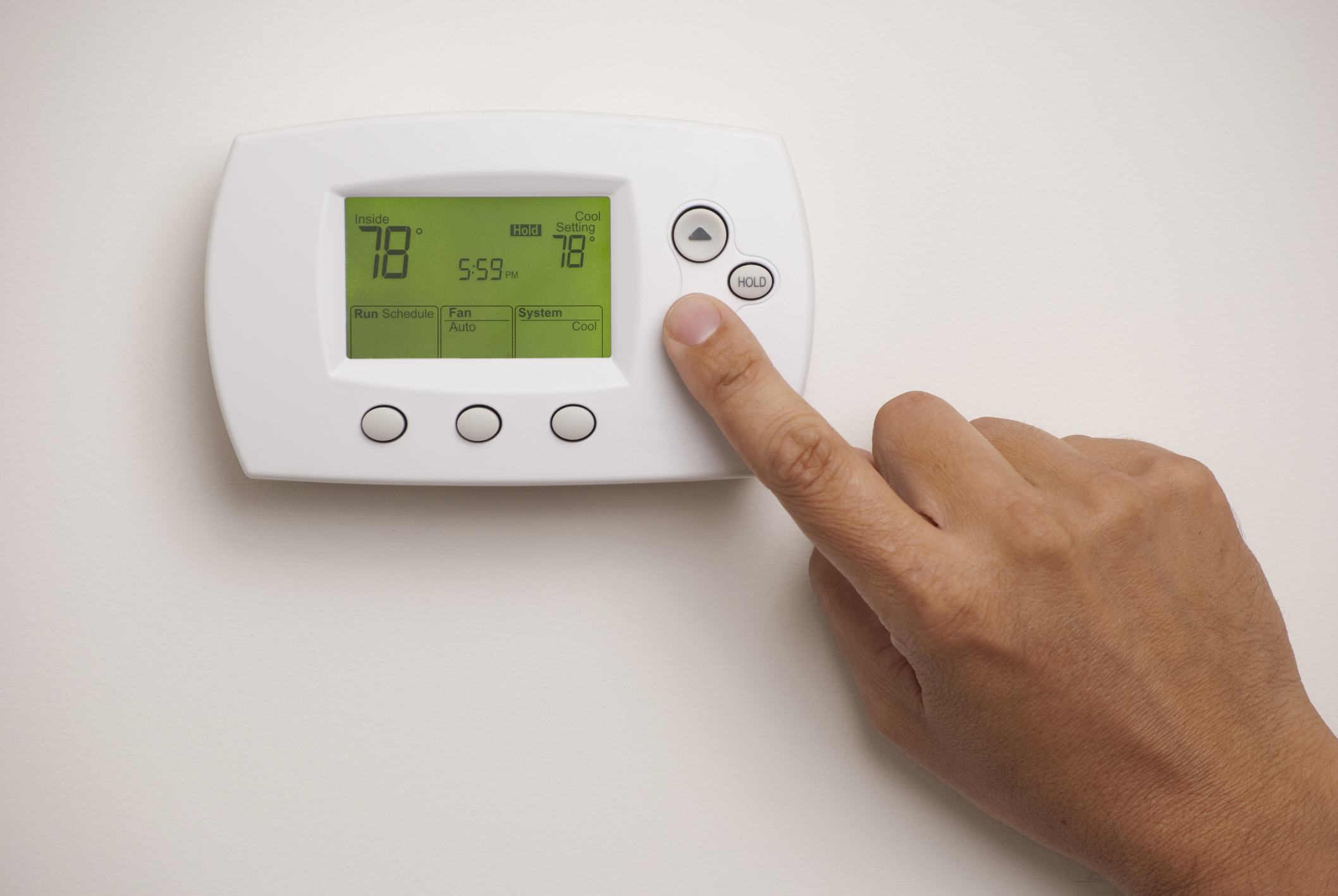
- Display Screen: Shows the current temperature, setpoint, mode, and other relevant information.
- Up and Down Arrows: Used to adjust the temperature setpoint.
- Mode Button: Selects the operating mode (Heat, Cool, Auto, Off).
- Fan Button: Controls the fan operation (Auto, On).
- Override/Hold Button: May be used to temporarily override the programmed schedule.
Specific button labels and functionalities may vary depending on the exact model of your Andover Controls thermostat. Refer to your thermostat's manual for precise instructions.
Setting the Temperature
Adjusting the temperature is usually straightforward. Press the up or down arrow buttons until the desired temperature is displayed on the screen. The thermostat will then signal the HVAC system to either heat or cool the space to that temperature. Remember to allow some time for the system to respond, especially if the temperature difference is significant.
Understanding Operating Modes
The mode setting determines whether your thermostat will heat, cool, or simply remain off. Here's a breakdown:
- Heat: The thermostat will activate the heating system when the room temperature drops below the setpoint.
- Cool: The thermostat will activate the cooling system when the room temperature rises above the setpoint.
- Auto: The thermostat will automatically switch between heating and cooling to maintain the setpoint temperature. This requires both heating and cooling systems to be operational.
- Off: The HVAC system will remain off, regardless of the room temperature.
Controlling the Fan
The fan setting controls the operation of the HVAC system's fan:
- Auto: The fan only runs when the heating or cooling system is active.
- On: The fan runs continuously, even when the heating or cooling system is not active. This can improve air circulation and filtration but may increase energy consumption.
Scheduling and Programming
Many Andover Controls thermostats offer scheduling capabilities, allowing you to program different temperature setpoints for different times of the day. The programming procedure varies depending on the model. You'll typically need to access the programming menu using a specific button sequence (refer to your manual). You can then set different temperatures for weekdays and weekends, and for different time blocks throughout the day (e.g., morning, day, evening, night).
Consider your daily routine when creating a schedule. Setting back the temperature when you're away from home or asleep can save energy and reduce heating and cooling costs.
Troubleshooting Common Issues
Here are some common issues that you might encounter with your Andover Controls thermostat and potential solutions:
- Thermostat Not Responding:
- Check the batteries (if applicable). Replace them if necessary.
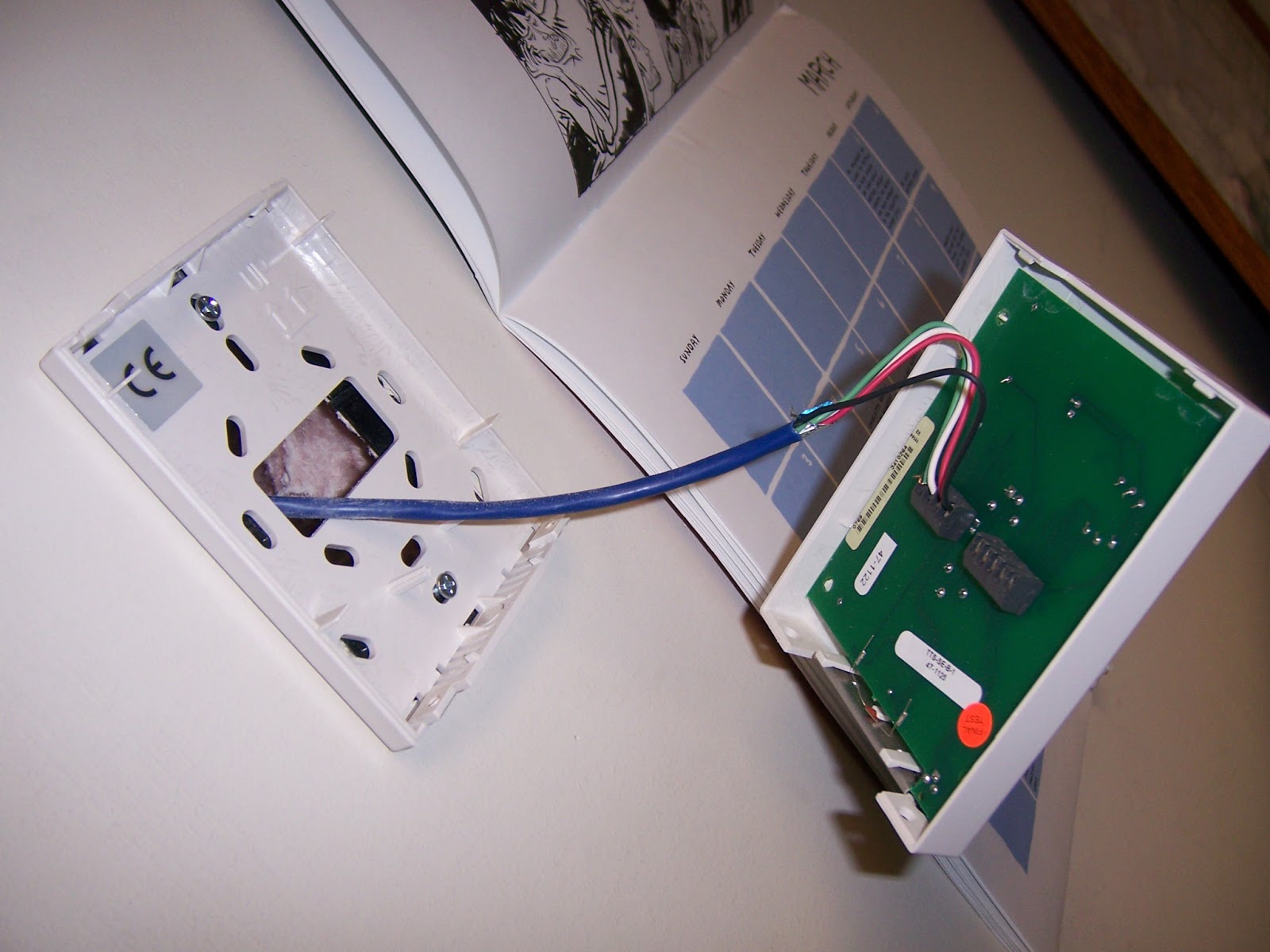
- Ensure the thermostat is properly connected to the wiring. If you are comfortable doing so, carefully inspect the wiring connections, ensuring they are secure and clean. Caution: Turn off the power to the HVAC system at the breaker before inspecting wiring.
- Check the circuit breaker for the HVAC system. A tripped breaker can prevent the thermostat from receiving power.
- Incorrect Temperature Readings:
- Ensure the thermostat is not located near a heat source (e.g., sunlight, lamp) or in a drafty area.
- Clean the thermostat's sensor. Gently dust the sensor with a soft brush or cloth.
- Consider recalibrating the thermostat. Some models allow for temperature calibration. Refer to your manual for instructions.
- HVAC System Not Turning On:
- Verify that the thermostat is set to the correct mode (Heat or Cool) and the setpoint temperature is appropriately adjusted.
- Check the air filter. A dirty air filter can restrict airflow and prevent the HVAC system from operating efficiently. Replace the filter if necessary.
- Ensure that the emergency heat setting is not activated (if applicable).
- Display is Dim or Blank:
- Replace the batteries.
- Check the power source (if hardwired).
- The display may be failing; consult an HVAC professional.
DIY Repairs vs. Calling a Professional
Some thermostat issues, such as replacing batteries or cleaning the sensor, are simple DIY tasks. However, other repairs, especially those involving wiring or the HVAC system itself, should be left to a qualified HVAC technician.
When to Call a Professional:
- You are uncomfortable working with electrical wiring.
- You suspect a problem with the HVAC system itself (e.g., strange noises, no airflow).
- The thermostat is not responding after troubleshooting basic issues.
- You suspect a refrigerant leak.
Parts and Tools
Here is a list of common parts and tools you might need for thermostat troubleshooting and basic repairs:
Parts:
- Replacement batteries (AA or AAA, depending on the model)
- Replacement air filter
- New thermostat (if replacement is necessary)
- Wire connectors
Tools:
- Screwdriver (Phillips and flathead)
- Wire stripper/cutter
- Multimeter (for testing voltage – use with caution and proper safety precautions)
- Voltage tester (non-contact)
- Soft brush or cloth
- Safety glasses
Safety First: Always turn off the power to the HVAC system at the breaker before working on any electrical components. Wear safety glasses to protect your eyes. If you are unsure about any repair, consult a qualified HVAC technician.
Estimating Repair Costs
The cost of repairing or replacing an Andover Controls thermostat can vary depending on the complexity of the issue and the specific model. Here's a general idea of potential costs:
- Simple Repairs (e.g., replacing batteries): $0 - $10 (cost of batteries)
- Thermostat Replacement (DIY): $50 - $200 (cost of a compatible thermostat)
- Thermostat Replacement (Professional): $150 - $400 (including labor)
- HVAC System Repair: $100 - $1000+ (depending on the issue)
These are just estimates. The actual cost may vary depending on your location, the HVAC technician's rates, and the specific parts required.
Finding the Right Andover Controls Thermostat Manual
Locating the correct manual for your specific Andover Controls thermostat model is crucial for accurate operation and troubleshooting. Here's how to find it:
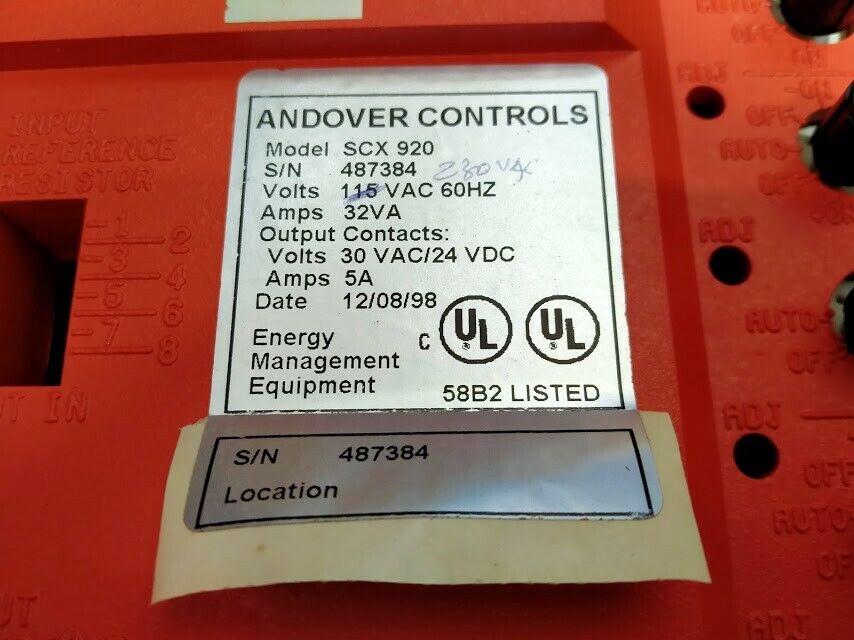
- Check the Thermostat: Look for a model number printed directly on the thermostat itself, often on the back or side.
- Search Online: Once you have the model number, search online for "Andover Controls [model number] manual." Schneider Electric's website may have archived documentation.
- Contact Schneider Electric: Reach out to Schneider Electric's support team. They may be able to provide a manual or direct you to a resource.
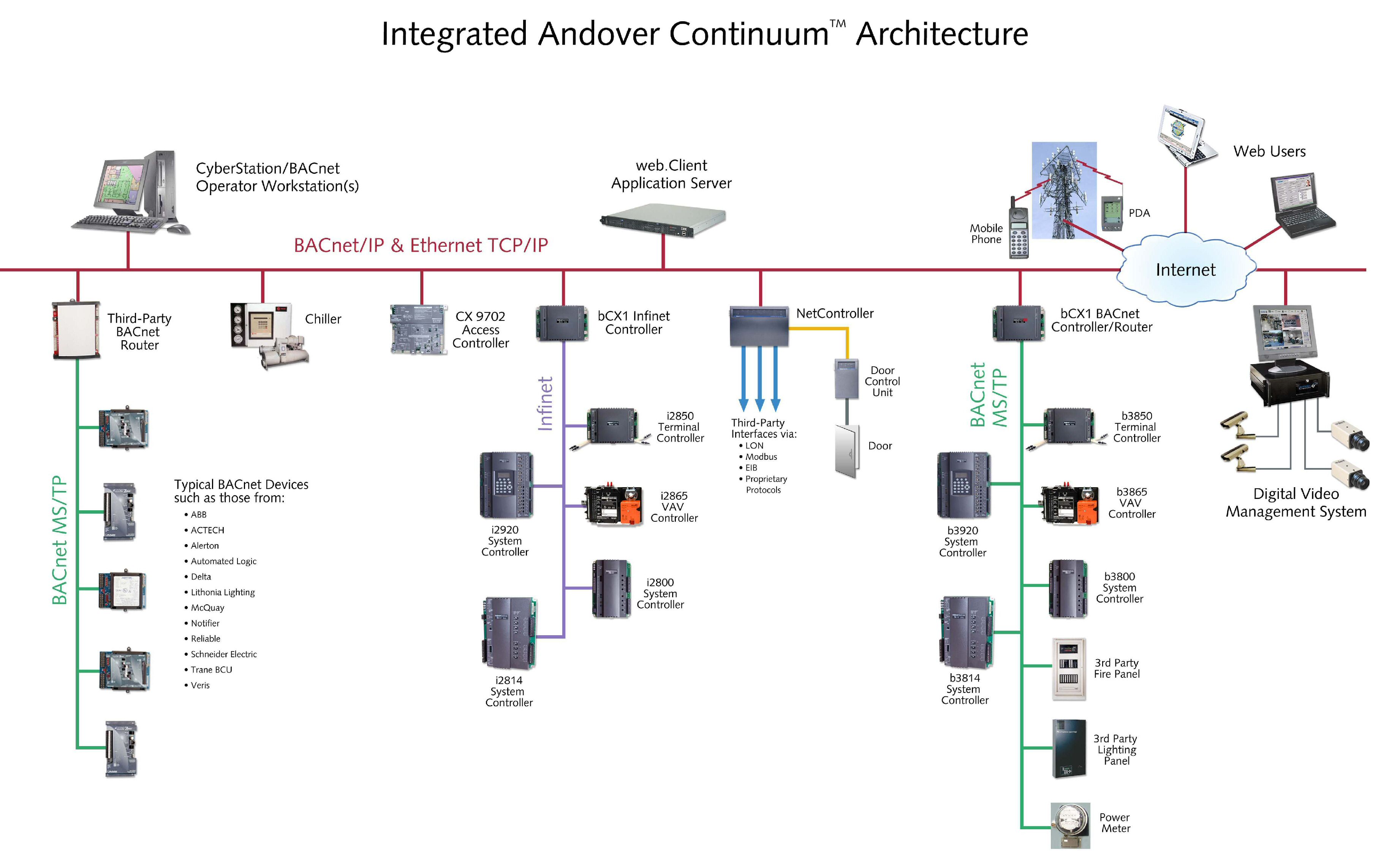
- Check the Building Management System: If your thermostat is part of a larger building management system, the system administrator may have access to the manual.
By understanding the basics of your Andover Controls thermostat and following these troubleshooting tips, you can keep your home comfortable and energy-efficient. Remember to prioritize safety and call a qualified professional when necessary.