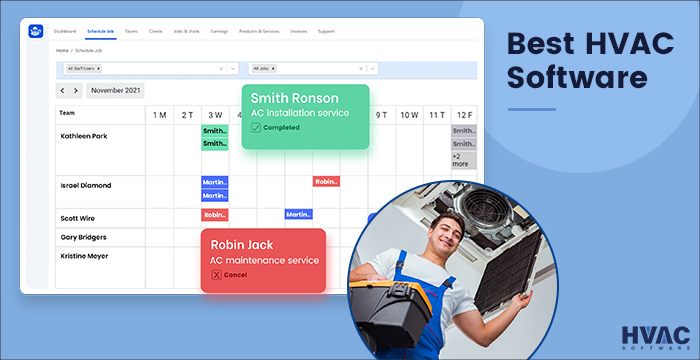
Best Hvac Software For Small Business
Frequently Asked Questions: HVAC Software for Small Businesses
Choosing the right HVAC software can be a game-changer for your small business. It can streamline operations, improve customer service, and ultimately boost your bottom line. But with so many options available, it's easy to feel overwhelmed. This FAQ addresses common questions to help you make an informed decision.
Q: What exactly *is* HVAC software and why do I need it?
HVAC software is a type of business management software specifically designed for heating, ventilation, and air conditioning companies. Think of it as a centralized hub that helps you manage all aspects of your business, from scheduling appointments and dispatching technicians to creating invoices and tracking inventory. It can automate many tasks, saving you valuable time and money. Specifically, it helps with:
- Job Management: Scheduling, dispatching, and tracking job progress.
- Customer Relationship Management (CRM): Managing customer information, communication, and service history.
- Estimating and Invoicing: Creating accurate estimates and generating professional invoices.
- Inventory Management: Tracking parts and equipment, ensuring you have what you need on hand.
- Reporting and Analytics: Providing insights into your business performance, helping you make data-driven decisions.
If you're still relying on spreadsheets, paper-based systems, or multiple disconnected apps, HVAC software can consolidate these functions into a single, efficient platform, saving you considerable time and reducing errors.
Q: What are the *key features* I should look for in HVAC software?
Not all HVAC software is created equal. The best software for your business will depend on your specific needs and budget. However, some key features are essential for most small HVAC businesses:
- Scheduling and Dispatch: This allows you to easily schedule appointments, assign technicians to jobs, and track their location in real-time. Look for features like drag-and-drop scheduling, GPS tracking, and automated dispatch notifications.
- Customer Management (CRM): A robust CRM helps you manage customer information, track service history, and communicate effectively. Essential features include contact management, service agreements, communication logs, and customer portals.
- Estimating and Quoting: This feature enables you to create professional, accurate estimates quickly and easily. Look for features like pre-built price books, customizable templates, and the ability to generate quotes on-site.
- Invoicing and Payments: This allows you to generate invoices, track payments, and accept online payments. Important features include automated invoicing, payment reminders, integration with accounting software, and secure online payment processing.
- Mobile App: A mobile app allows technicians to access job information, update job status, and create invoices in the field. Look for features like offline access, GPS tracking, and the ability to capture customer signatures electronically.
- Inventory Management: Track your parts and equipment to ensure you have the right materials available when you need them. Key features include real-time inventory updates, low stock alerts, and purchase order management.
- Reporting and Analytics: Gain insights into your business performance with comprehensive reporting and analytics. Look for features like sales reports, technician performance reports, and customer satisfaction reports.
- Integration with Accounting Software: Integrating your HVAC software with accounting software like QuickBooks or Xero can streamline your financial management. Ensure the software you choose integrates seamlessly with your preferred accounting system.
Q: What's the difference between *cloud-based* and *on-premise* HVAC software? Which is better for my small business?
HVAC software is typically offered in two deployment models: cloud-based and on-premise. Understanding the differences is critical for making the right choice.
- Cloud-Based (SaaS): Cloud-based software is hosted on the vendor's servers and accessed through a web browser. Key benefits include:
- Lower Upfront Costs: Cloud-based software typically has lower upfront costs because you don't need to purchase expensive hardware or software licenses. You usually pay a monthly or annual subscription fee.
- Accessibility: You can access the software from anywhere with an internet connection. This is particularly beneficial for technicians in the field.
- Automatic Updates: The vendor handles all software updates and maintenance, saving you time and IT resources.
- Scalability: Cloud-based software is easily scalable, allowing you to add or remove users and features as your business grows.
- On-Premise: On-premise software is installed on your own servers and computers. Key considerations include:
- Higher Upfront Costs: On-premise software requires a significant upfront investment in hardware, software licenses, and IT infrastructure.
- More Control: You have complete control over your data and software.
- IT Requirements: You're responsible for managing and maintaining the software, including updates, backups, and security. This often requires dedicated IT staff.
- Limited Accessibility: Accessing the software outside of your office can be more complex and require additional setup.
For most small HVAC businesses, cloud-based software is generally the better option due to its lower costs, ease of use, and accessibility. On-premise software may be a better fit for larger companies with specific security or compliance requirements and dedicated IT resources.
Q: How much does HVAC software *cost*? What are the common pricing models?
The cost of HVAC software can vary widely depending on the features, number of users, and deployment model. It's important to understand the different pricing models to accurately compare options.
- Per-User Pricing: This is the most common pricing model. You pay a monthly or annual fee for each user who accesses the software. This model is typically suitable for small to medium-sized businesses with a fixed number of users. Consider if you'll be growing your team soon, as this can impact long-term costs.
- Flat-Rate Pricing: Some vendors offer a flat monthly or annual fee for a fixed set of features and a limited number of users. This can be a good option for very small businesses with basic needs.
- Feature-Based Pricing: With this model, you pay for specific features or modules that you need. This can be a cost-effective option if you only require certain functionalities.
- Quote-Based Pricing: Some vendors require you to request a custom quote based on your specific requirements. This is common for more complex or enterprise-level solutions.
Be sure to factor in implementation costs, training costs, and ongoing support fees when evaluating the total cost of ownership. Many vendors offer free trials or demos so you can test the software before committing to a purchase.
Q: What kind of *support and training* should I expect from an HVAC software vendor?
Choosing a vendor that provides excellent support and training is crucial for a successful implementation and long-term use of the software. Don't underestimate the importance of this aspect.
- Implementation Support: The vendor should provide assistance with setting up the software, migrating data, and configuring it to your specific needs.
- Training: The vendor should offer comprehensive training resources, such as online tutorials, webinars, and on-site training, to help you and your team learn how to use the software effectively.
- Ongoing Support: The vendor should provide ongoing technical support via phone, email, or chat. Look for vendors that offer 24/7 support or have a responsive support team.
- Knowledge Base: A comprehensive knowledge base with articles, FAQs, and troubleshooting guides can be a valuable resource for self-service support.
Ask for references from other customers and inquire about the vendor's support response times and customer satisfaction ratings. A vendor with a strong reputation for support can save you countless headaches down the road.
Q: How do I ensure a *smooth transition* to new HVAC software?
Switching to new software can be disruptive, but with careful planning and execution, you can minimize the impact on your business.
- Planning is Key: Define your goals for the software and identify the features you need. Involve your team in the selection process to ensure buy-in.
- Data Migration: Plan how you will migrate your existing data to the new software. The vendor may offer data migration services. Cleanse your data before migrating to ensure accuracy.
- Training: Provide adequate training to all users before the software goes live. Allow time for users to practice and become comfortable with the new system.
- Phased Implementation: Consider implementing the software in phases, starting with a small group of users or a specific function. This allows you to identify and address any issues before rolling it out to the entire company.
- Ongoing Support: Continue to provide support and training to users after the software goes live. Encourage users to provide feedback and report any issues.
- Celebrate Successes: Recognize and celebrate the successes achieved with the new software to reinforce its value and encourage continued adoption.
Q: What are some *popular HVAC software* options for small businesses?
While recommending a single "best" option is impossible without knowing your specific needs, here are a few well-regarded HVAC software solutions often recommended for small businesses. *Always do your own research and compare options based on your own requirements.*
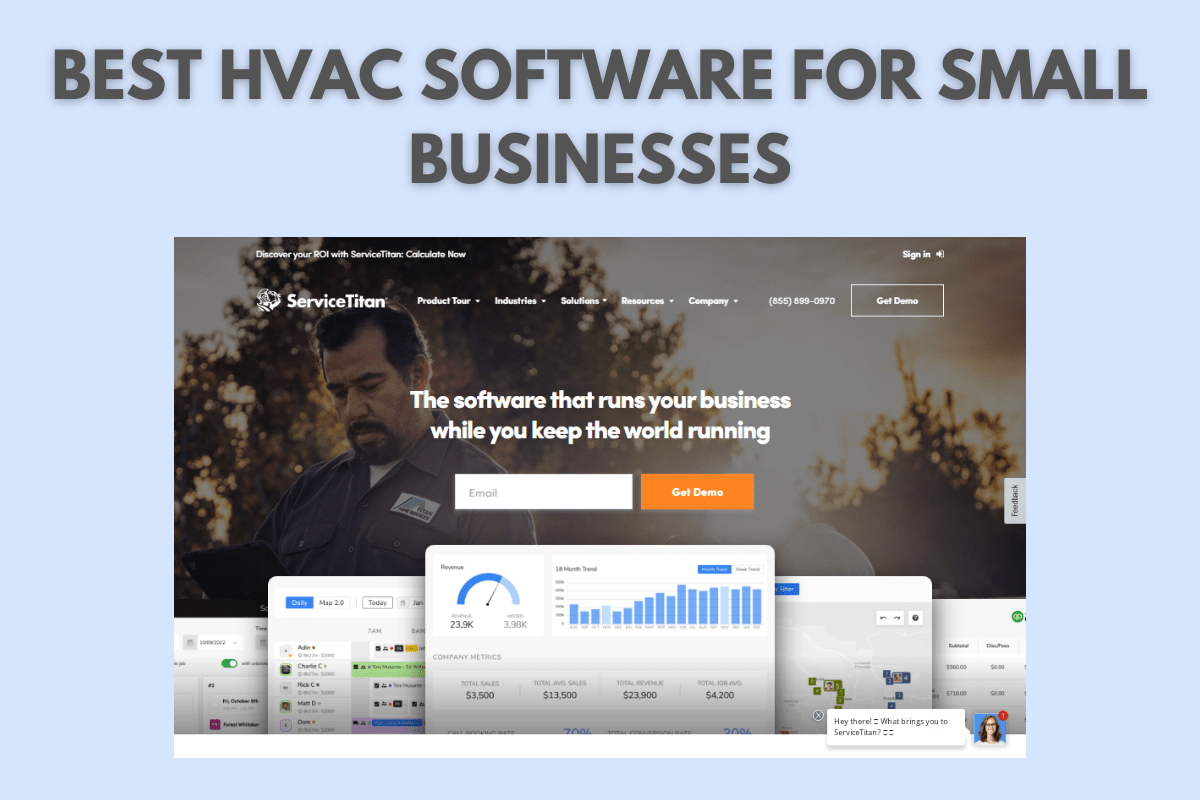
- ServiceTitan: A comprehensive solution with robust features for scheduling, dispatch, CRM, and more. Often considered a premium option.
- Housecall Pro: A user-friendly platform with mobile app, online booking, and integrated payments. Caters to a wide range of field service businesses.
- FieldEdge: Focused on automation and efficiency, offering strong features for job management, invoicing, and inventory.
- Service Fusion: Provides a balance of features and affordability, including scheduling, dispatch, CRM, and reporting.
- simPRO: A comprehensive solution geared toward larger HVAC businesses, offering advanced features for project management and inventory control.
Remember to compare pricing, features, and customer reviews before making a decision. Request demos and free trials to get a feel for the software and ensure it's a good fit for your business. Also, check if these options can integrate with the best hvac estimating software to streamline your processes. By considering these frequently asked questions, you will be better prepared to select the right software for your HVAC company!