Dometic Water Heater Reset Button Location

There's nothing quite like a refreshing hot shower after a long day of camping or traveling in your RV. But what happens when you turn on the hot water tap and…nothing? Or worse, just a trickle of lukewarm water? A common culprit behind this frustrating scenario is a tripped reset button on your Dometic water heater. Before you resign yourself to a cold shower, let's walk through some troubleshooting steps to diagnose and potentially fix the problem yourself.
This article will guide you through finding the reset button on your Dometic water heater, diagnosing common issues, and performing simple fixes. We'll also highlight when it's time to call in a qualified RV technician.
Diagnosing the Problem: No Hot Water
Before diving into reset buttons, let's confirm that the lack of hot water is indeed the issue and not something else. Here's a methodical approach:
Step 1: Confirm Power Supply
First and foremost, ensure your RV is connected to a reliable power source (shore power or generator) if you're using the electric heating element. If you're using propane, make sure your propane tanks are not empty and the valves are open. A simple check of your RV's control panel should give you an indication of power and propane levels.
Step 2: Check the Water Heater Switch
Locate the water heater switch inside your RV. Dometic water heaters often have two switches: one for the electric element and one for propane. Ensure the appropriate switch is turned ON (or both, if you want faster heating). Sometimes, switches can be accidentally turned off.
Step 3: Verify Water Tank Fill Level
Make sure your water tank is filled. A water heater can't heat what isn't there! Run a cold water faucet until you get a steady stream. This also helps to bleed any air from the lines.
Step 4: Test Other Hot Water Fixtures
Try running hot water at other faucets and showers in your RV. If only one fixture is affected, the problem may be localized to that faucet or its plumbing, not the water heater itself.
Step 5: Listen for Operation
If using the propane function, listen for the igniter clicking and the burner firing up near the water heater's exterior access panel. If you hear these sounds, the propane system is likely functioning. For electric, listen for a faint humming sound near the water heater, indicating the element is energized (exercise caution when working around electrical components, ensuring power is disconnected before touching anything).
Locating the Dometic Water Heater Reset Button
Okay, you've confirmed the basics, and it seems the water heater isn't working. Now let's find that reset button. Its location can vary depending on the Dometic model, but here's a general guide:
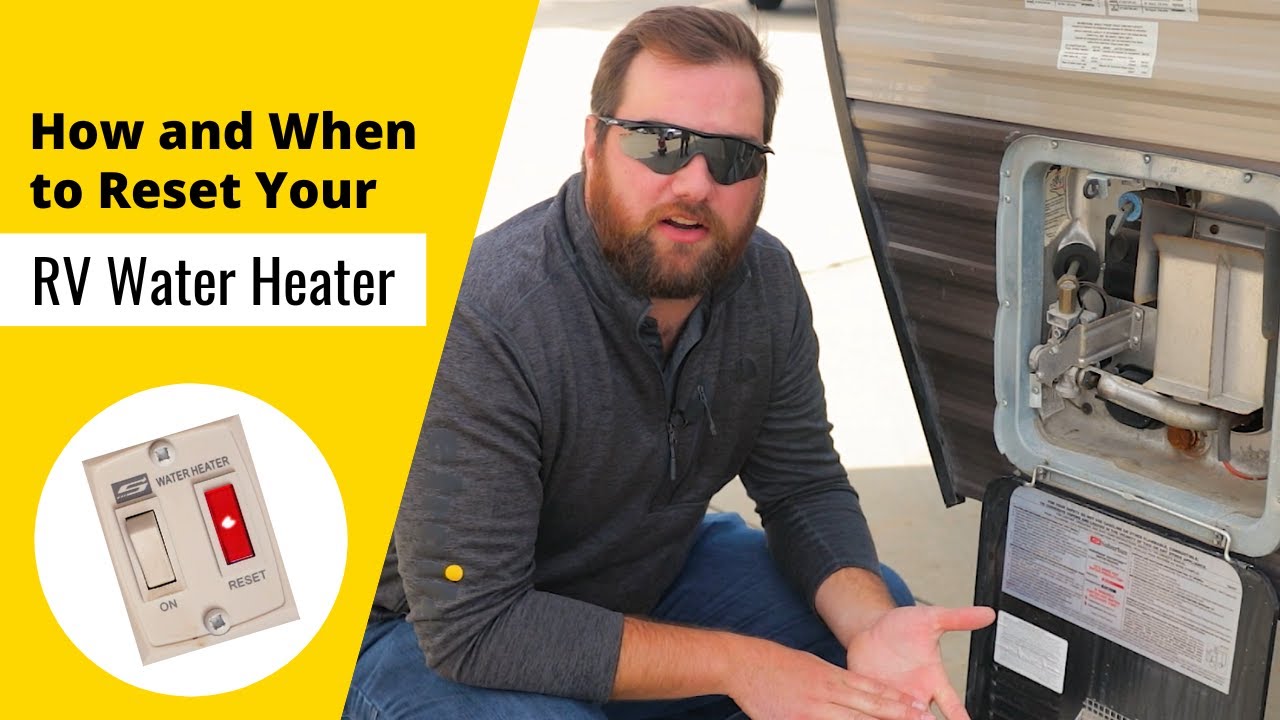
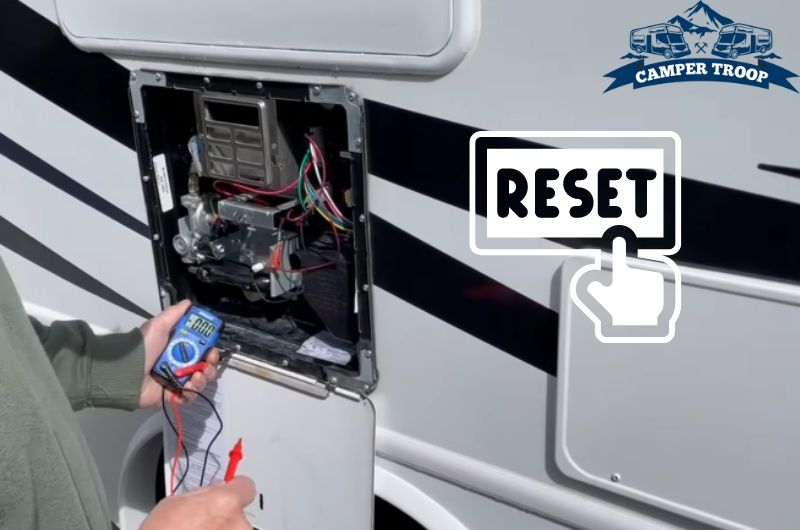
- Access Panel: The reset button is almost always located behind the water heater's exterior access panel. This panel is typically on the outside of your RV, often secured with screws or latches.
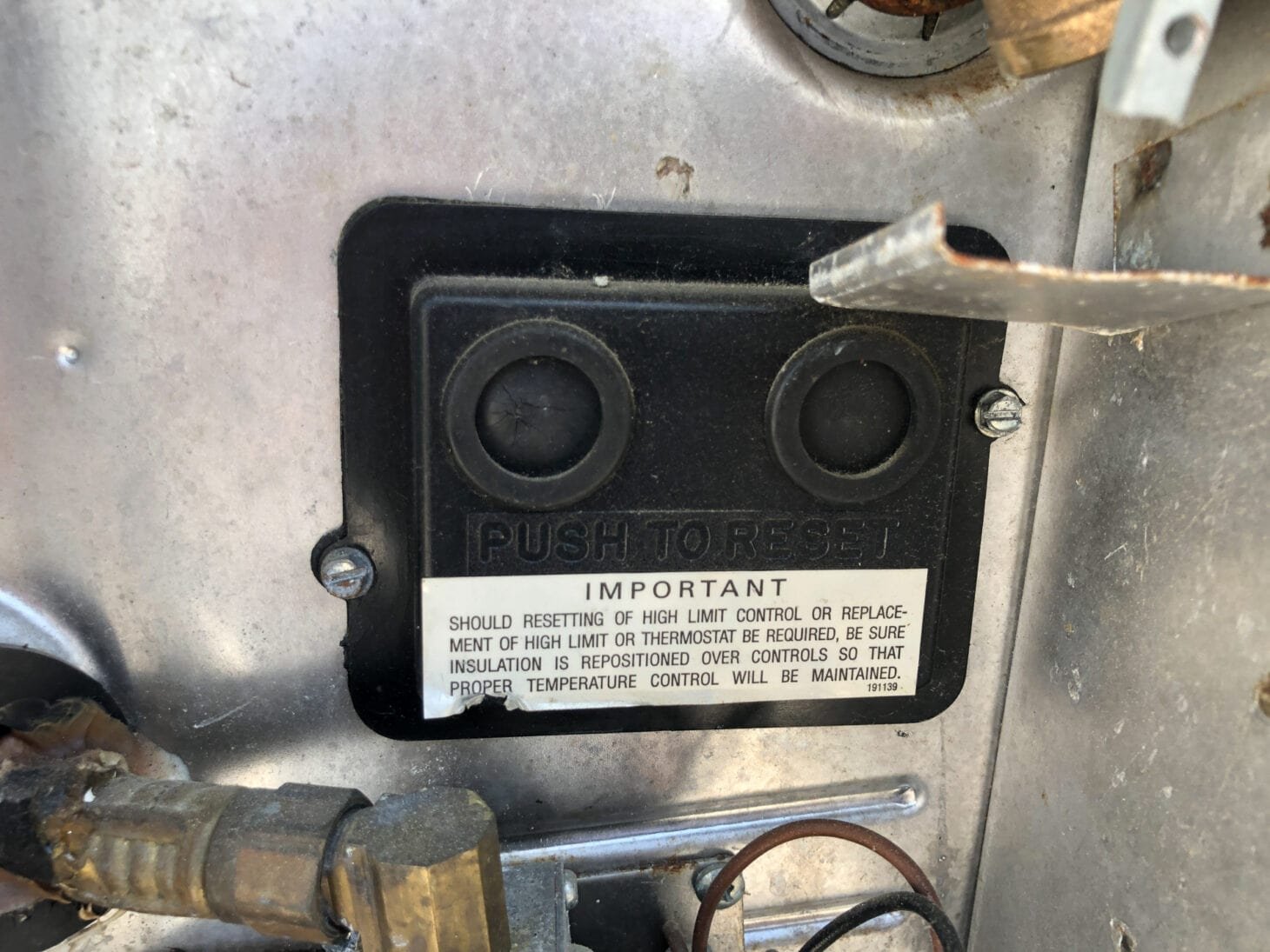
- Lower Corner: Once you've removed the access panel, look for the reset button near the lower corner of the water heater tank. It's usually a small, rubber-covered button, often red or black.
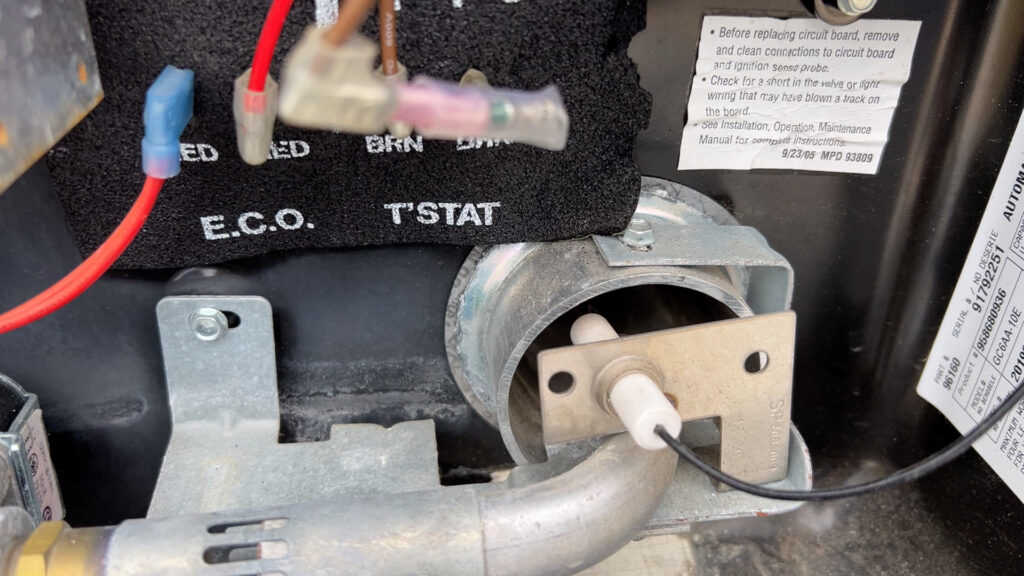
- Near the Thermostat: The reset button is often positioned near the thermostat, which is a temperature-sensing device.
- Specific Model Variations:
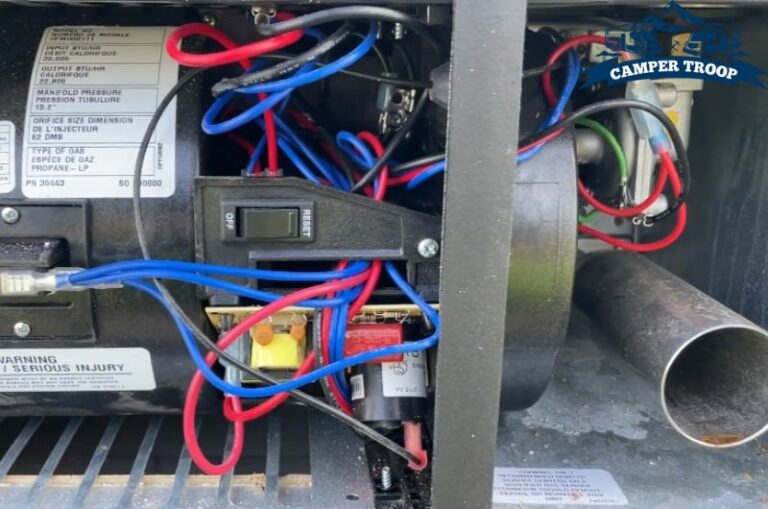
- Some older models may have the reset button located inside the RV, near the water heater. Check your owner's manual if you're having trouble finding it.
- On some models, there may be two reset buttons – one for the electric element and one for the propane system. Make sure you're pressing the correct one (or both, for good measure).
Important: Before opening any access panels or working around electrical components, disconnect your RV from shore power and turn off the propane supply at the tanks. Safety first!
DIY Troubleshooting and Resetting
Now that you've located the reset button, let's try resetting it. Here's a step-by-step guide:
Step 1: Visual Inspection (No Tools Required)
Before pressing the reset button, carefully inspect the area around the water heater. Look for any signs of:
- Water Leaks: Check for water stains, drips, or puddles near the tank, connections, and relief valve.
- Burn Marks: Look for any evidence of overheating, such as scorched wires or melted plastic.
- Corrosion: Check for rust or corrosion on the tank, fittings, and electrical connections.
- Damaged Wiring: Inspect the wiring for any cuts, fraying, or loose connections.
If you see any of these warning signs, do NOT press the reset button! Continuing could be dangerous. Immediately contact a qualified RV technician.
Step 2: Press the Reset Button (No Tools Required)
If everything looks okay, firmly press the reset button. You should feel a slight click. Sometimes it can be hard to press and might require some force.
Step 3: Test the Water Heater
Reconnect shore power and turn on the water heater switch (electric or propane, depending on your preference). Wait about 20-30 minutes for the water to heat up, then test the hot water at a faucet. If the water heats up, congratulations! You've successfully reset the water heater.
Step 4: Monitor for Recurring Issues
Keep an eye on your water heater over the next few days. If the reset button trips again, it indicates a deeper underlying problem that needs professional attention.
Advanced Troubleshooting (Tools Required - Proceed with Caution!)
If resetting the button doesn't solve the problem, or if it trips repeatedly, the issue may be more complex. Here are a few additional things you can check, but proceed with caution and only if you're comfortable working with electricity and propane.
1. Thermostat and High-Limit Switch Testing (Multimeter Required)
The thermostat controls the water temperature, and the high-limit switch is a safety device that shuts off the heater if it overheats. A faulty thermostat or high-limit switch can cause the reset button to trip.
To test these components, you'll need a multimeter.
- Disconnect power and propane.
- Locate the thermostat and high-limit switch (they're usually located near the reset button).
- Set your multimeter to the continuity setting.
- Touch the multimeter probes to the terminals of the thermostat and high-limit switch.
- A reading of continuity (usually a beep or a reading close to zero) indicates that the component is good.
- If you don't get a continuity reading, the component is likely faulty and needs to be replaced.
Warning: Working with electricity can be dangerous. If you're not comfortable using a multimeter or working with electrical components, contact a qualified RV technician.
2. Heating Element Inspection (Multimeter Required)
If you're using the electric heating element, it could be faulty. You can test it with a multimeter.
- Disconnect power and propane.
- Locate the heating element terminals (usually behind a small cover plate).
- Disconnect the wires from the heating element terminals.
- Set your multimeter to the ohms setting (resistance).
- Touch the multimeter probes to the heating element terminals.
- You should get a resistance reading. A reading of infinity (open circuit) or zero (short circuit) indicates a faulty heating element.
Again, working with electricity can be dangerous. If you're not comfortable with this, consult a professional.
3. Propane System Check (Professional Recommended)
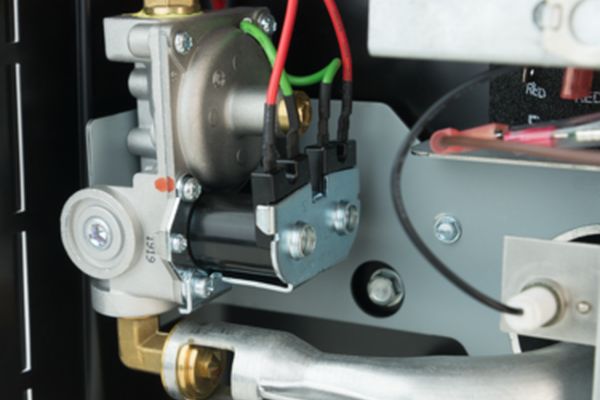
If you're using propane, the problem could be with the propane system itself. This could involve issues with the gas valve, burner, or igniter. Diagnosing and repairing propane system problems requires specialized knowledge and tools. It's best to leave this to a qualified RV technician.
When to Call a Professional
While some basic troubleshooting and resetting can be done yourself, there are situations where it's crucial to call a qualified RV technician. Here's a summary:
- You see any signs of water leaks, burn marks, corrosion, or damaged wiring.
- The reset button trips repeatedly.
- You're not comfortable working with electricity or propane.
- You suspect a problem with the propane system.
- You've tried the troubleshooting steps above and the water heater still doesn't work.
Trying to fix a complex issue yourself without the proper knowledge and tools can be dangerous and could potentially damage your water heater further. A qualified RV technician has the expertise and equipment to diagnose the problem accurately and perform the necessary repairs safely and effectively.
Preventative Maintenance
To help prevent future water heater problems, consider these preventative maintenance tips:
- Flush the Water Heater Annually: This removes sediment buildup that can damage the tank and heating element.
- Inspect the Anode Rod: The anode rod protects the tank from corrosion. Replace it every year or two, depending on water quality.
- Winterize Properly: Drain the water heater completely before storing your RV for the winter to prevent freezing and damage.
- Regular Inspections: Periodically inspect the water heater for any signs of leaks, corrosion, or damage.
By following these troubleshooting steps and preventative maintenance tips, you can keep your Dometic water heater running smoothly and enjoy those hot showers on your RV adventures. Remember, safety first, and don't hesitate to call a professional when needed!