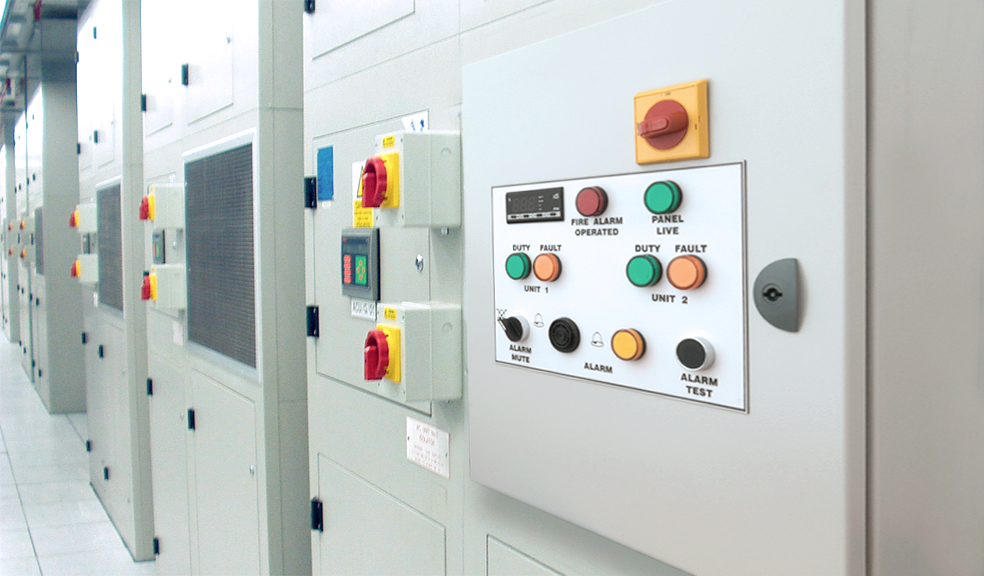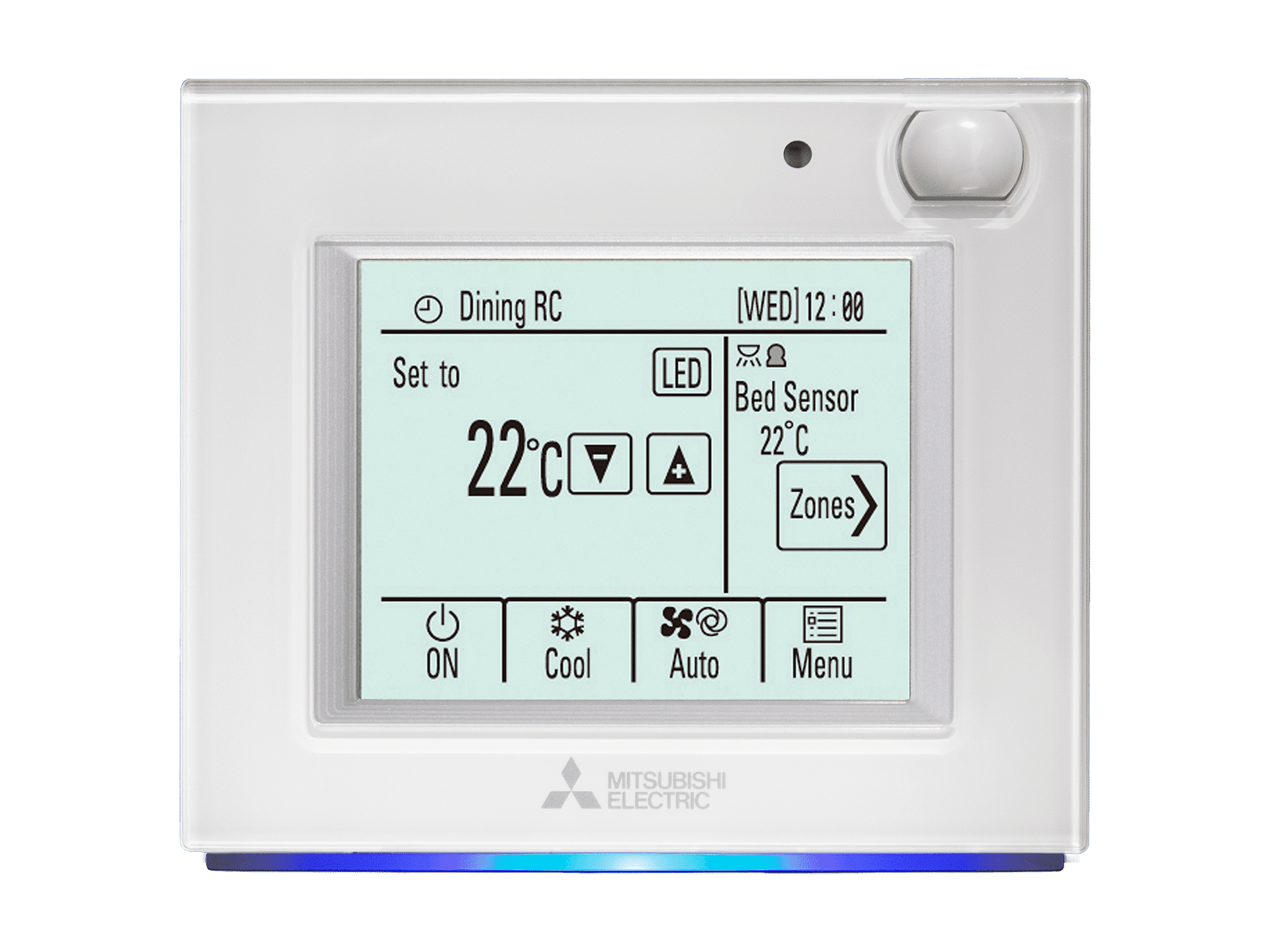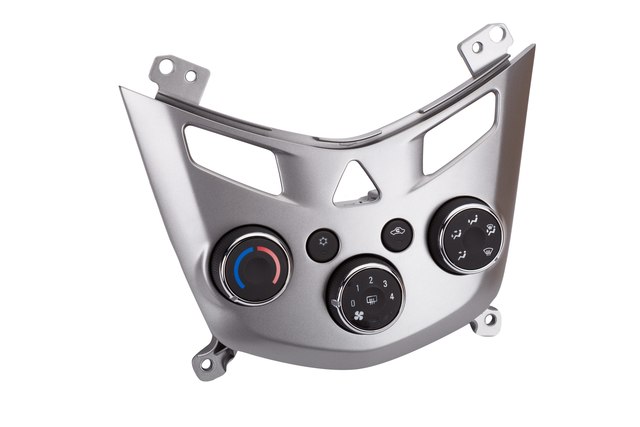
Heating And Air Conditioning Control Panel
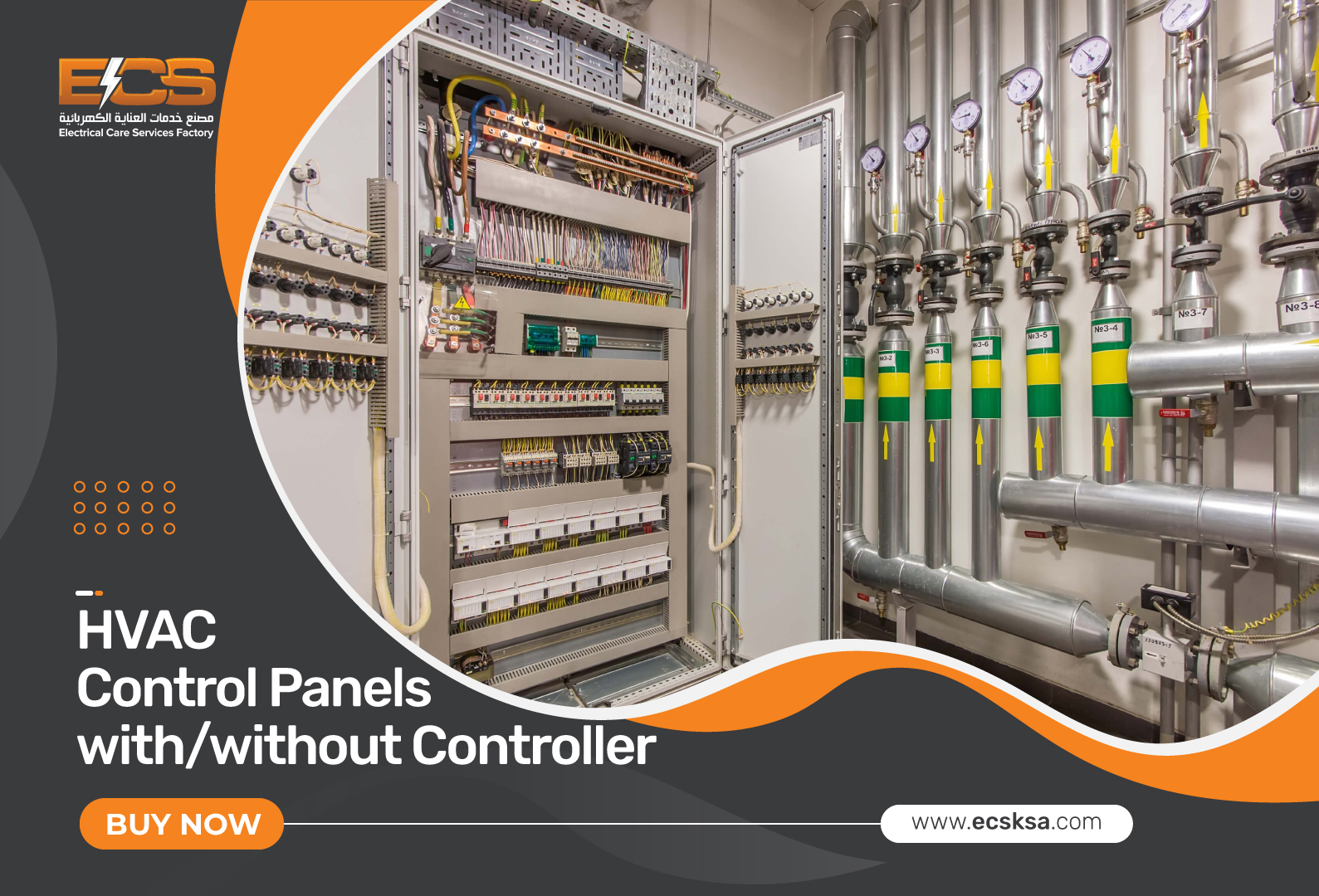
It's a scenario many homeowners face, especially during those extreme weather months: You wake up, or come home, expecting a comfortably heated or cooled space, only to find your HVAC system unresponsive. The control panel, the command center of your home's climate, appears lifeless. Before you panic and call for expensive repairs, let's walk through some common issues and simple troubleshooting steps you can take.
Diagnosing a Dead Control Panel: A Step-by-Step Guide
A non-responsive control panel can be frustrating, but often the problem is simpler than you think. This guide will help you methodically identify the cause and potentially resolve it yourself.
Step 1: The Obvious – Check the Power
This might seem elementary, but it's crucial. Start with the basics:
- Is the system switched on? Ensure the main power switch for your HVAC system is in the "on" position. This switch is typically located near the indoor unit (furnace or air handler).
- Check the circuit breaker. Locate the breaker in your electrical panel that controls the HVAC system. Look for a tripped breaker (it will be in the "off" or middle position). If tripped, flip it fully to the "off" position and then back to the "on" position.
- Inspect the disconnect switch. Many HVAC systems have a dedicated disconnect switch located near the outdoor unit (air conditioner or heat pump). Make sure it's properly engaged.
If you find a tripped breaker and resetting it solves the problem, great! However, if the breaker trips repeatedly, do not keep resetting it. This indicates a more serious electrical issue that requires a qualified electrician.
Step 2: Power at the Control Panel
Even if the main power is on, the control panel itself might not be receiving power. Let's investigate further:
- Visual Inspection: Examine the control panel for any obvious signs of damage, such as loose wires, burnt components, or water damage. Be extremely cautious when inspecting electrical components. If you see anything that looks unusual or unsafe, stop immediately and call a professional.
- Batteries (if applicable): Some control panels, especially programmable thermostats, rely on batteries for backup power or even primary operation. Replace the batteries with fresh ones, ensuring correct polarity.
- Wiring Connections: Gently wiggle the wires connected to the control panel. Look for any loose or corroded connections. If you find any, carefully tighten them with a screwdriver after turning off the power at the breaker. Remember to take a picture of the wiring configuration before disconnecting anything to ensure you can reconnect it correctly.
Important Safety Note: When working with electrical wiring, always turn off the power at the breaker to prevent electric shock. If you are uncomfortable working with electrical wiring, do not attempt it. Call a qualified HVAC technician or electrician.
Step 3: Thermostat Settings and Operation
Sometimes, the problem isn't a dead control panel, but rather incorrect settings or operational issues:
- Check the thermostat settings: Ensure the thermostat is set to the correct mode (heat or cool) and temperature. Make sure it's not in "off" or "fan only" mode.
- Programmed Schedules: If you have a programmable thermostat, review the programmed schedule to ensure it's not set to an inactive period or a temperature outside your desired range.
- Hold vs. Run: Many thermostats have a "hold" feature that overrides the programmed schedule. Make sure the thermostat is set to "run" if you want it to follow the programmed schedule.
- "Cool On" or "Heat On" Indicator: Check if the thermostat is displaying a "cool on" or "heat on" indicator. If it is, but the system isn't running, the thermostat is likely calling for heating or cooling, but the HVAC unit isn't responding. This could indicate a problem with the HVAC unit itself, rather than the control panel.
A simple reset of the thermostat can sometimes resolve minor glitches. Consult your thermostat's manual for instructions on how to perform a reset. This usually involves holding down a specific button or combination of buttons.
Step 4: Filter Check
A dirty air filter can restrict airflow, causing the HVAC system to overheat and potentially shut down. This might not directly affect the control panel's operation, but it can prevent the system from running.
- Locate and inspect the air filter: The air filter is typically located near the indoor unit (furnace or air handler). Remove the filter and check its condition. If it's visibly dirty, replace it with a new filter of the correct size and type.
Replacing a dirty air filter is a simple and inexpensive maintenance task that can improve your HVAC system's efficiency and lifespan.
Step 5: Basic Component Testing (Advanced – Proceed with Caution)
Warning: This step involves testing electrical components and should only be attempted if you are comfortable working with electricity and have a basic understanding of electrical circuits. If you are unsure, stop here and call a professional.
If you've exhausted the previous steps and the control panel is still unresponsive, you can try some basic component testing using a multimeter.
- Voltage Test: Using a multimeter, check the voltage at the control panel's power terminals. Ensure you are reading the correct voltage as specified in the thermostat's manual (typically 24VAC for low-voltage thermostats). If there's no voltage, there's a power supply issue that needs professional attention.
- Continuity Test (with power off!): With the power completely off at the breaker, you can test the continuity of wires connecting the thermostat to the HVAC unit. This can help identify broken or disconnected wires. However, this requires knowledge of the specific wiring diagram for your system.
Important Safety Note: Always disconnect power before performing continuity tests. Incorrect testing procedures can damage your multimeter or electrical components.
When to Call a Professional
While many control panel issues can be resolved with simple DIY troubleshooting, there are times when professional intervention is necessary. Do not attempt to fix issues beyond your comfort level or experience.
Here are some situations that warrant calling an HVAC technician:
- Repeatedly Tripping Breakers: If the circuit breaker for your HVAC system trips repeatedly, it indicates a serious electrical problem that needs professional diagnosis and repair.
- Burned Wires or Components: If you see any signs of burned wires, melted components, or electrical arcing, do not attempt to repair it yourself. This is a fire hazard.
- Water Damage: If the control panel or any part of the HVAC system has been exposed to water, do not attempt to operate it. Water can cause electrical shorts and damage.
- Unfamiliar Wiring: If you are unsure about the wiring connections or the function of specific components, do not attempt to rewire or troubleshoot the system.
- Complex System Issues: If you suspect a problem with the HVAC unit itself (e.g., compressor failure, refrigerant leaks), rather than the control panel, it's best to call a professional.
- If all the above steps have failed: You have done all the troubleshooting and are still facing the issue.
- Refrigerant Leaks: If you suspect a refrigerant leak, do not attempt to handle it yourself. Refrigerant is harmful to the environment and requires specialized equipment to handle safely.
Preventive Maintenance
Regular maintenance can help prevent control panel and HVAC system problems. Consider the following:
- Annual HVAC Tune-up: Schedule an annual tune-up with a qualified HVAC technician. They can inspect and clean the system, identify potential problems, and ensure optimal performance.
- Regular Filter Replacement: Replace your air filter regularly, typically every 1-3 months, depending on the filter type and usage.
- Keep the Area Around the Outdoor Unit Clear: Remove any debris, such as leaves, branches, or snow, from around the outdoor unit. This ensures proper airflow.
- Monitor System Performance: Pay attention to your HVAC system's performance. If you notice any unusual noises, odors, or changes in temperature, investigate the cause promptly.
By following these troubleshooting steps and practicing preventive maintenance, you can often resolve minor control panel issues and keep your HVAC system running smoothly. However, remember to prioritize safety and call a professional when needed. With a little knowledge and effort, you can maintain a comfortable and efficient home environment.