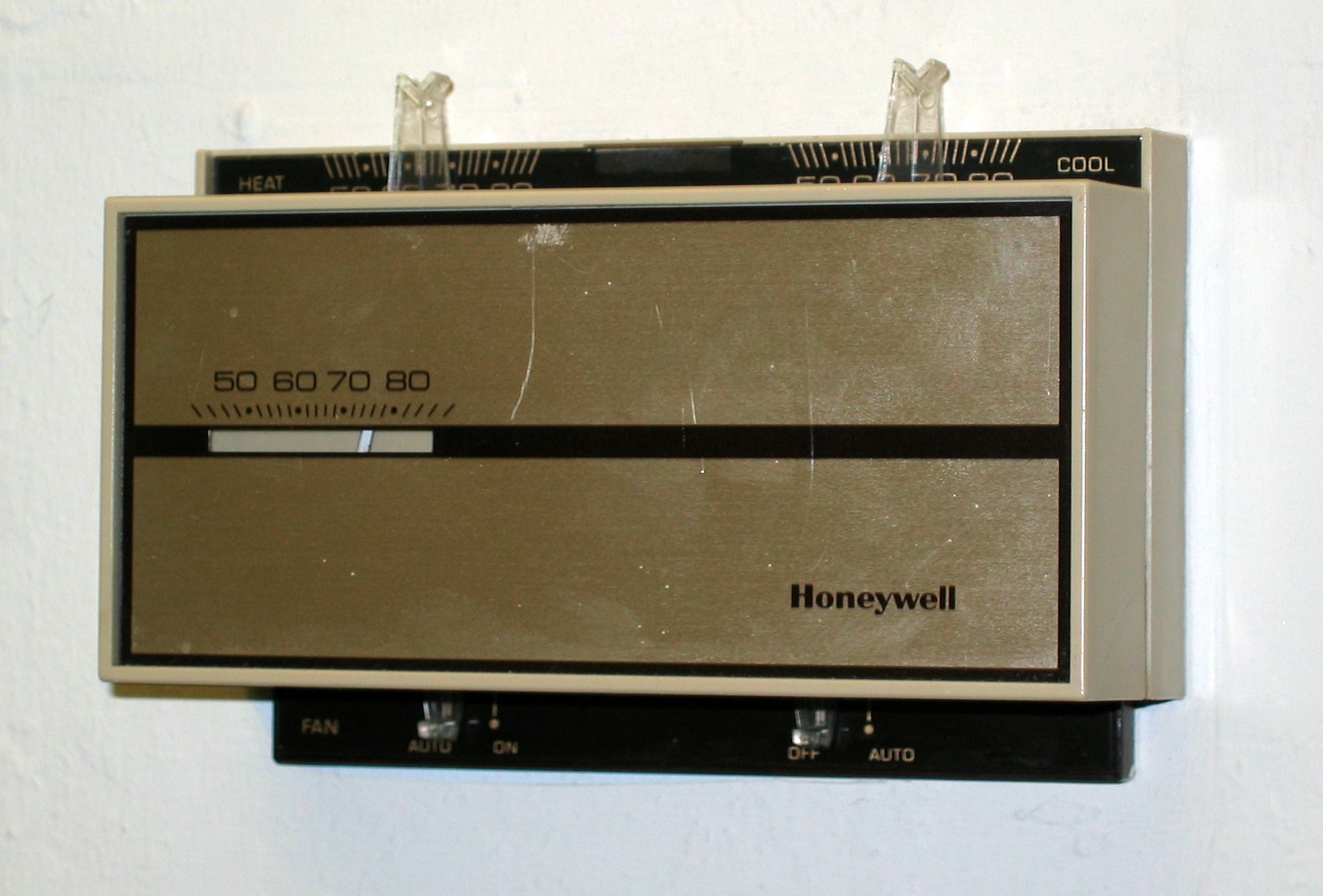
How To Operate Old Honeywell Thermostat

Decoding Your Old Honeywell Thermostat: A Guide to Energy Savings
Honeywell thermostats, known for their reliability, have been a staple in homes and businesses for decades. While newer smart thermostats offer advanced features, understanding and optimizing your existing, older Honeywell model can still yield significant energy savings. This guide provides a comprehensive look at operating these classic thermostats effectively, maximizing comfort, and minimizing your energy footprint.
Understanding the Basics
Before diving into specific models, let's cover the fundamental components common to most older Honeywell thermostats. These typically include:
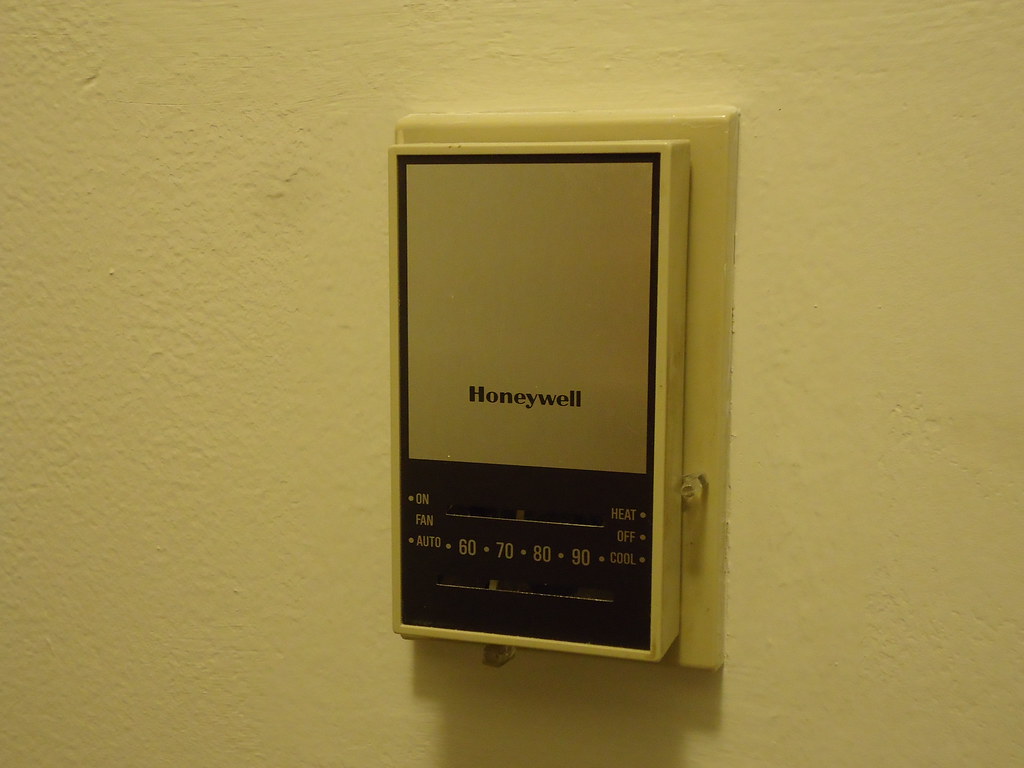
- Temperature Setting Dial or Buttons: Used to set your desired room temperature.
- System Switch: Controls the overall operation, usually with options like "Heat," "Cool," and "Off." Some may also have an "Auto" setting.
- Fan Switch: Determines the fan's operation, typically with "Auto" (fan runs only when heating or cooling) and "On" (fan runs continuously).
- Temperature Display: Shows the current room temperature (often an analog display).
Familiarize yourself with these components on your specific model. Honeywell's website often provides archived manuals for older thermostats if you've misplaced yours.
Operating Mechanical Honeywell Thermostats
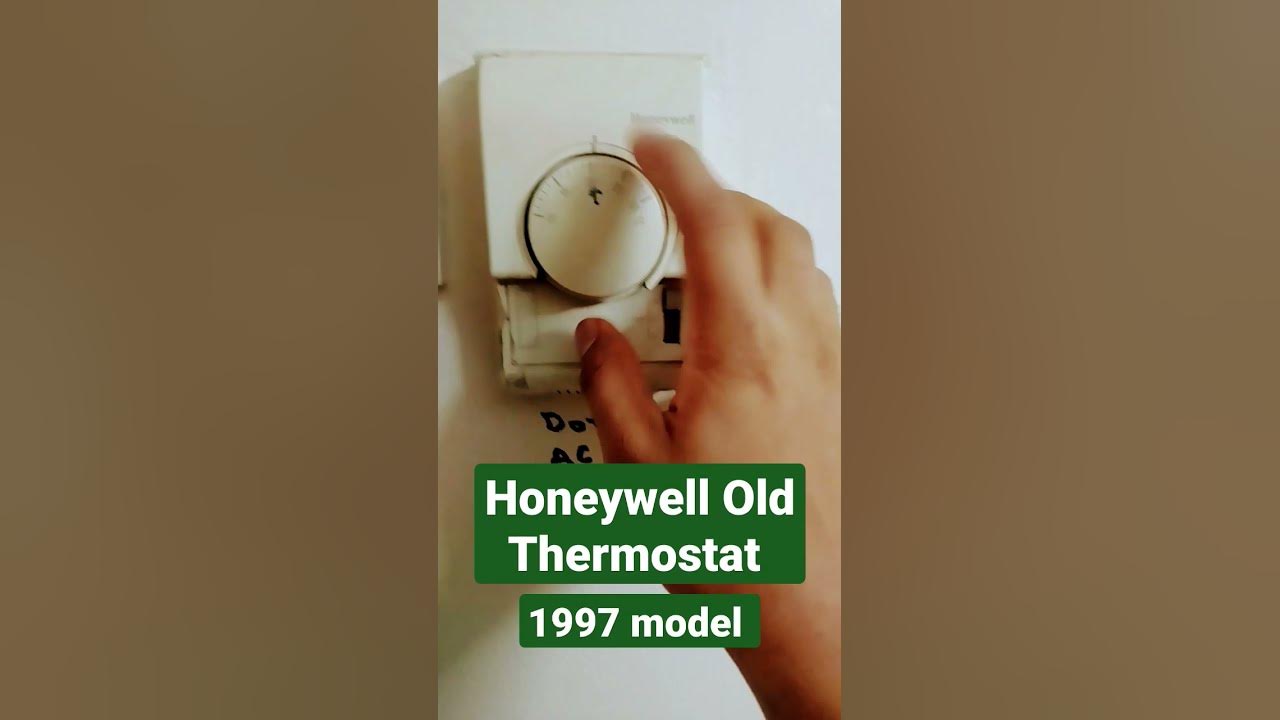
Mechanical thermostats, easily recognizable by their mercury-filled glass tube or bimetallic strip, are the simplest to operate. Here's a breakdown:
- Setting the Temperature: Turn the dial to your desired temperature. Remember that mechanical thermostats aren't always precise, so you might need to experiment to find the sweet spot.
- System Switch Operation:
- Heat: Activates your heating system when the room temperature drops below the set point.
- Cool: Activates your cooling system when the room temperature rises above the set point.
- Off: Deactivates both heating and cooling systems.
- Auto: Switches between heating and cooling as needed to maintain the set temperature.
- Fan Switch Operation:
- Auto: The fan runs only when the heating or cooling system is active. This is generally the most energy-efficient setting.
- On: The fan runs continuously, circulating air even when heating or cooling isn't needed. This can improve air circulation but increases energy consumption.
Pro Tip: For mechanical thermostats, anticipate temperature changes. Adjust the thermostat slightly *before* you expect the room to become too hot or cold for optimal comfort and energy efficiency.
Operating Digital Non-Programmable Honeywell Thermostats
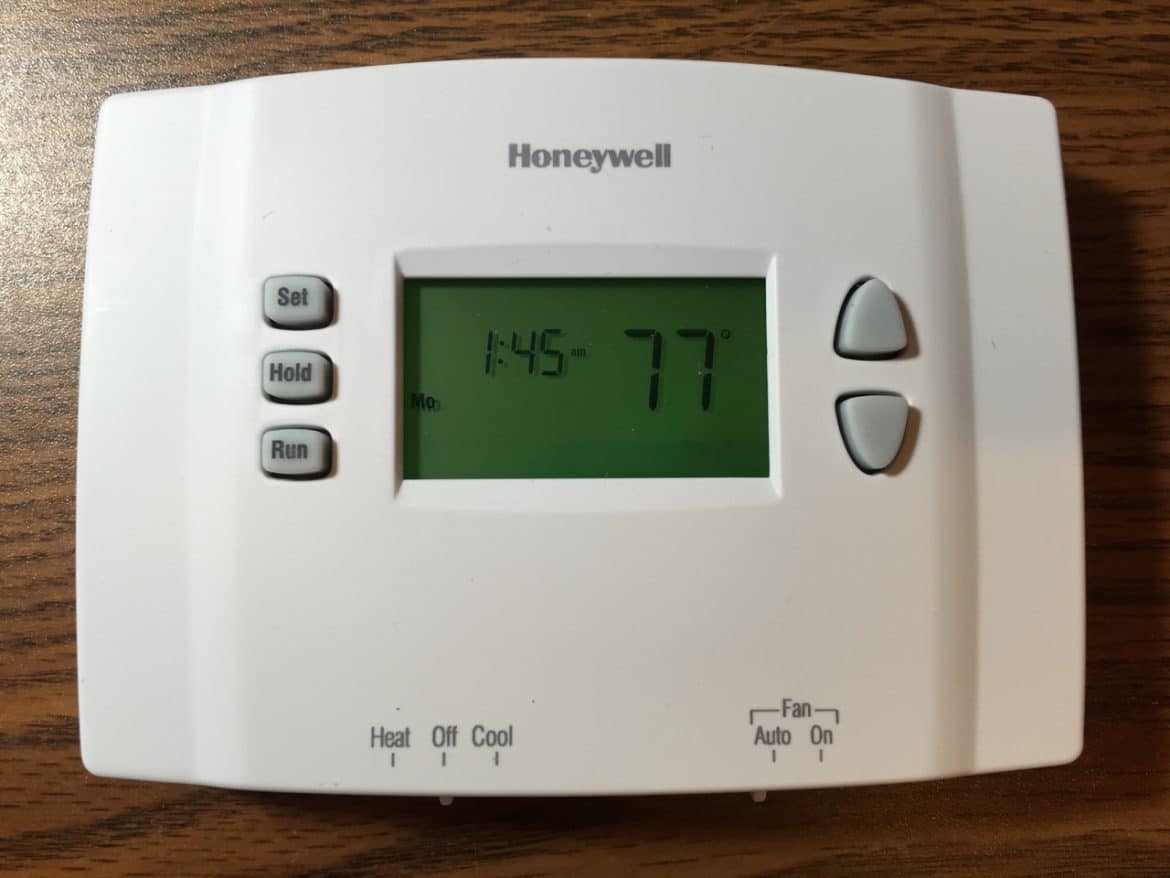
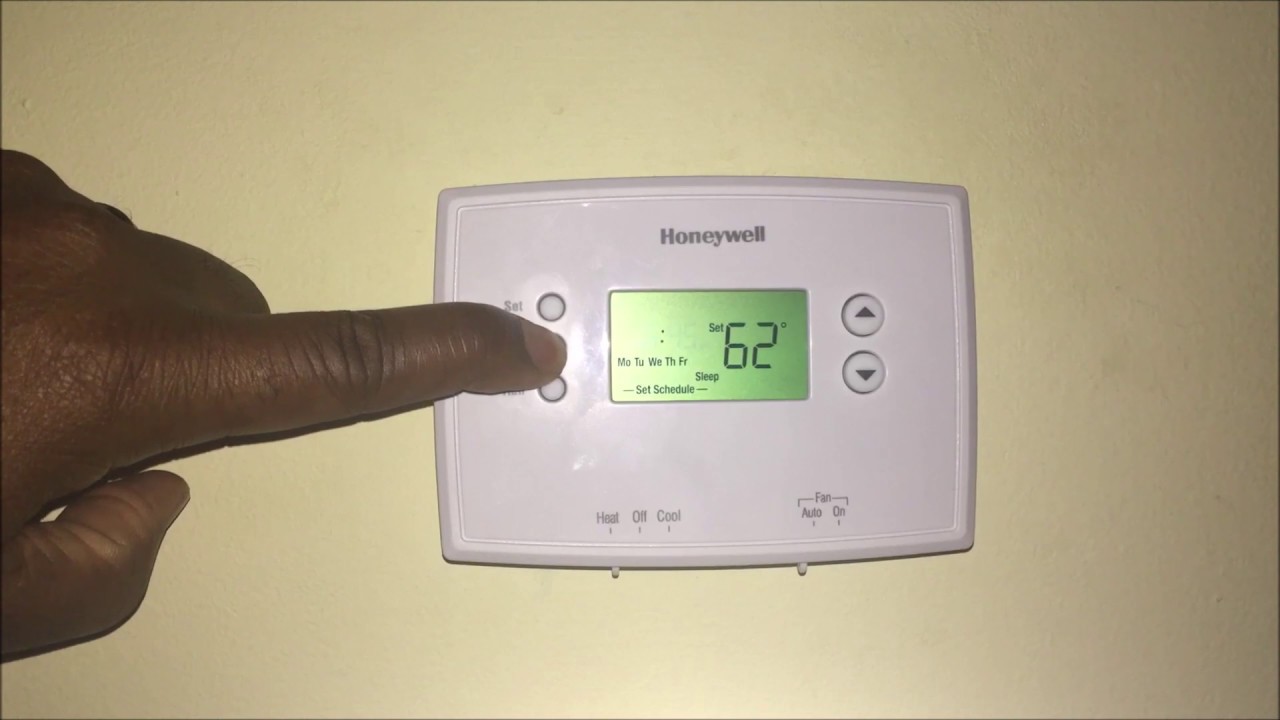
Digital non-programmable thermostats offer a more precise temperature reading and typically use buttons for temperature adjustment. The system and fan switch operation remains similar to mechanical models. The key difference is the digital display, which provides a more accurate representation of the room temperature and set point.
Pay attention to the battery indicator. Low batteries can lead to inaccurate readings and erratic operation. Replace batteries annually for optimal performance.
Maximizing Energy Efficiency with Your Old Thermostat
Even without the advanced features of smart thermostats, you can significantly reduce your energy bills by adopting these strategies:
- The 7-10 Degree Rule: The Energy Star program recommends setting your thermostat back 7-10 degrees Fahrenheit for 8 hours a day. This can save you up to 10% on your annual heating and cooling costs. Although you cannot program an older unit, you can manually set it back when you leave for work or go to bed.
- Consistent Temperature Settings: Avoid drastic temperature swings. Maintaining a relatively consistent temperature throughout the day prevents your HVAC system from working overtime.
- Strategic Fan Usage: Use the "Auto" fan setting for energy efficiency. Running the fan continuously consumes more energy. Consider a whole house fan for efficient cooling instead.
- Proper Insulation: Ensure your home is properly insulated to minimize heat loss in the winter and heat gain in the summer. This reduces the workload on your HVAC system and allows your thermostat to maintain the desired temperature more efficiently. Check for rebates from your local utility.
- Regular HVAC Maintenance: Schedule regular maintenance for your heating and cooling systems to ensure they are operating efficiently. A well-maintained system consumes less energy.
- Consider a Programmable Upgrade (Even a Basic One): If you are committed to saving energy, even a basic programmable thermostat represents a big leap in energy savings compared to a manual thermostat. These will allow you to set back temperatures automatically.
Troubleshooting Common Issues
If your old Honeywell thermostat isn't working correctly, here are some common issues and potential solutions:
- Inaccurate Temperature Readings:
- Mechanical Thermostats: Ensure the thermostat is level. If the issue persists, the thermostat may need to be replaced.
- Digital Thermostats: Replace the batteries. If the problem continues, consider a professional inspection.
- HVAC System Not Responding:
- Check the circuit breaker for the HVAC system.
- Ensure the thermostat is set to the correct mode (Heat or Cool).
- Verify the thermostat is properly wired. (Consult a professional if you're not comfortable working with electrical wiring.)
- System Cycling On and Off Frequently:
- This could indicate a problem with your HVAC system, such as a dirty air filter or a refrigerant leak. Schedule a professional inspection.
- Ensure the thermostat is not located near a heat source or draft.
The Smart Upgrade: When to Consider a Smart Thermostat
While optimizing your old Honeywell thermostat can save energy, upgrading to a smart thermostat offers even greater potential for savings and convenience. Smart thermostats learn your habits, adjust temperatures automatically, and can be controlled remotely via a smartphone or tablet. Nest and Ecobee are two popular brands that offer significant energy-saving features. Consider a smart thermostat if:
- You want precise temperature control and scheduling.
- You want to monitor your energy usage in real-time.
- You want remote access and control of your HVAC system.
- You are interested in integrating your thermostat with other smart home devices.
Many utility companies offer rebates for installing Energy Star certified smart thermostats, further reducing the cost of upgrading. These rebates can significantly improve the ROI of your smart thermostat investment.
Integrating with Smart Home Ecosystems
Smart thermostats seamlessly integrate with other smart home devices, such as smart lights, sensors, and voice assistants. This integration allows you to create a more energy-efficient and comfortable home environment. For example, you can use occupancy sensors to automatically adjust the temperature based on whether someone is in the room, or use voice commands to control your thermostat from anywhere in your home.
ROI and Payback Period
The ROI of upgrading to a smart thermostat depends on several factors, including your energy usage, local utility rates, and the cost of the thermostat. However, studies have shown that smart thermostats can save homeowners an average of 10-12% on heating costs and 15% on cooling costs. This can translate to hundreds of dollars in savings per year. The payback period for a smart thermostat is typically 1-3 years, depending on these factors.
Working with HVAC Professionals
Whether you're optimizing your old Honeywell thermostat or upgrading to a smart thermostat, working with a qualified HVAC professional can ensure your system is operating efficiently and safely. HVAC professionals can perform routine maintenance, troubleshoot problems, and provide recommendations for energy-saving upgrades. They can also help you navigate rebates and incentives offered by your local utility company.
Conclusion
Even an older Honeywell thermostat can contribute to energy savings with mindful operation and a few strategic adjustments. By understanding its functions, implementing energy-efficient practices, and considering an upgrade when appropriate, you can control your energy costs and create a more comfortable home. The journey to energy efficiency doesn't always require the latest technology; often, it's about maximizing what you already have and making informed decisions for the future.