How To Tell If Nest Thermostat Is Charging
The Nest Thermostat, known for its smart learning capabilities and energy-saving potential, relies on a stable power supply to function optimally. Unlike traditional thermostats powered by batteries alone, Nest thermostats often use the existing wiring of your HVAC system to charge their internal battery. However, knowing whether your Nest is effectively charging can sometimes be tricky. This comprehensive guide will walk you through various methods to determine if your Nest Thermostat is charging correctly, addressing common issues and providing solutions for homeowners, HVAC technicians, and facility managers alike.
Understanding Nest Thermostat Power Requirements
Before diving into troubleshooting, it’s important to understand the power requirements of your Nest Thermostat. Most Nest models, including the Nest Learning Thermostat and the Nest Thermostat E, are designed to be powered by the low-voltage wiring (typically 24V AC) connected to your HVAC system. This wiring usually involves a common wire, often called the “C-wire,” which provides a continuous power source. Without a dedicated C-wire, the Nest may rely on "power stealing" from other wires, which can lead to intermittent charging issues or system malfunctions.
Identifying a C-Wire
The easiest way to check for a C-wire is to remove your thermostat from its baseplate and examine the wiring connections. Look for a wire connected to the terminal labeled "C." If a C-wire is present and properly connected at both the thermostat and the HVAC system's control board, your Nest should ideally be charging without issue. However, its absence doesn't automatically mean your thermostat isn't charging; it might be power stealing.
Methods to Check Nest Thermostat Charging Status
Here are several methods to verify if your Nest Thermostat is charging:
1. Checking the Nest Thermostat Display
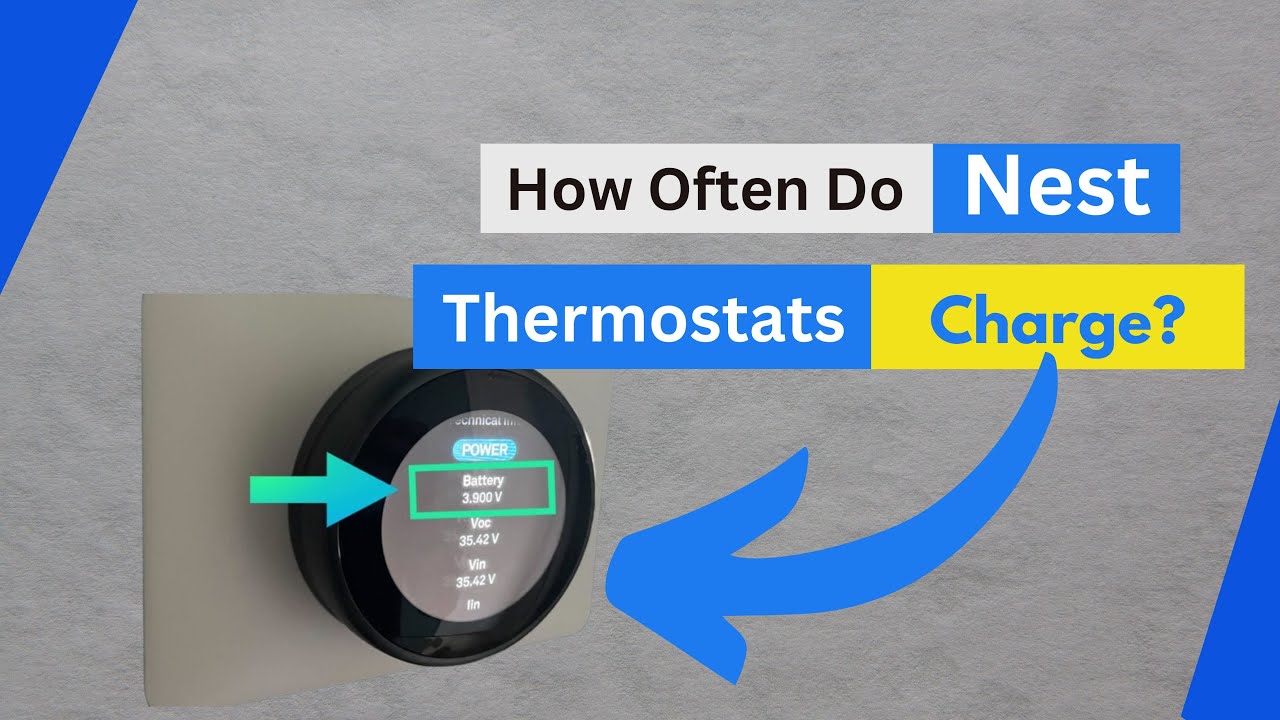
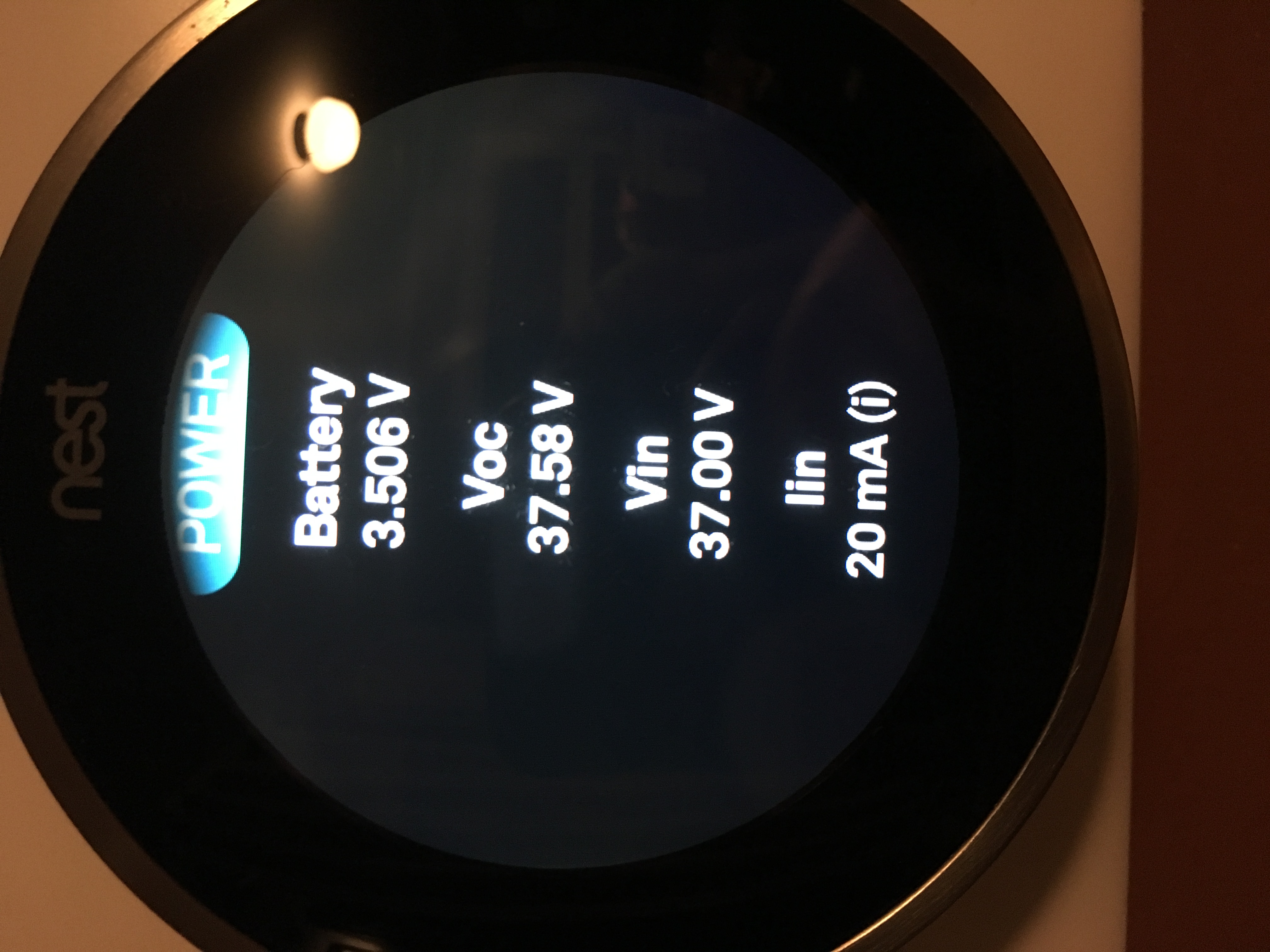
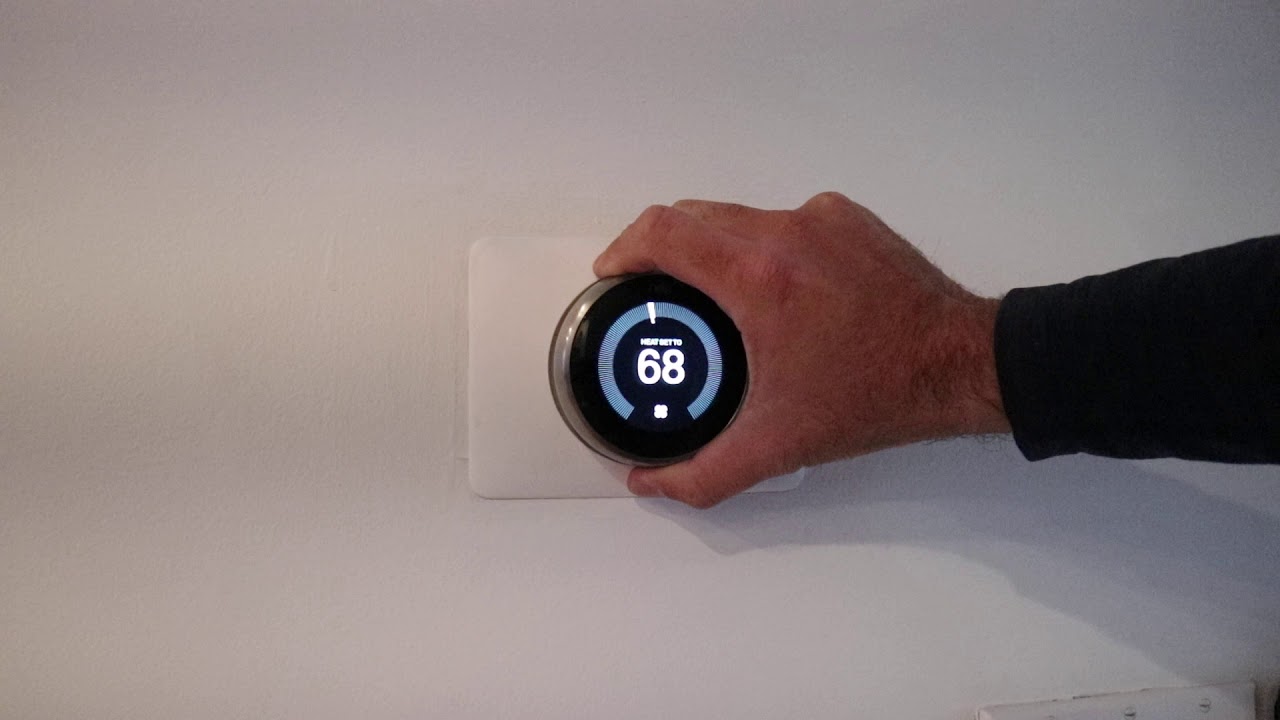
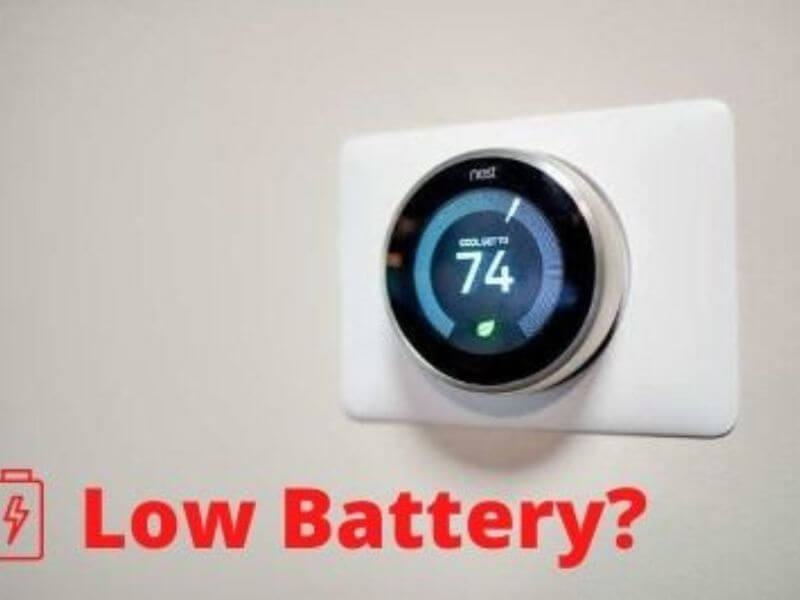
The simplest method is to check the thermostat display itself. Navigate to the Settings menu and look for a Power or Battery section. This section will display the current battery level and charging status. If the screen indicates "Charging," your thermostat is receiving power. If it shows a low battery warning, accompanied by a blinking red light (depending on the model), the Nest is likely not charging effectively.
Example: "My Nest Learning Thermostat displayed a low battery warning every few weeks. I discovered the C-wire wasn't properly connected at the furnace, and the Nest was slowly draining."
2. Using the Nest App
The Nest App provides real-time information about your thermostat, including its charging status. Open the app and select your thermostat. Look for a battery icon or a Power section. The app should indicate whether the thermostat is charging or running on battery power. The app can also send notifications about low battery levels, providing an early warning of potential issues.
3. Monitoring Voltage at the Thermostat
For HVAC technicians or technically inclined homeowners, using a multimeter to measure the voltage at the thermostat terminals provides a definitive answer. Set your multimeter to AC voltage and measure between the R (power) and C (common) terminals. You should typically see around 24V AC. A significantly lower voltage or no voltage indicates a power supply problem.
4. Observing Thermostat Behavior
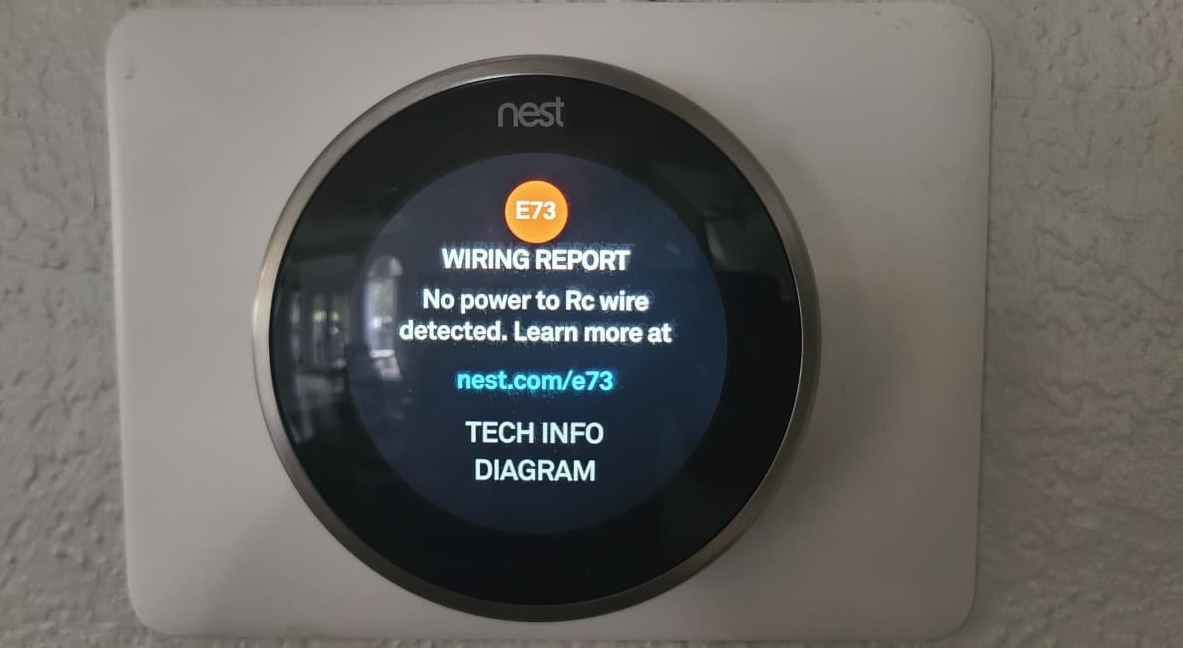
Pay attention to how your thermostat behaves. Does it frequently disconnect from Wi-Fi? Does the screen occasionally go blank? Are you experiencing intermittent heating or cooling issues? These symptoms can indicate that the Nest is struggling to maintain power due to insufficient charging. Inconsistent performance is a key indicator that something is wrong with the power supply.
5. Analyzing HVAC System Run Times
If your Nest is power stealing, it may be impacting the operation of your HVAC system. The thermostat may call for heat or cooling for shorter durations than usual, or you may notice that your system cycles on and off more frequently. Monitor your system's run times and compare them to historical data to identify any unusual patterns.
Troubleshooting Common Nest Thermostat Charging Issues
If you've determined that your Nest Thermostat isn't charging correctly, consider these troubleshooting steps:
1. Inspect Wiring Connections
The most common cause of charging problems is loose or corroded wiring connections. Carefully inspect the wiring at both the thermostat and the HVAC system's control board. Ensure that all wires are securely connected to their respective terminals. If you find any corrosion, clean the terminals and wires with a wire brush.
2. Verify C-Wire Connection
Double-check that the C-wire is properly connected at both ends. Sometimes, the C-wire might be connected at the thermostat but disconnected or incorrectly wired at the furnace or air handler. Refer to your HVAC system's wiring diagram to ensure the C-wire is connected to the correct terminal on the control board.
3. Check the Transformer
The transformer in your HVAC system provides the low-voltage power for the thermostat. If the transformer is failing, it may not be able to supply enough power to charge the Nest. Use a multimeter to check the voltage output of the transformer. If the voltage is significantly lower than the specified value (usually 24V AC), the transformer may need to be replaced. Replacing a transformer is generally a task for a qualified HVAC technician.
4. Consider a C-Wire Adapter
If you don't have a C-wire and adding one is difficult or impossible, consider using a C-wire adapter. These adapters allow you to share the existing wires in your system to provide a dedicated power supply for the Nest. Several brands offer C-wire adapters, and they are relatively easy to install. Be sure to follow the manufacturer's instructions carefully.
5. Power Stealing Limitations
Understand that power stealing has limitations. While it may work initially, it can eventually lead to problems, especially with more complex HVAC systems or those with sensitive electronic components. A dedicated C-wire or a C-wire adapter is always the preferred solution.
6. Review Thermostat Compatibility
Although Nest thermostats are generally compatible with a wide range of HVAC systems, there are exceptions. Some older or highly specialized systems may not provide the necessary voltage or wiring configuration. Review the Nest compatibility checker on the Nest website or consult with an HVAC professional to ensure your system is compatible.
Cost Considerations for Nest Thermostat Power Solutions
Addressing Nest Thermostat charging issues can involve varying costs, depending on the solution:
- Simple Wiring Fixes: Tightening or cleaning existing wiring connections is typically free if you can do it yourself.
- C-Wire Installation: The cost of installing a C-wire can range from $100 to $300, depending on the complexity of the installation and the labor rates in your area.
- C-Wire Adapter: C-wire adapters typically cost between $30 and $80.
- Transformer Replacement: Replacing a transformer can cost between $150 and $400, including parts and labor.
While a C-wire installation represents a higher upfront cost, it is usually a more reliable and long-term solution than relying on power stealing. A dedicated C-wire helps to ensure stable power delivery, preventing future charging issues and potential damage to your HVAC system.
Long-Term Benefits of Proper Nest Thermostat Charging
Ensuring your Nest Thermostat is charging correctly offers several long-term benefits:
- Consistent Performance: A stable power supply ensures that your Nest Thermostat operates reliably, providing accurate temperature control and consistent comfort.
- Extended Thermostat Lifespan: Chronic low battery issues can shorten the lifespan of your thermostat. Proper charging helps to prolong its longevity.
- HVAC System Protection: Power stealing can potentially damage sensitive HVAC components. A dedicated power supply protects your system from electrical stress.
- Energy Savings: A properly functioning Nest Thermostat can optimize your HVAC system's operation, leading to greater energy savings and lower utility bills.
By understanding the power requirements of your Nest Thermostat and taking proactive steps to address charging issues, you can ensure its optimal performance, protect your HVAC system, and maximize your energy savings.
When to Call a Professional
If you've tried the troubleshooting steps above and are still experiencing charging issues, it's best to call a qualified HVAC technician. An HVAC professional can diagnose complex wiring problems, identify faulty components, and ensure that your Nest Thermostat is properly integrated with your HVAC system.
Remember, working with electrical wiring can be dangerous. If you are not comfortable working with electricity, always consult a qualified electrician or HVAC technician.