Ite Pushmatic Breaker Panel
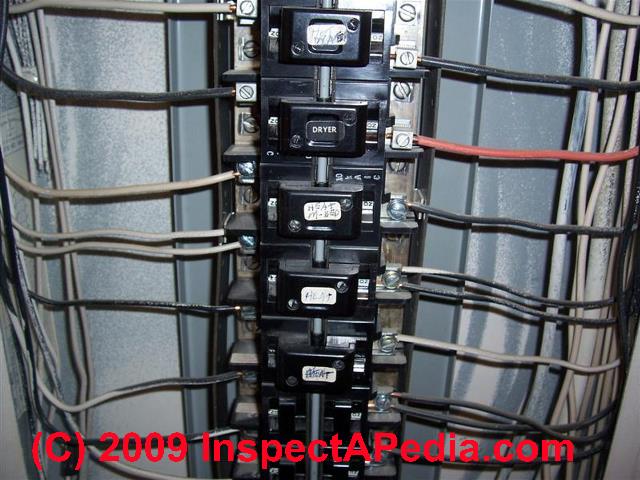
It's a frustrating scenario: you're about to heat up dinner in the microwave, press start, and…nothing. The microwave is completely dead. Before you start budgeting for a new appliance, let's troubleshoot the issue, starting with the heart of your electrical system: your ITE Pushmatic breaker panel. This guide will walk you through safely diagnosing and potentially fixing the problem.
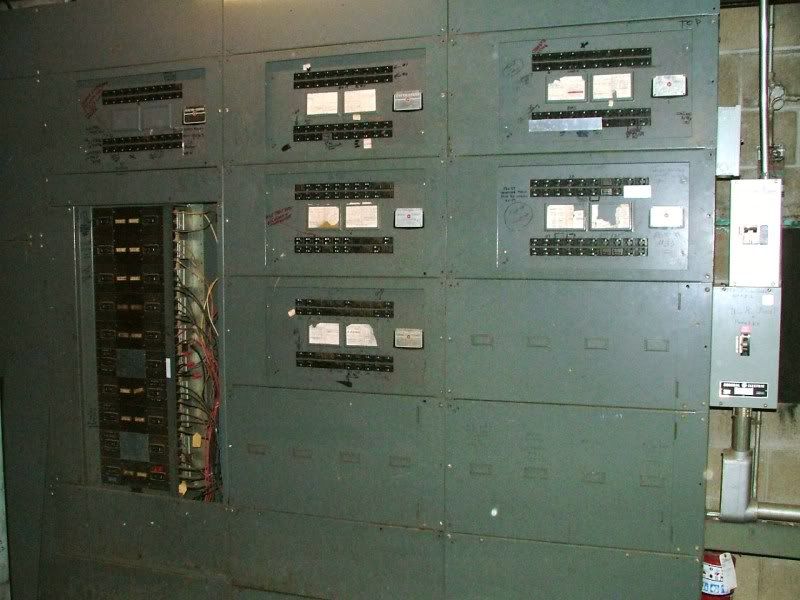
Understanding the ITE Pushmatic Breaker Panel
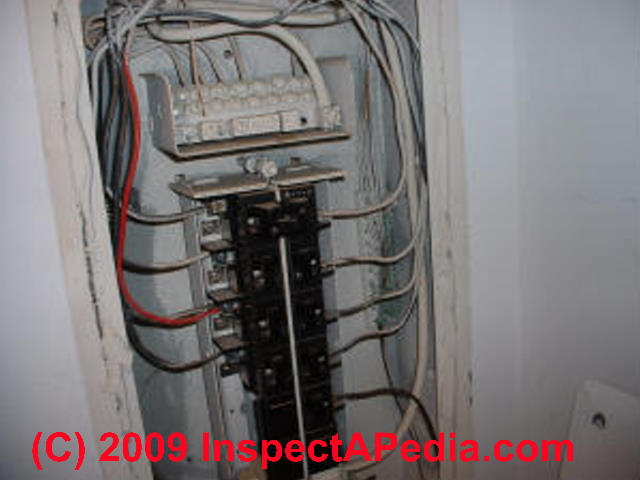
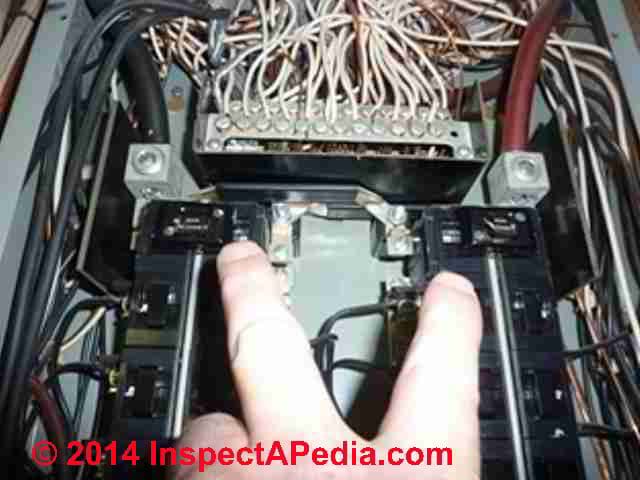
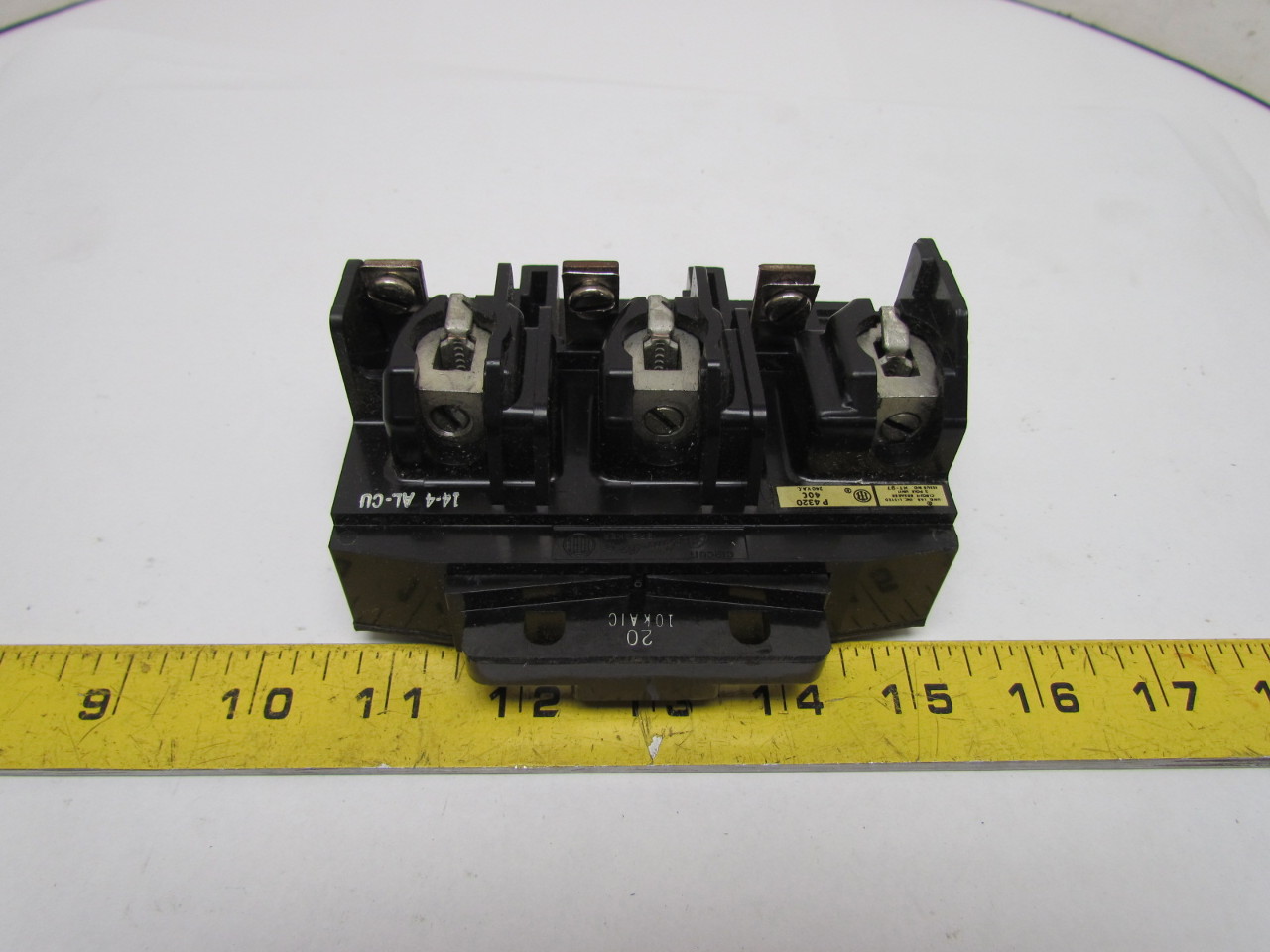
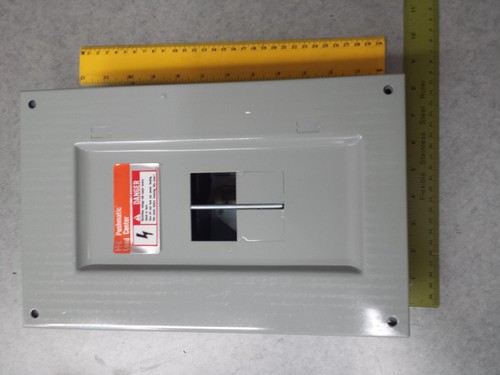
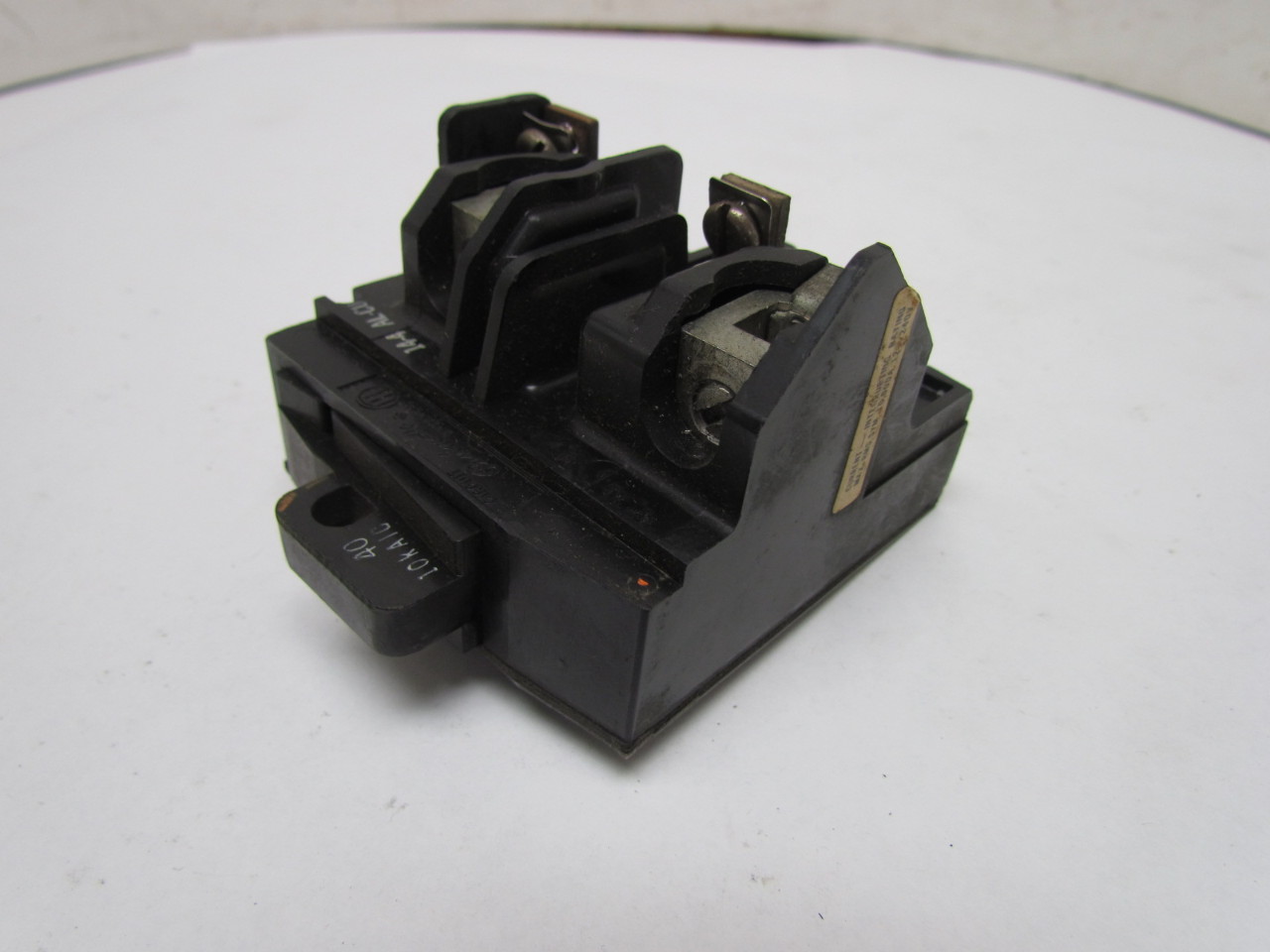
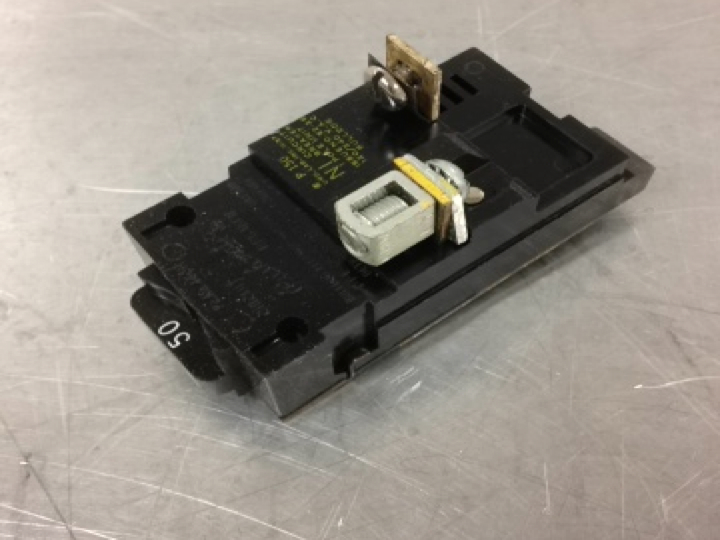
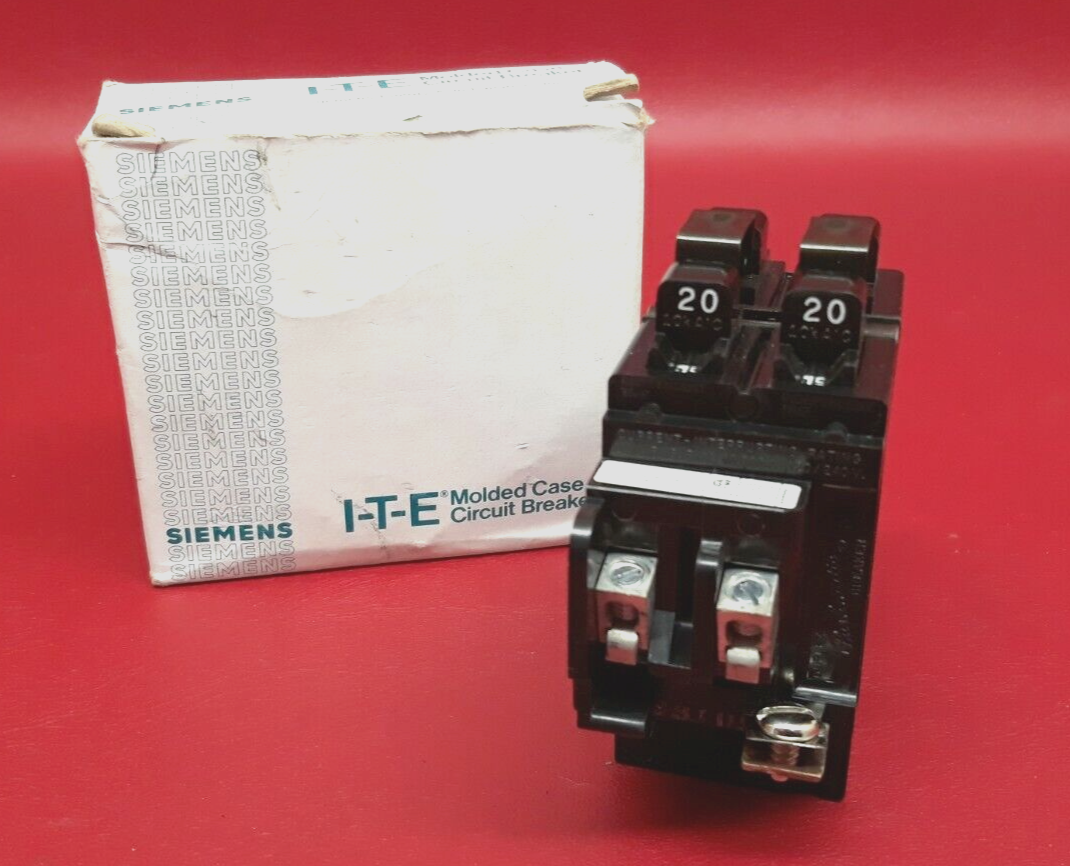
The ITE Pushmatic panel is identifiable by its distinct push-button breakers. Unlike modern toggle switches, these breakers have a button that pops out when tripped and needs to be pushed fully "off" before being reset. While these panels were common in older homes, they can still be reliable with proper maintenance. However, due to their age, extra caution is necessary when working with them.
Important Safety First! Before working on any electrical component, always turn off the main breaker. This will cut power to the entire panel. If you are unsure how to do this or are uncomfortable working with electricity, call a qualified electrician. This guide is for basic troubleshooting; never attempt repairs beyond your skill level.
Step-by-Step Troubleshooting Guide: The Dead Microwave (or Any Appliance)
Step 1: Is it Just the Appliance?
Before diving into the breaker panel, confirm the problem isn’t solely with the microwave itself.
- Test the Outlet: Plug a different appliance (like a lamp or phone charger) into the same outlet. If it works, the problem lies within the microwave. If it doesn't work, the issue is likely with the outlet or the breaker.
- Check the Appliance's Cord and Plug: Inspect the microwave's power cord for any visible damage, such as cuts, fraying, or exposed wires. Also, examine the plug for bent or broken prongs. A damaged cord or plug can prevent the appliance from receiving power. If you find any damage, do not use the appliance and consult a qualified appliance repair technician.
Step 2: Checking the ITE Pushmatic Breaker
If the outlet is dead, the next step is to check the corresponding breaker in your Pushmatic panel.
- Identify the Correct Breaker: Your breaker panel should have labels indicating which breaker controls which circuits. Look for the label that corresponds to the microwave outlet (e.g., "Kitchen Outlet," "Microwave," or "Appliance Circuit"). If the label is missing or unclear, you may need to do some detective work.
- Inspect the Breaker: Look closely at the identified breaker. A tripped Pushmatic breaker will have its button popped out slightly. It may not be obvious at first glance, so examine it carefully.
- Reset the Breaker: This is the crucial step. First, push the breaker button firmly to the "off" position. You should feel a slight click. Then, push the button firmly back to the "on" position. If the breaker immediately trips again, do not keep resetting it. This indicates a short circuit or overload.
- Test the Outlet Again: After resetting the breaker, plug a working appliance (like the lamp or phone charger) back into the outlet to see if power has been restored.
Step 3: What If the Breaker Keeps Tripping?
If the breaker trips repeatedly after resetting, it signals a more serious problem that requires professional attention. This usually indicates:
- Overload: Too many appliances are drawing power from the same circuit simultaneously. Microwaves, especially, draw a significant amount of power.
- Short Circuit: A short circuit occurs when a "hot" wire comes into contact with a neutral or ground wire, creating a sudden surge of electricity.
- Faulty Appliance: The microwave itself may have an internal fault that is causing the breaker to trip.
- Wiring Issues: Problems with the wiring within the circuit, such as damaged insulation or loose connections, can also cause breakers to trip.
- Faulty Breaker: Though less common, the breaker itself could be faulty and tripping prematurely. Due to the age and unique design of Pushmatic breakers, diagnosing and replacing them should only be done by a qualified electrician.
Do NOT repeatedly reset a tripping breaker. This can damage your wiring and appliances and create a fire hazard. Call a licensed electrician to investigate the cause and perform the necessary repairs.
Step 4: Checking the Outlet Itself
If the breaker doesn't appear tripped and the outlet still isn't working, there could be a problem with the outlet itself. This step involves working with electricity, so if you are not comfortable, call an electrician.
Safety First! Turn off the breaker controlling the outlet before proceeding. Use a non-contact voltage tester to confirm the outlet is de-energized.
- Visual Inspection: Look for any signs of damage to the outlet, such as cracks, burns, or loose wiring.
- Check the Wiring Connections: Carefully remove the outlet cover plate and inspect the wiring connections to the outlet. Look for loose wires, corroded connections, or damaged insulation. If you find any loose wires, tighten them securely. If you are not comfortable doing this, call an electrician.
- Test the Outlet with a Multimeter: A multimeter can be used to check for voltage at the outlet. Set the multimeter to AC voltage and test between the hot (usually black wire) and neutral (usually white wire) terminals. You should read approximately 120 volts. If you do not get a reading, the problem is likely with the wiring or the breaker. If you are not familiar with using a multimeter, consult an electrician.
Step 5: Simple Microwave Checks (If Applicable and After Power Restoration)
If the outlet is working but the microwave still isn't, and you've confirmed the microwave cord and plug are in good condition, there are a few basic checks you can perform after ensuring power is restored to the outlet:
- Check the Microwave's Control Panel: Sometimes, the control panel can become locked or frozen. Try unplugging the microwave for a minute or two and then plugging it back in. This can sometimes reset the control panel.
- Check the Door Latch: The microwave door latch must be properly engaged for the microwave to operate. Ensure the door closes securely and that there are no obstructions preventing the latch from engaging.
- Check the Internal Fuse (If Accessible): Some microwaves have an internal fuse that can blow if there is a power surge. Consult your microwave's manual for the location of the fuse and instructions on how to replace it. Unplug the microwave before attempting to replace the fuse. If you are not comfortable doing this, call an appliance repair technician.
When to Call a Professional
While this guide covers basic troubleshooting steps, some situations require the expertise of a qualified professional. Always call a licensed electrician if:
- You are uncomfortable working with electricity.
- You find any signs of burning, smoke, or electrical arcing.
- The breaker trips repeatedly after resetting.
- You suspect a short circuit or overload.
- You are unsure how to identify the correct breaker.
- You need to replace a Pushmatic breaker.
- You find damaged wiring or outlets.
- You are not comfortable using a multimeter.
Additionally, contact a qualified appliance repair technician if:
- The microwave is still not working after checking the outlet and the microwave's cord and plug.
- You suspect the microwave has an internal fault.
- You are not comfortable replacing the microwave's internal fuse.
Tips for Preventing Electrical Problems
Preventing electrical problems is always better than dealing with them after they occur. Here are a few tips to help keep your electrical system safe and reliable:
- Don't Overload Circuits: Avoid plugging too many appliances into the same circuit. Use power strips with surge protection to prevent damage from power surges.
- Regularly Inspect Cords and Plugs: Check cords and plugs for any signs of damage, such as cuts, fraying, or exposed wires. Replace damaged cords and plugs immediately.
- Use the Correct Size Bulbs: Use bulbs that are the correct wattage for your light fixtures. Using bulbs that are too high in wattage can overheat the wiring and create a fire hazard.
- Install GFCI Outlets: Install Ground Fault Circuit Interrupter (GFCI) outlets in areas where water is present, such as bathrooms, kitchens, and outdoors. GFCI outlets can help prevent electric shock.
- Have Your Electrical System Inspected: Have your electrical system inspected by a qualified electrician every few years to identify any potential problems.
- Consider Upgrading Your Panel: If your ITE Pushmatic panel is old or outdated, consider upgrading to a modern breaker panel. This can improve the safety and reliability of your electrical system. This is a significant undertaking that should only be performed by a licensed electrician.
By following these troubleshooting steps and safety precautions, you can often diagnose and resolve simple electrical problems yourself. However, remember that safety is always the top priority. If you are ever unsure about something, call a qualified professional.