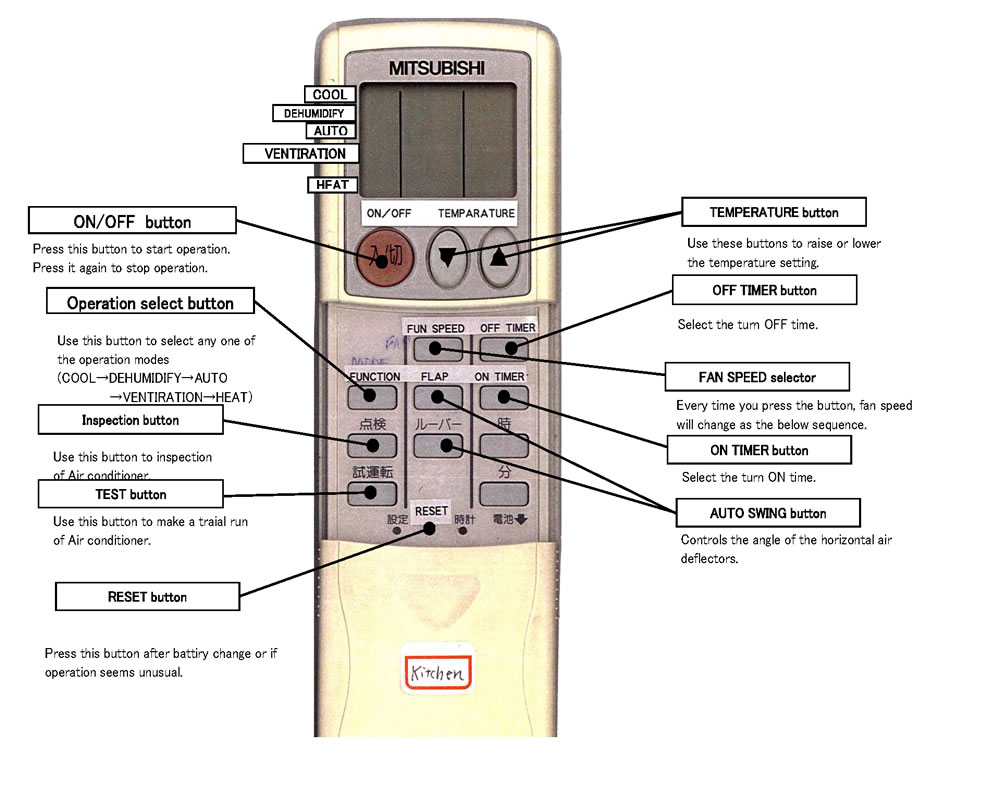
Lg Mini Split Remote Control Symbols
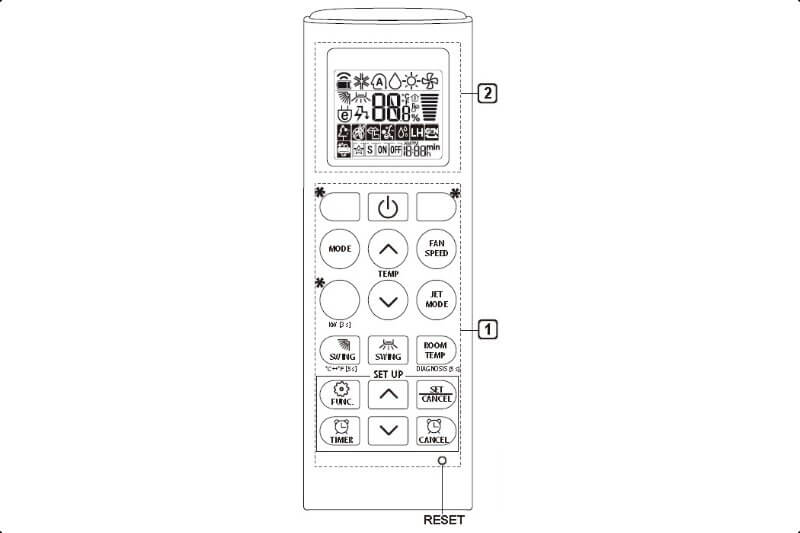
Understanding the symbols on your LG mini split remote control is crucial for effectively managing your home's heating and cooling. These symbols aren't just decorative; they unlock a range of features designed to optimize comfort and energy efficiency. This guide will demystify these symbols, empowering you to confidently operate your LG mini split system.
Decoding the LG Mini Split Remote: A Symbol-by-Symbol Guide
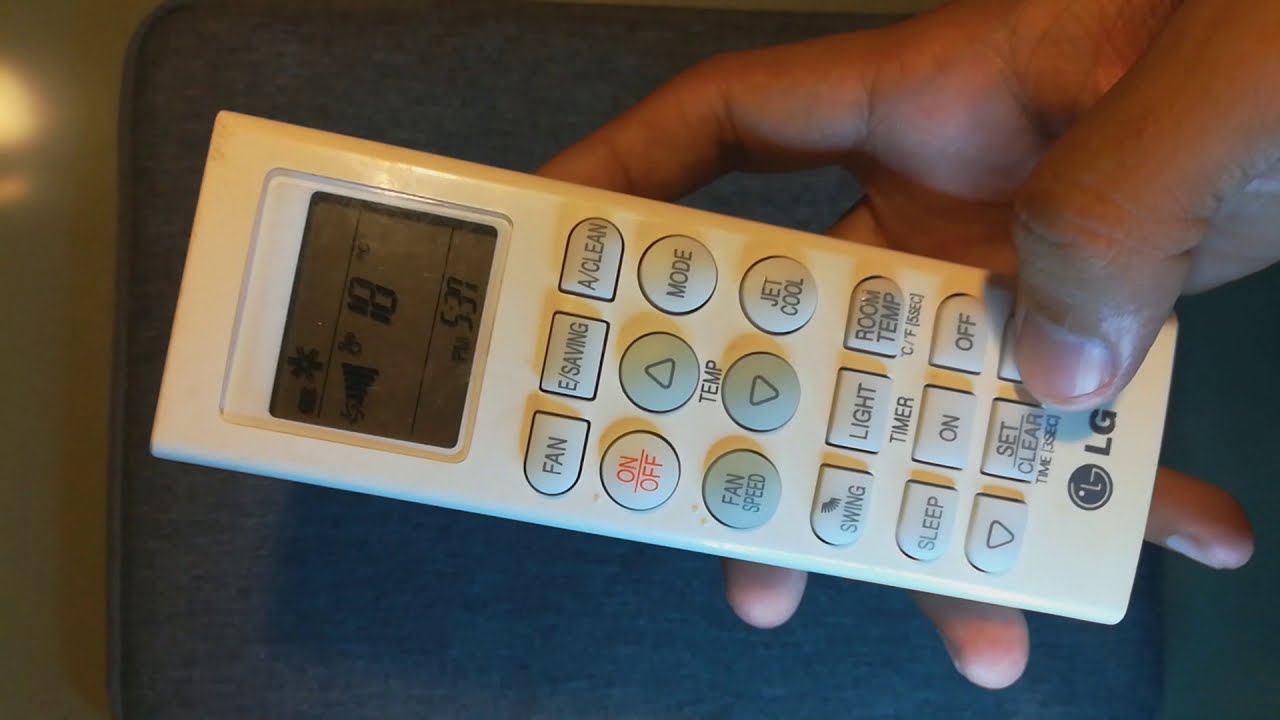
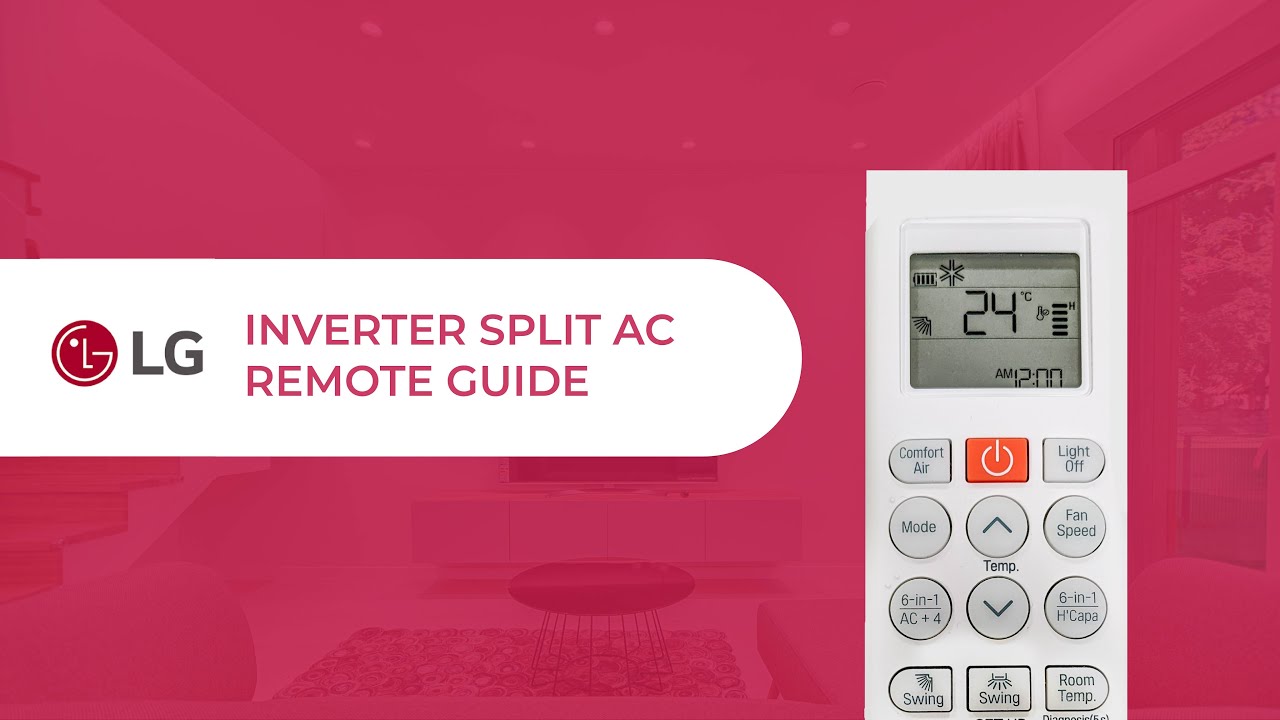
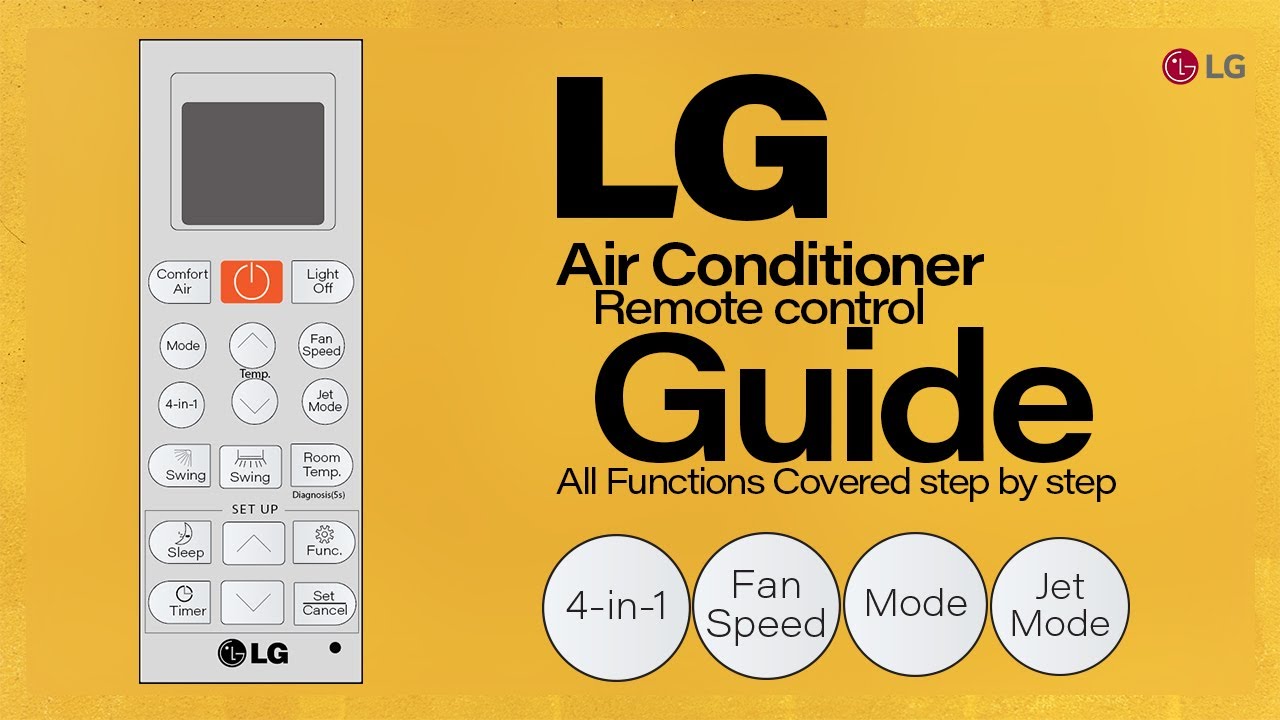
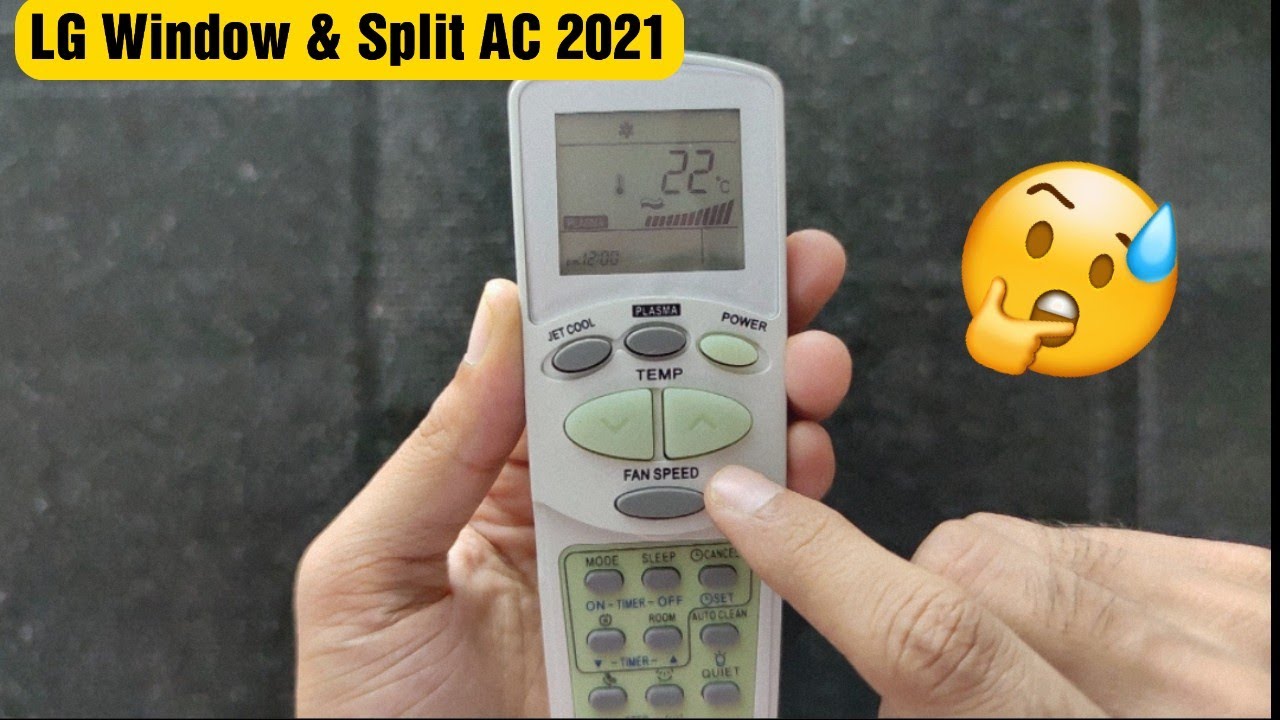
LG remotes, while varying slightly between models, generally follow a consistent layout for core functions. Here's a breakdown of the most common symbols and what they represent:
Power Button (Circle with a Line)
The universal power symbol, a circle with a vertical line partially intersecting it, turns the mini split unit on or off. Pressing this button activates or deactivates the system, initiating or ceasing heating or cooling operations.
Mode Button (Often Labeled "Mode")
This button cycles through the various operating modes of your LG mini split. Expect to see symbols representing the following modes:
- Cool Mode (Snowflake): Activates the cooling function. The unit will cool the room to the set temperature.
- Heat Mode (Sun): Engages the heating function. The unit will heat the room to the set temperature.
- Dry Mode (Water Droplet): Operates as a dehumidifier, removing moisture from the air. Fan speed is typically lower in this mode.
- Fan Mode (Fan Blade): Only the fan operates, circulating air without heating or cooling.
- Auto Mode (Often labeled "Auto" or with a "A" inside a circle): The system automatically selects the appropriate mode (heating or cooling) based on the room temperature and your set point.
Temperature Adjustment Buttons (Up and Down Arrows)
These arrow buttons increase or decrease the target temperature. Press the up arrow to increase the temperature and the down arrow to decrease it. The temperature is typically displayed in either Celsius or Fahrenheit on the remote's LCD screen.
Fan Speed Button (Fan Blade Icon with Speed Levels)
This button controls the speed of the indoor unit's fan. You can typically select from multiple speed levels (low, medium, high) or an automatic fan speed setting. A higher fan speed circulates air more quickly, while a lower speed is quieter.
Swing Button (Airflow Direction)
The swing button, often depicted as an oscillating arrow or a fan blade with directional arrows, controls the vertical airflow direction of the indoor unit. Pressing it may cycle through different preset angles or activate automatic swing, where the louvers move up and down continuously to distribute air evenly.
Sleep Mode (Moon or Bed Icon)
Sleep mode is designed to optimize comfort during sleep while conserving energy. When activated, the system gradually adjusts the temperature (typically increasing slightly in cooling mode and decreasing slightly in heating mode) and reduces fan speed. This helps prevent overcooling or overheating during the night.
Timer Button (Clock Icon)
The timer button allows you to set a specific time for the unit to turn on or off. You can program the unit to start heating or cooling before you arrive home or to turn off automatically after you fall asleep. More advanced models may offer more sophisticated timer functions.
Energy Saving Mode (Leaf or ECO Icon)
Energy saving mode is designed to minimize energy consumption. When activated, the system may limit the maximum cooling or heating output, adjust the temperature setpoint slightly, or optimize fan speed. This mode helps reduce your energy bills.
Jet Mode (Fast Cooling/Heating)
Some LG mini splits feature a "Jet Mode" (often symbolized by a droplet with a streak or a snowflake/sun with an upward arrow) for rapid cooling or heating. This mode operates at maximum power for a short period to quickly bring the room to the desired temperature.
Comfort Air (Person Icon)
This mode adjusts the airflow to avoid blowing directly on occupants. It can be beneficial for those sensitive to drafts.
Filter Reset Indicator
A filter icon on the remote or indoor unit indicates when the air filter needs cleaning or replacement. After cleaning or replacing the filter, you'll typically need to reset the indicator by pressing and holding a specific button on the indoor unit or remote.
Troubleshooting Common Remote Issues
Even with a good understanding of the symbols, you might encounter issues with your LG mini split remote. Here are some common problems and potential solutions:
- Remote Not Working: Check the batteries and replace them if necessary. Ensure there are no obstructions between the remote and the indoor unit. Try resetting the remote by removing the batteries for a few minutes and then reinserting them.
- Incorrect Temperature Display: Some remotes allow you to switch between Celsius and Fahrenheit. Consult your user manual to find the correct setting.
- Lost Remote: Contact your local LG dealer or search online for a replacement remote that is compatible with your specific mini split model. Universal remotes may also work, but compatibility is not guaranteed.
- Error Codes: If the remote displays an error code, consult your user manual to identify the problem and potential solutions. Common error codes relate to sensor failures, communication issues, or refrigerant leaks.
Choosing the Right LG Mini Split: Key Features and Considerations
When selecting an LG mini split system, consider the following factors:
- Room Size: Match the unit's BTU (British Thermal Units) rating to the size of the room you need to heat or cool. A larger room requires a higher BTU rating.
- Energy Efficiency: Look for units with high SEER (Seasonal Energy Efficiency Ratio) and HSPF (Heating Seasonal Performance Factor) ratings. Higher ratings indicate greater energy efficiency.
- Features: Consider features such as smart controls, Wi-Fi connectivity, allergen filters, and multiple fan speeds.
- Noise Level: Check the decibel (dB) rating of the indoor and outdoor units. Lower dB ratings indicate quieter operation.
- Installation: Mini-split systems require professional installation. Factor in the cost of installation when budgeting for your new system.
LG Mini Split Models: A Brief Comparison
LG offers a range of mini split systems to meet different needs and budgets. Here are a few popular models:
- LG Art Cool Series: Known for their stylish designs and advanced features, including Wi-Fi connectivity and allergen filters.
- LG Standard Series: Offers a balance of performance and affordability, making it a good option for budget-conscious consumers.
- LG Multi-Zone Systems: Allow you to connect multiple indoor units to a single outdoor unit, providing customized heating and cooling for different zones in your home.
Understanding AFUE, SEER, and HSPF Ratings
These ratings are crucial for assessing energy efficiency:
- AFUE (Annual Fuel Utilization Efficiency): Primarily used for furnaces and measures the efficiency of converting fuel into heat. Not directly applicable to mini-splits.
- SEER (Seasonal Energy Efficiency Ratio): Measures the cooling efficiency of an air conditioner or heat pump over an entire cooling season. The higher the SEER rating, the more efficient the unit. Look for SEER ratings of 15 or higher for good energy savings.
- HSPF (Heating Seasonal Performance Factor): Measures the heating efficiency of a heat pump over an entire heating season. The higher the HSPF rating, the more efficient the unit. Look for HSPF ratings of 8.2 or higher for good energy savings.
Warranties and Maintenance
LG mini split systems typically come with a limited warranty covering parts and labor. The specific terms of the warranty may vary depending on the model and the installation location. Regular maintenance, including cleaning the air filters and inspecting the system for leaks, is essential for maintaining optimal performance and extending the lifespan of your unit.
Pricing Considerations
The cost of an LG mini split system can vary depending on the model, BTU rating, features, and installation costs. Single-zone systems typically range from $1,500 to $4,000 installed, while multi-zone systems can cost significantly more. Obtain quotes from multiple HVAC contractors to ensure you are getting a fair price.
By understanding the symbols on your LG mini split remote, choosing the right model for your needs, and performing regular maintenance, you can enjoy years of reliable and energy-efficient heating and cooling.