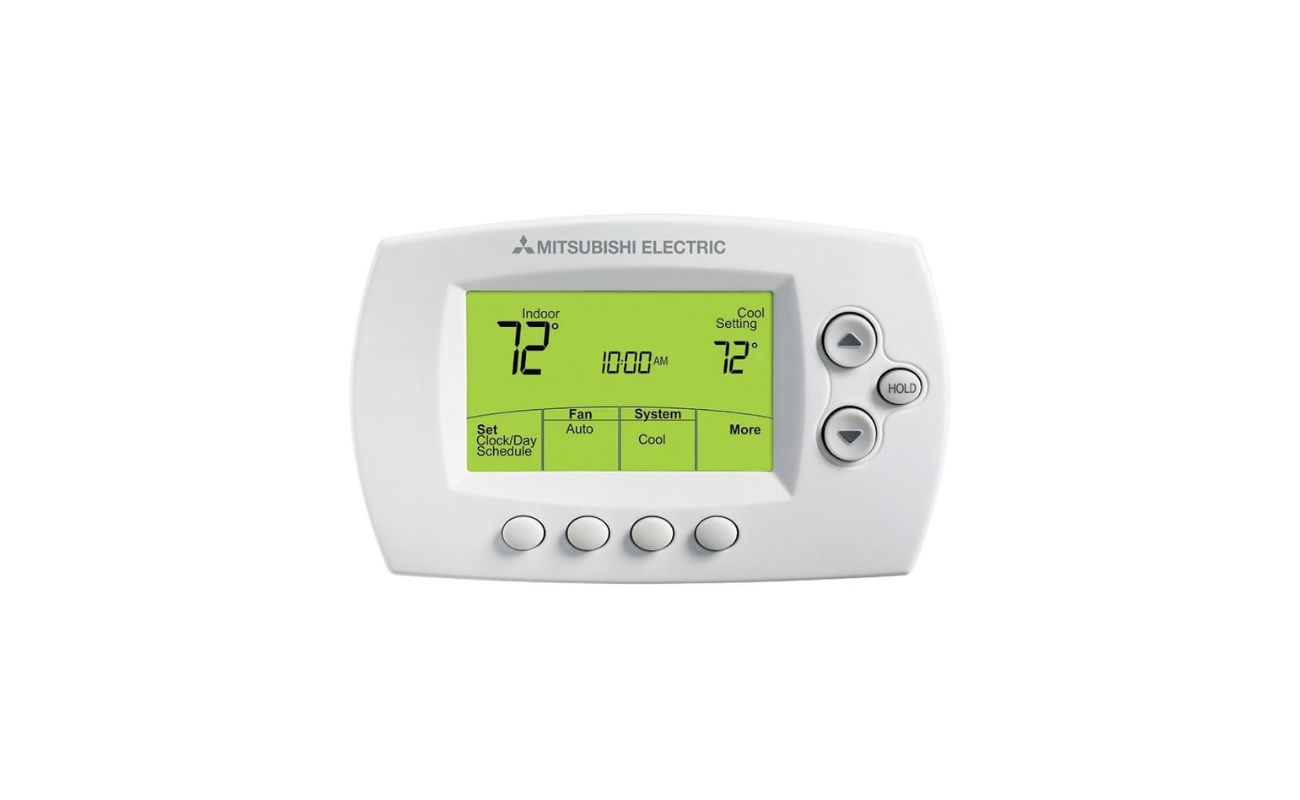
Mitsubishi Electric Thermostat How To Use

Navigating the world of energy-efficient HVAC systems can feel like entering a new technological era. With the rise of smart homes and the increasing urgency to reduce our carbon footprint, understanding how to effectively use your Mitsubishi Electric thermostat is more important than ever. This comprehensive guide will walk you through the ins and outs of operating your Mitsubishi Electric thermostat, maximizing its energy-saving potential, and integrating it seamlessly into your smart home ecosystem.
Understanding Your Mitsubishi Electric Thermostat Model
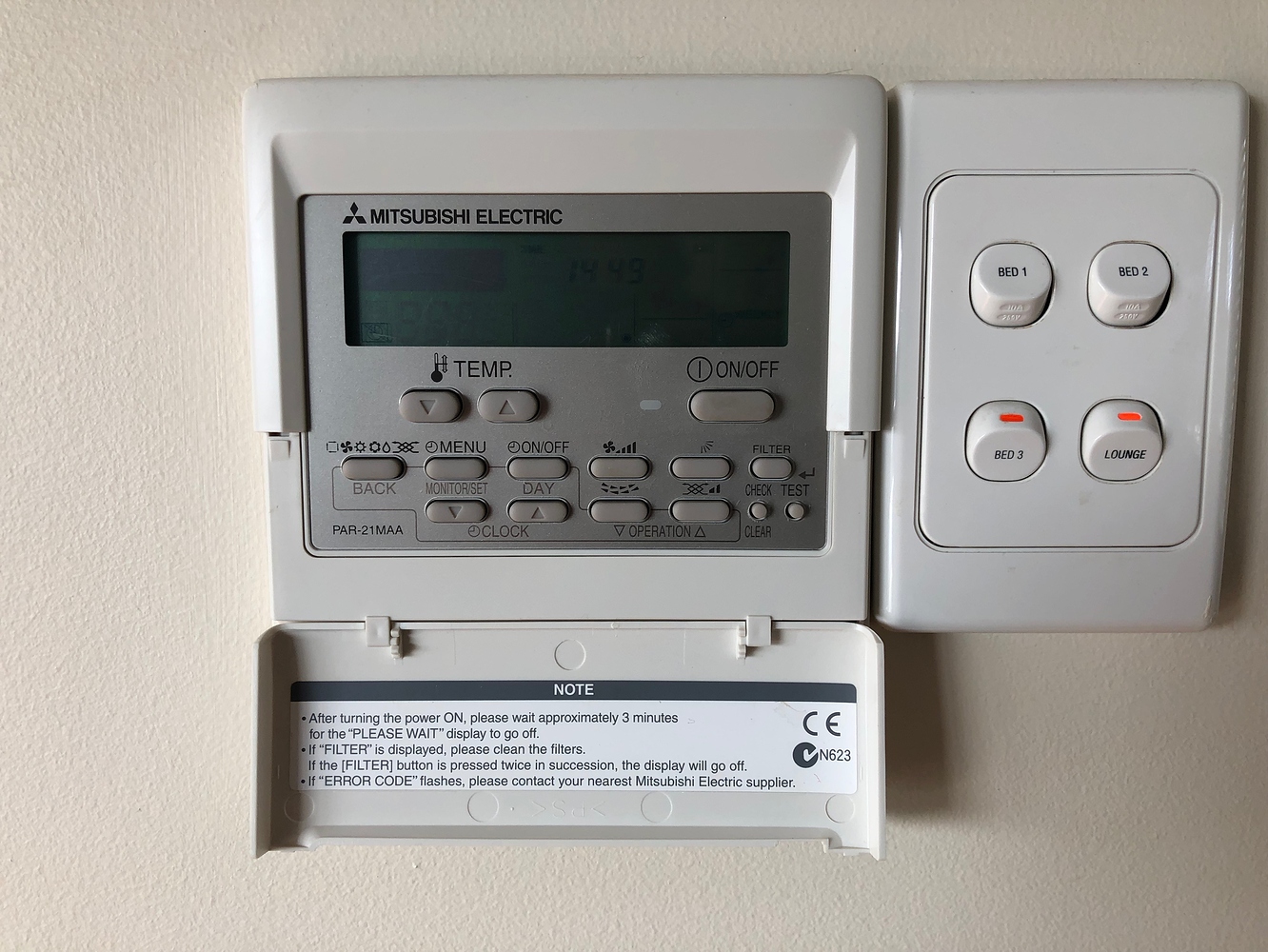
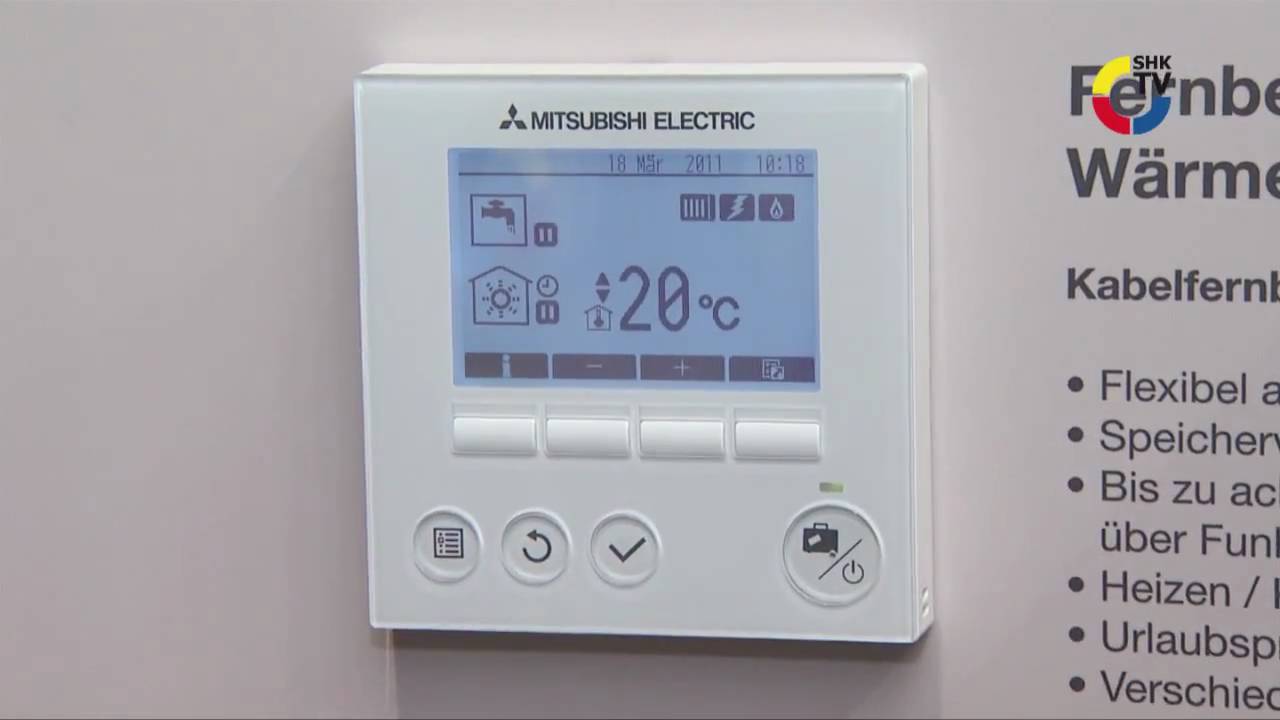
Mitsubishi Electric offers a range of thermostat models, each with unique features and functionalities. Before diving into specific instructions, it’s crucial to identify your model number. This information is typically located on the thermostat itself, either on the front, back, or side. Common models include the PAR-31MAA-J, the PAR-40MAA, and the wireless options like the MHK1. Once you know your model, you can access the specific user manual on the Mitsubishi Electric website for detailed information and troubleshooting tips. Keep in mind that the interface and some functionalities may vary slightly between models.
Basic Operation: Setting the Temperature
The primary function of any thermostat is, of course, temperature control. Setting the desired temperature on your Mitsubishi Electric thermostat is usually straightforward:
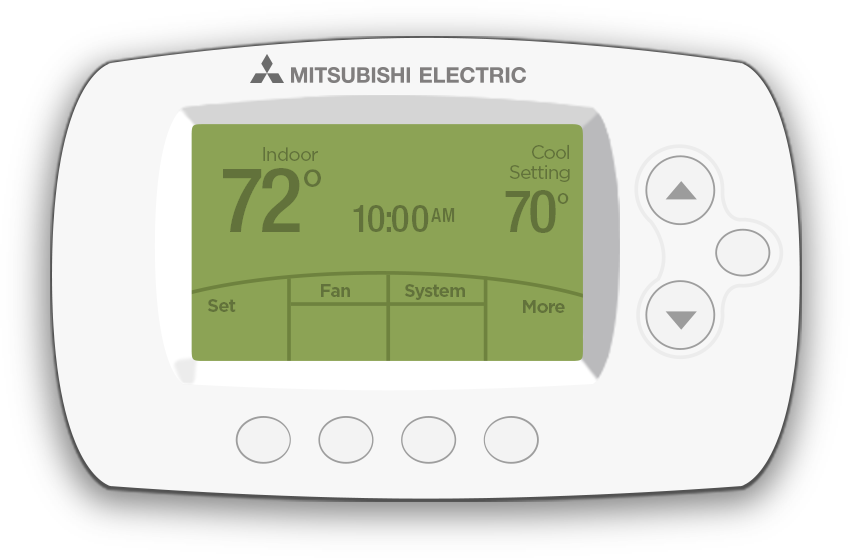
- Using the Buttons: Most models feature up and down arrow buttons to adjust the temperature. Simply press the up arrow to increase the temperature and the down arrow to decrease it. The current setpoint temperature will be displayed on the screen.
- Touchscreen Models: If you have a touchscreen model, you can directly tap the desired temperature on the screen or use virtual arrow buttons.
- Remote Control: Many Mitsubishi Electric systems come with a remote control. The temperature adjustment buttons on the remote mirror the functionality of the thermostat itself.
Remember that setting the temperature too high in the summer or too low in the winter will significantly increase your energy consumption. According to Energy Star, setting your thermostat back 7-10 degrees for 8 hours a day can save you as much as 10% on your heating and cooling costs. Consider this when programming your thermostat for optimal energy savings.
Exploring Different Operating Modes
Mitsubishi Electric thermostats offer various operating modes to cater to different needs and preferences. Understanding these modes is key to maximizing energy efficiency and comfort:
- Cool Mode: This mode activates the air conditioning to cool your space.
- Heat Mode: This mode activates the heating system to warm your space.
- Auto Mode: In Auto mode, the thermostat automatically switches between heating and cooling based on the ambient temperature. This is particularly useful for climates with fluctuating temperatures.
- Dry Mode (Dehumidify): This mode reduces humidity in the air, making your space feel more comfortable even at higher temperatures. This can reduce the need for excessive cooling, saving energy.
- Fan Mode: In Fan mode, only the fan runs, circulating air without heating or cooling. This can be useful for improving air circulation or supplementing other heating/cooling methods.
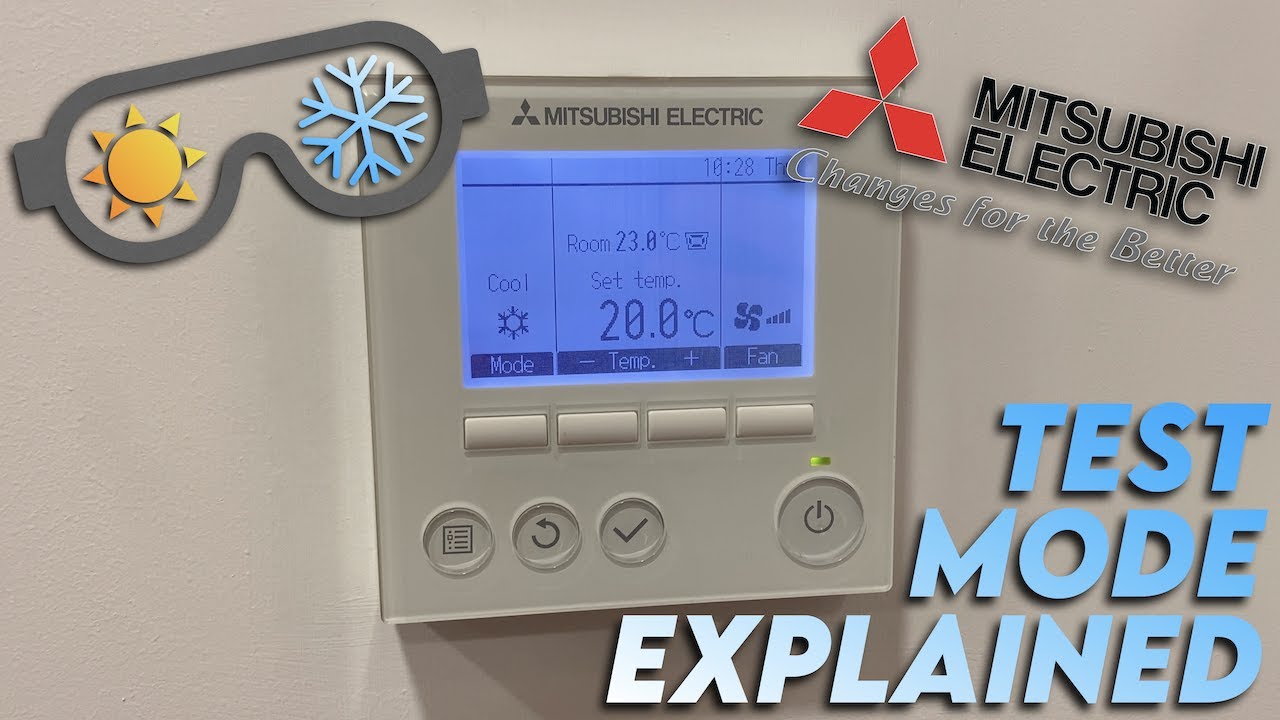
To select the desired operating mode, use the “Mode” button on your thermostat or remote control. The selected mode will be displayed on the screen. Experiment with different modes to find the settings that best suit your comfort level and energy-saving goals.
Programming Your Mitsubishi Electric Thermostat for Energy Savings
The real power of a smart thermostat lies in its ability to be programmed. By setting up a schedule that aligns with your daily routine, you can significantly reduce energy waste and lower your utility bills.
Setting Up a Schedule
The process for setting up a schedule varies slightly depending on your thermostat model, but the general steps are as follows:
- Access the Programming Menu: Consult your user manual for instructions on accessing the programming menu. This usually involves pressing a specific button combination or navigating through the touchscreen interface.
- Set the Time and Date: Accurate time and date settings are essential for the schedule to function correctly.
- Create Time Periods: Divide your day into different time periods, such as "Wake," "Leave," "Return," and "Sleep."
- Set Temperatures for Each Period: For each time period, specify the desired temperature. Remember the Energy Star recommendation of setting the temperature back 7-10 degrees for 8 hours a day.
- Repeat for Each Day: You can typically create separate schedules for weekdays and weekends.
- Save and Activate the Schedule: Once you've configured the schedule to your liking, save it and activate it.
Many Mitsubishi Electric thermostats also offer a "Holiday" mode, which allows you to temporarily override the regular schedule when you're away for an extended period. This ensures that your home isn't unnecessarily heated or cooled while you're gone.
Advanced Features: i-See Sensor and Zone Control
Some advanced Mitsubishi Electric systems are equipped with the i-See Sensor, which uses infrared technology to detect the presence of occupants in the room. This sensor can automatically adjust the temperature and airflow to optimize comfort and energy efficiency. The i-See Sensor can also be configured to turn off the system when no one is present, further reducing energy waste.
Zone control allows you to independently control the temperature in different areas of your home. This is particularly useful for larger homes or homes with varying heating and cooling needs. Mitsubishi Electric offers multi-zone systems that can be controlled through a central thermostat or individual zone controllers.
Smart Home Integration and Remote Control
Integrating your Mitsubishi Electric thermostat with your smart home ecosystem opens up a world of possibilities for convenience and energy management. Many models are compatible with popular smart home platforms like Amazon Alexa and Google Assistant, allowing you to control your thermostat with voice commands.
Using the MELCloud App
MELCloud is Mitsubishi Electric's cloud-based control system, allowing you to monitor and control your HVAC system from anywhere with an internet connection. With the MELCloud app, you can:
- Adjust the temperature remotely
- Change operating modes
- View energy consumption data
- Set up schedules
- Receive alerts and notifications
To use MELCloud, you'll need to create an account and register your thermostat with the system. The process is usually straightforward and involves following the instructions in the user manual.
Benefits of Smart Home Integration
Integrating your Mitsubishi Electric thermostat with your smart home system offers several benefits:
- Convenience: Control your thermostat from anywhere using your smartphone or voice commands.
- Energy Savings: Optimize your energy usage based on your location and occupancy patterns.
- Enhanced Comfort: Create personalized comfort profiles for different users and scenarios.
- Improved Security: Monitor your home's temperature and humidity levels remotely to detect potential problems.
Troubleshooting Common Issues
Even the most advanced thermostats can occasionally experience issues. Here are some common problems and troubleshooting tips:
- Thermostat Not Responding: Check the power supply and batteries (if applicable). Try resetting the thermostat by turning off the breaker for a few minutes and then turning it back on.
- Incorrect Temperature Readings: Ensure the thermostat is not exposed to direct sunlight or drafts. Calibrate the thermostat if necessary (refer to the user manual).
- Communication Errors: Check the Wi-Fi connection and ensure the thermostat is within range of the router. Restart the router if necessary.
- Error Codes: Refer to the user manual for a list of error codes and their corresponding solutions.
If you're unable to resolve the issue on your own, contact a qualified HVAC technician for assistance. Mitsubishi Electric also offers technical support through its website and phone hotline.
ROI and Energy Savings: Is a Smart Thermostat Worth It?
The upfront cost of a smart thermostat can be a barrier for some homeowners. However, the long-term ROI can be significant. By optimizing your energy usage and reducing waste, a smart thermostat can pay for itself in energy savings within a few years. According to a study by Nest, their smart thermostat saved users an average of 10-12% on heating bills and 15% on cooling bills.
Furthermore, many utility companies offer rebates and incentives for installing energy-efficient appliances, including smart thermostats. Check with your local utility company to see if you qualify for any rebates.
Maintenance and Best Practices
To ensure your Mitsubishi Electric thermostat continues to operate efficiently, follow these maintenance and best practices:
- Clean the Thermostat Regularly: Use a soft, dry cloth to clean the thermostat screen and exterior. Avoid using harsh chemicals or abrasive cleaners.
- Replace Batteries Regularly (if applicable): Replace the batteries in your thermostat regularly to prevent malfunctions.
- Check Air Filters: Regularly check and replace your air filters to ensure optimal airflow and energy efficiency.
- Schedule Regular HVAC Maintenance: Schedule annual maintenance with a qualified HVAC technician to keep your entire system in top condition.
By following these tips and utilizing the features of your Mitsubishi Electric thermostat, you can maximize energy savings, enhance comfort, and contribute to a more sustainable future. Remember to consult your user manual for specific instructions and troubleshooting tips related to your model. Embracing smart technology is a key step towards a greener and more energy-efficient home.