My Ac Control Panel Has No Power

One of the most frustrating problems a homeowner can face, especially during extreme weather, is a non-responsive AC control panel. Imagine sweltering heat or freezing temperatures, and you're unable to adjust your thermostat because it's completely dead. This article provides a step-by-step guide to help you troubleshoot this issue, allowing you to potentially fix it yourself and avoid costly service calls. We’ll cover checks you can perform with no tools, checks that require basic equipment, and when it's crucial to call in a professional.
Initial Checks: The No-Tool Zone
Before grabbing any tools, let's perform some basic checks that require nothing but your senses. These steps often reveal simple oversights.
1. Confirm Power Supply to the Unit
The very first thing to verify is if your entire AC unit has power. Is your outside unit humming, or completely silent? Is the indoor unit (furnace or air handler) running at all? If nothing is working, the problem might not be the control panel itself, but a broader power issue. A simple way to test this is to check other appliances or lights on the same circuit. If they're also dead, it confirms a broader outage.
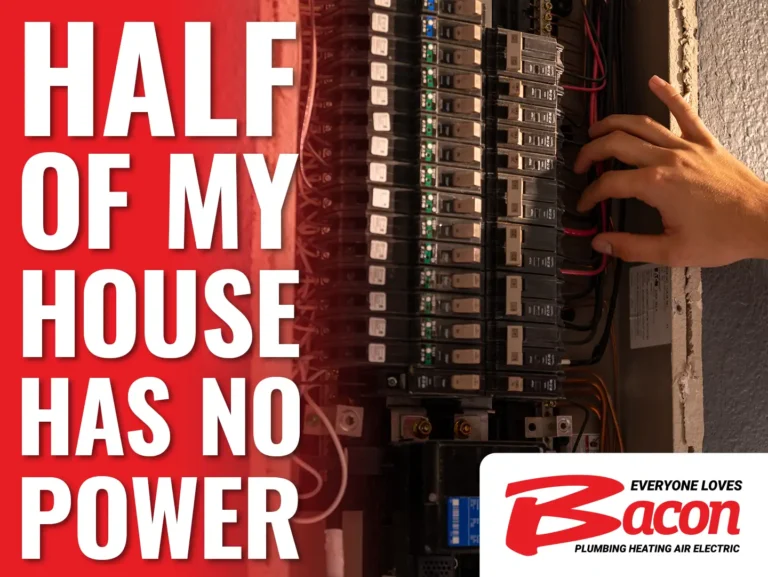
2. Check the Circuit Breaker
A tripped circuit breaker is the most common culprit behind a dead AC control panel.
How to Check:
- Locate your home's electrical panel.
- Identify the circuit breaker labeled "AC," "HVAC," "Furnace," or something similar. If unsure, consult your home's electrical panel directory.
- Look for a breaker that's in the "tripped" (middle) position or clearly off.
- Reset the breaker: Flip it fully to the "off" position and then firmly to the "on" position.
- Observe if the control panel now powers on. If it does, great! If it trips again immediately, stop and call an HVAC technician. This indicates a short circuit or overload.
3. Check the Air Filter
An extremely dirty air filter can restrict airflow, causing the AC unit to overheat and potentially trip a safety switch. Although this isn’t a direct cause of a dead control panel it can be a symptom of the same underlying problem (overheating). Changing your air filter is a preventative measure and should be part of your maintenance routine.
How to Check:
- Locate your air filter, usually in the return air duct of your furnace or air handler.
- Visually inspect the filter. If it's clogged with dust and debris, replace it with a new one of the correct size.
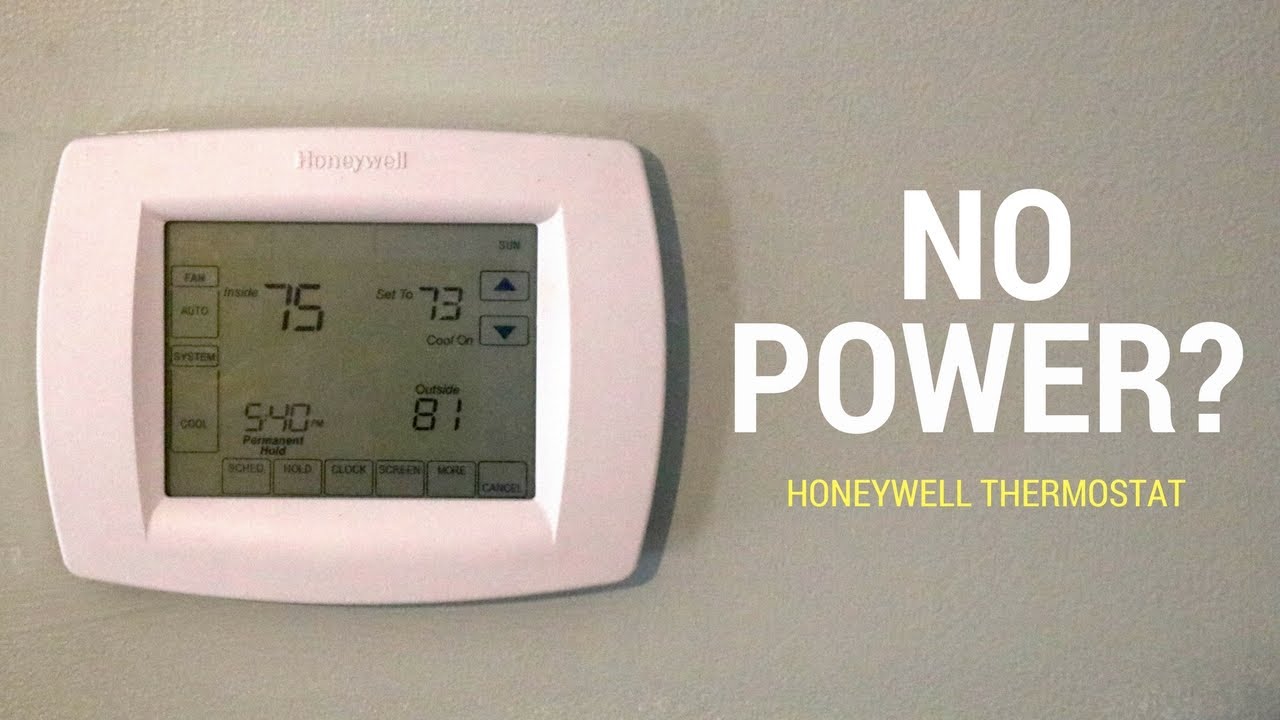
4. Examine the Thermostat Batteries (if applicable)
Many thermostats, especially wireless or programmable models, rely on batteries. Even if your thermostat is wired, it might use batteries as a backup. If the batteries are dead, the control panel will be unresponsive.
How to Check:
- Open the thermostat housing.
- Locate the batteries (usually AA or AAA).
- Replace them with fresh batteries, ensuring correct polarity (+ and -).
- Wait a few minutes for the thermostat to initialize.
5. Visual Inspection: Wires and Connections
Take a close look at the visible wiring around the thermostat and the indoor unit. Look for any obvious signs of damage, such as:
- Loose wires
- Corroded connections
- Chewed wires (rodents are notorious for this!)
- Disconnected wires
Important: Do NOT touch any bare wires. If you see any of these issues, especially exposed wires, it's best to call a professional. Trying to fix electrical wiring without experience is dangerous.
Troubleshooting with Basic Tools
If the initial checks didn't resolve the issue, it's time to use some basic tools. Always prioritize safety and remember, if you're uncomfortable with any of these steps, it's best to call a professional.
1. Multimeter Testing (Voltage)
A multimeter is a versatile tool that can measure voltage, current, and resistance. We'll use it to check if the thermostat is receiving power.
Safety First: Turn off the power to the AC unit at the circuit breaker before working with any wiring. Double-check with a non-contact voltage tester to ensure the power is off.
How to Test:
- Set your multimeter to measure AC voltage (typically 24V AC for thermostats). Refer to your multimeter's manual for specific instructions.
- Carefully remove the thermostat from its base plate.
- Locate the terminals labeled "R" (power) and "C" (common). These are standard designations.
- Place the multimeter probes on the "R" and "C" terminals.
- Restore power to the AC unit at the circuit breaker.
- Read the voltage on the multimeter. A reading of around 24V AC indicates that the thermostat is receiving power. If the reading is significantly lower or zero, there's a power supply problem. This could be a faulty transformer in your furnace/air handler.
- If you don't get a reading near 24V AC: Turn the power off again at the breaker and carefully check the wires connected to the “R” and “C” terminals. Are they securely connected? Are they corroded? If corroded, carefully clean the connections with a wire brush.
Important: If you are not comfortable using a multimeter or if you are unsure about the voltage readings, call a qualified HVAC technician. Mishandling electricity can be dangerous.
2. Inspect the Transformer (with multimeter)
The transformer is usually located inside your furnace or air handler and steps down the voltage from 120V AC to 24V AC for the thermostat and other control components. A faulty transformer can cause a complete loss of power to the control panel.
Safety First: Turn off the power to the AC unit at the circuit breaker before working with any wiring. Double-check with a non-contact voltage tester to ensure the power is off.
How to Test:
- Locate the transformer inside your furnace or air handler. It usually has clearly marked primary (120V) and secondary (24V) terminals.
- With the power OFF visually inspect the transformer for any signs of damage such as burned wires, bulging, or melted components. If visible damage is present, the transformer needs replacing.
- Set your multimeter to measure AC voltage.
- Carefully connect the multimeter probes to the primary (120V) terminals of the transformer. Restore power to the AC unit at the circuit breaker. You should read approximately 120V AC.
- Carefully connect the multimeter probes to the secondary (24V) terminals of the transformer. You should read approximately 24V AC.
- If you do not get approximately 120V on the primary side, then the issue is upstream (back to the breaker panel).
- If you get 120V on the primary side but do not get approximately 24V on the secondary side, the transformer is likely faulty and needs to be replaced by a qualified technician.
Important: Working with mains voltage (120V) can be lethal. If you are not confident in your ability to safely test the transformer, contact a professional HVAC technician.
3. Continuity Test of Thermostat Wires
Sometimes, a wire can break or become disconnected within the wall, leading to a loss of communication between the thermostat and the AC unit. A continuity test can help identify this.
Safety First: Turn off the power to the AC unit at the circuit breaker before working with any wiring. Double-check with a non-contact voltage tester to ensure the power is off.
How to Test:
- At the thermostat, disconnect all the wires from their terminals.
- At the furnace/air handler, locate the corresponding wires.
- Set your multimeter to the continuity setting (usually indicated by a sound wave symbol).
- Touch one multimeter probe to one end of a wire (e.g., the red wire at the thermostat).
- Touch the other multimeter probe to the corresponding end of the same wire (e.g., the red wire at the furnace/air handler).
- If the multimeter beeps or shows a reading of "0" or very low resistance, the wire has continuity and is intact. If there's no beep or a reading of "OL" (overload) or very high resistance, the wire is broken or disconnected somewhere along its path.
- Repeat this test for all the thermostat wires.
If you find a wire with no continuity, you'll need to either replace the entire wire or try to locate and repair the break. This often involves tracing the wire through the walls, which can be challenging and may require professional assistance.
When to Call a Professional
While many AC control panel issues can be resolved with DIY troubleshooting, there are situations where it's essential to call a qualified HVAC technician. Do not attempt to repair anything you are uncomfortable with or don't understand.
- Electrical Shorts or Overloads: If the circuit breaker trips repeatedly after resetting it, there's likely a short circuit or overload. This is a serious electrical hazard that requires professional attention.
- Faulty Transformer: Replacing a transformer involves working with high voltage electricity and understanding the electrical circuitry of your HVAC system. It's best left to a professional.
- Refrigerant Leaks: If you suspect a refrigerant leak (e.g., you see oily residue around the refrigerant lines), do not attempt to handle it yourself. Refrigerant is harmful to the environment and requires specialized equipment for safe handling.
- Complex Wiring Problems: If you find extensive damage to the wiring or are unable to trace the wires effectively, a professional can diagnose and repair the problem safely and efficiently.
- You're Uncomfortable: The most important reason to call a professional is if you feel uncomfortable or unsure about any of the troubleshooting steps. It's better to be safe than sorry, especially when dealing with electricity or complex mechanical systems.
- The Thermostat is New: If the thermostat has never worked before (new installation) or is still under warranty, you should contact the installer or manufacturer for support.
Final Thoughts
Troubleshooting a dead AC control panel can seem daunting, but by following these steps methodically and prioritizing safety, you can often identify and resolve the issue yourself. Remember to start with the simple checks and progress to more complex troubleshooting as needed. And always, when in doubt, call a professional. Regular maintenance, such as changing the air filter and inspecting the wiring, can also help prevent future problems and keep your AC system running smoothly.