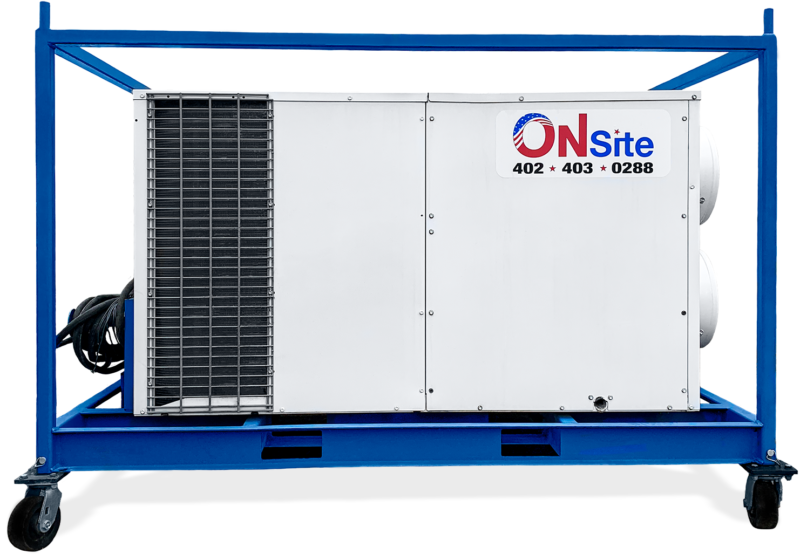
Self Contained Ac Units Mobile Homes

Self-contained AC units are the unsung heroes of mobile home comfort. These units, often mounted in a window or wall, are designed to be relatively simple to install and maintain. However, like any appliance, they can experience problems. A common issue is the unit blowing warm air, or not cooling at all. Before calling a technician, let's walk through some basic troubleshooting steps you can safely perform.
Safety First!
Before you begin any troubleshooting, it's crucial to prioritize your safety:
- Disconnect Power: Always unplug the AC unit from the wall outlet before inspecting or attempting any repairs. This prevents electric shock.
- Read the Manual: Consult your AC unit's manual for specific instructions and safety precautions related to your model.
- Don't Be Afraid to Call a Pro: If you're uncomfortable with any step, or if the problem involves electrical components, gas lines, or refrigerant, contact a qualified HVAC technician. Your safety is paramount.
Step-by-Step Troubleshooting Guide
1. Check the Power Supply
The simplest solutions are often overlooked. Start with the basics:
- Is it Plugged In? Ensure the AC unit is securely plugged into a working electrical outlet.
- Test the Outlet: Use a lamp or other small appliance to verify that the outlet is providing power. If the outlet isn't working, check your circuit breaker or fuse box.
- Circuit Breaker/Fuse: Locate the circuit breaker or fuse that controls the AC unit. If it's tripped (breaker) or blown (fuse), reset the breaker or replace the fuse. Important: If the breaker trips or the fuse blows repeatedly, there's likely a short circuit. Call an electrician.
- Extension Cord: Avoid using extension cords if possible. If you must use one, ensure it's heavy-duty and rated for the AC unit's amperage. Undersized extension cords can overheat and cause problems.
2. Verify the Settings
Incorrect settings are a common culprit for AC issues.
- Mode Setting: Make sure the AC unit is set to "Cool" mode, not "Fan Only" or "Heat" (if your unit has a heating function).
- Temperature Setting: Set the temperature to a significantly lower setting than the current room temperature. Give the unit time to cool down (15-30 minutes).
- Fan Speed: Experiment with different fan speeds. Sometimes a higher fan speed can improve cooling performance.
- Timer Function: Ensure the timer function isn't activated and inadvertently turning the unit off or delaying its operation.
3. Clean the Air Filter
A dirty air filter is a major cause of AC problems. It restricts airflow, reduces cooling efficiency, and can even damage the unit.
- Locate the Filter: The air filter is typically located behind a removable panel on the front or side of the AC unit. Consult your owner's manual if you're unsure where to find it.
- Remove the Filter: Carefully remove the air filter.
- Clean the Filter:
- Washable Filters: Wash the filter with mild soap and water. Rinse thoroughly and allow it to dry completely before reinstalling.
- Disposable Filters: Replace the filter with a new one of the same size and type.
- Frequency: Clean or replace the air filter every 1-3 months, or more often if you have pets or live in a dusty environment.
4. Inspect the Condenser Coils
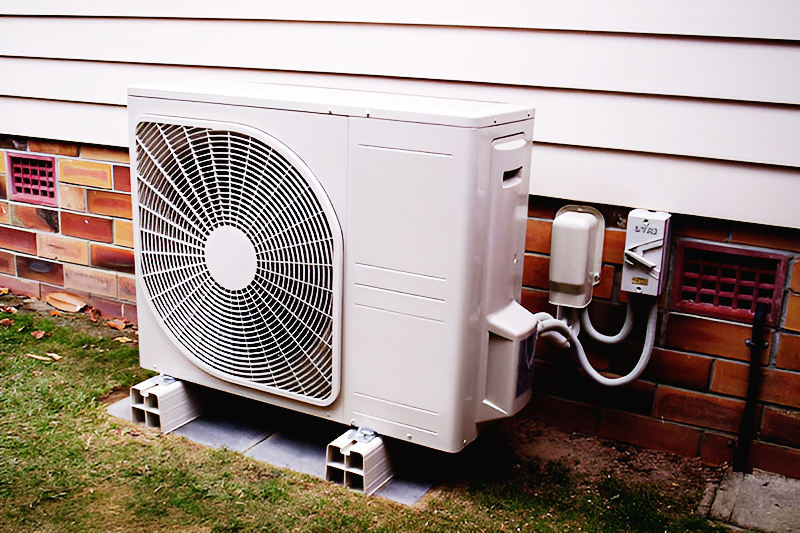
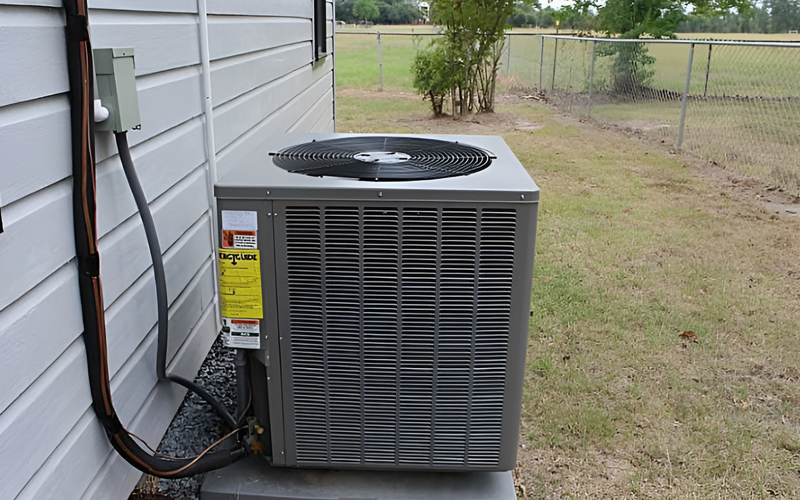
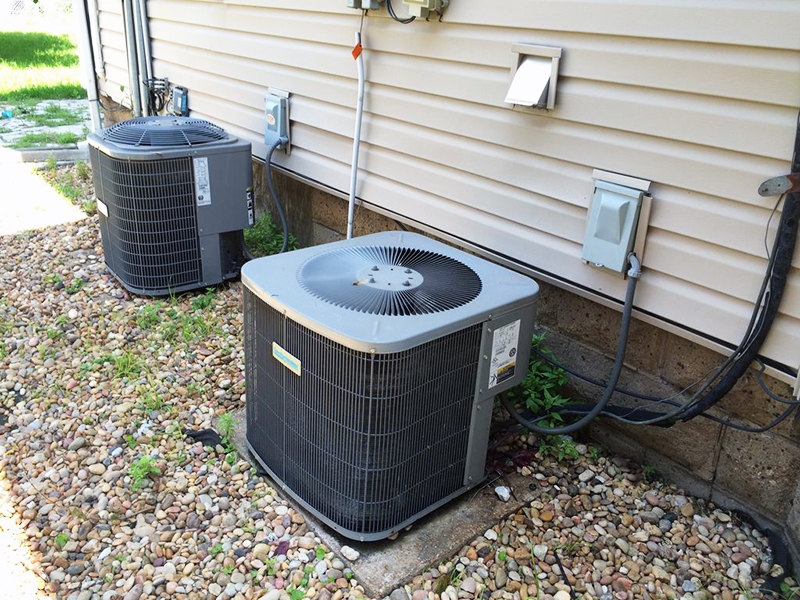
The condenser coils are located on the outside of the unit (usually the back). They release heat from the refrigerant. Dirty or blocked coils can significantly reduce cooling performance.
- Safety First: Unplug the AC unit.
- Locate the Coils: Carefully remove any access panels to expose the condenser coils.
- Visual Inspection: Look for dirt, dust, leaves, or other debris blocking the coils.
- Cleaning the Coils:
- Vacuuming: Use a soft brush attachment on your vacuum cleaner to gently remove loose debris.
- Coil Cleaner: Purchase a commercially available coil cleaner specifically designed for AC units. Follow the instructions on the product label. Be careful not to bend the delicate fins.
- Rinsing: Rinse the coils with a gentle stream of water from a garden hose. Avoid using high pressure, which can damage the fins.
- Reassemble: Once the coils are clean and dry, reassemble any access panels.
5. Check for Ice Buildup
Ice buildup on the coils can prevent the AC unit from cooling properly. This can be caused by a number of factors, including low refrigerant, a dirty air filter, or restricted airflow.
- Safety First: Unplug the AC unit.
- Inspect the Coils: Look for ice buildup on the evaporator coils (the coils you see when you remove the air filter).
- Thawing the Ice:
- Turn Off the Unit: Leave the AC unit unplugged and allow the ice to melt naturally. This may take several hours.
- Fan Only Mode: Once the ice has melted, plug the unit back in and run it on "Fan Only" mode to help dry the coils.
- Prevention: After the ice has melted, address the underlying cause of the ice buildup (e.g., clean the air filter, check for restricted airflow). If the problem persists, it could indicate a refrigerant leak, which requires professional attention.
6. Condensate Drain
Self-contained AC units collect condensation. This water needs to drain properly to prevent leaks and mold growth. A clogged drain can cause the unit to shut down or leak water inside your mobile home.
- Locate the Drain: Find the condensate drain, usually a small hole or tube at the bottom or back of the unit.
- Check for Obstructions: Look for any visible obstructions, such as dirt, algae, or debris.
- Clear the Drain:
- Wire or Pipe Cleaner: Gently insert a thin wire or pipe cleaner into the drain to dislodge any blockages.
- Vacuum: Use a wet/dry vacuum to suck out any debris from the drain.
- Vinegar Flush: Pour a cup of white vinegar into the drain to help dissolve any buildup. Let it sit for 30 minutes, then flush with water.
- Prevention: Periodically flush the condensate drain with vinegar to prevent clogs.
7. Fan Motor
If the fan isn't running, the AC unit won't cool. Sometimes, it might be a simple issue.
- Listen Carefully: When you turn the unit on, can you hear the motor trying to start, or is it completely silent? A humming sound might indicate a seized motor.
- Check for Obstructions: Make sure nothing is blocking the fan blades, inside or outside the unit.
- Lubrication (If Applicable): Some older units have oil ports on the fan motor. If yours does, add a few drops of electric motor oil to the ports. Consult your owner's manual first.
- Start Capacitor (Potentially Dangerous): If the fan motor hums but doesn't start, the start capacitor might be faulty. This component stores electricity and can deliver a dangerous shock even when the unit is unplugged. This is best left to a professional.
When to Call a Professional
While these troubleshooting steps can resolve many common AC problems, some issues require the expertise of a qualified HVAC technician.
- Refrigerant Leaks: If you suspect a refrigerant leak (e.g., the unit is not cooling well even after cleaning the coils and filter), do not attempt to repair it yourself. Refrigerant is a hazardous substance, and handling it requires specialized equipment and training.
- Electrical Issues: Any problems involving electrical wiring, components, or the compressor should be handled by a licensed electrician or HVAC technician. Working with electricity can be dangerous.
- Compressor Problems: The compressor is the heart of the AC unit. If it's not running or making unusual noises, it likely needs professional repair or replacement.
- Gas Leaks (If Applicable): Some self-contained units have a gas heating component. If you smell gas, evacuate the area immediately and call your gas company or a qualified HVAC technician.
- Complex Repairs: If you've tried the troubleshooting steps above and the AC unit still isn't working properly, it's time to call a professional. They have the tools and knowledge to diagnose and repair more complex issues.
Preventative Maintenance
The best way to avoid AC problems is to perform regular preventative maintenance.
- Regular Cleaning: Clean or replace the air filter every 1-3 months.
- Coil Cleaning: Clean the condenser coils at least once a year, or more often if you live in a dusty environment.
- Condensate Drain Maintenance: Periodically flush the condensate drain with vinegar to prevent clogs.
- Professional Inspection: Schedule a professional AC inspection and tune-up at least once a year. This can help identify and address potential problems before they become major issues.
- Seal Air Leaks: Ensure windows and doors are properly sealed to prevent air leaks, which can reduce cooling efficiency and increase energy costs.
- Consider Shade: Plant trees or install awnings to shade the AC unit from direct sunlight, which can help it run more efficiently.
By following these troubleshooting steps and performing regular maintenance, you can keep your self-contained AC unit running smoothly and efficiently for years to come, ensuring a comfortable living environment in your mobile home.