Sensi Smart Thermostat No C Wire

The Sensi Smart Thermostat and the C-Wire Conundrum: Understanding Your Options
Smart thermostats offer enhanced control, energy savings, and convenience, allowing homeowners, property managers, and facility engineers to optimize their HVAC systems. The Sensi Smart Thermostat, known for its ease of use and broad compatibility, is a popular choice. However, one common issue arises during installation: the absence of a C-wire (Common wire). This article provides a comprehensive guide to understanding the C-wire requirement for Sensi thermostats, exploring your options when one isn't available, and ensuring a successful installation.
What is a C-Wire and Why is it Important?
In a typical HVAC system, wires connect the thermostat to the furnace or air handler. These wires transmit signals that control heating, cooling, and fan operation. The C-wire provides a constant 24VAC (Volts Alternating Current) power supply to the thermostat. Older thermostats often relied on batteries or "power stealing" from other wires to operate, but smart thermostats, with their Wi-Fi connectivity and advanced features, generally require a dedicated, consistent power source.
Think of it like this: your car needs gasoline to run. The C-wire is the gasoline line for your smart thermostat, providing the constant energy it needs to power its display, Wi-Fi module, and internal circuitry. Without it, the thermostat may experience intermittent power failures, leading to operational problems, inaccurate temperature readings, or even complete shutdown.
Do All Sensi Thermostats Require a C-Wire?
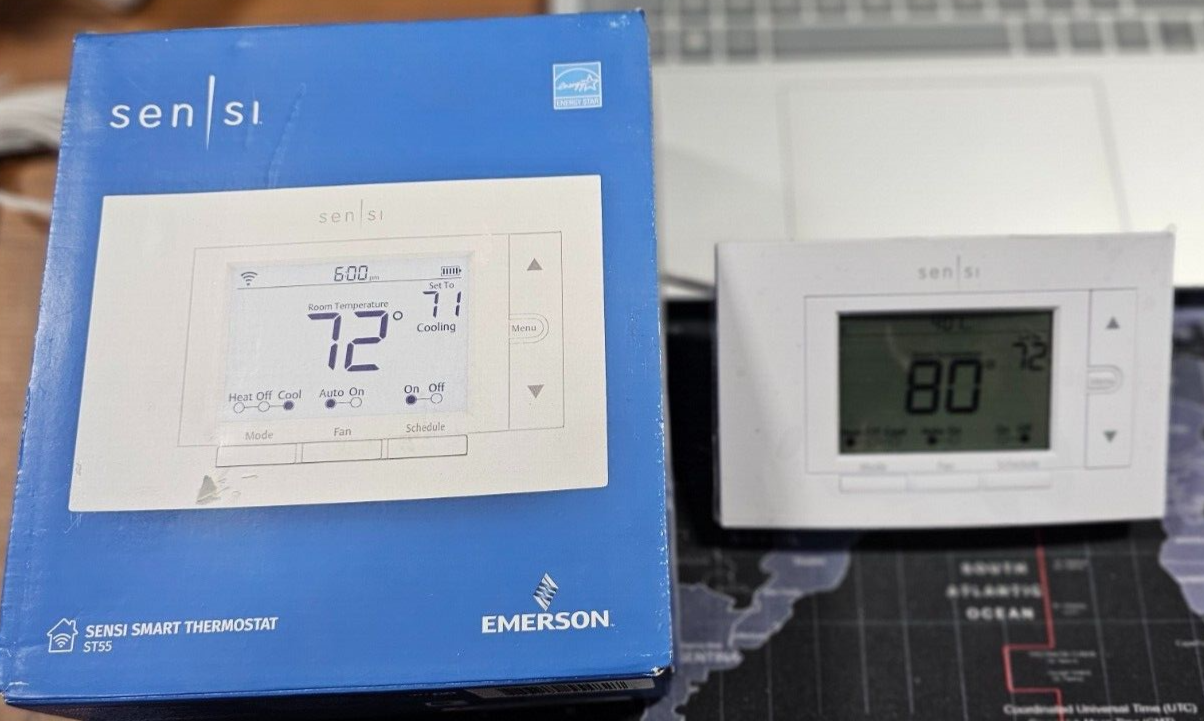
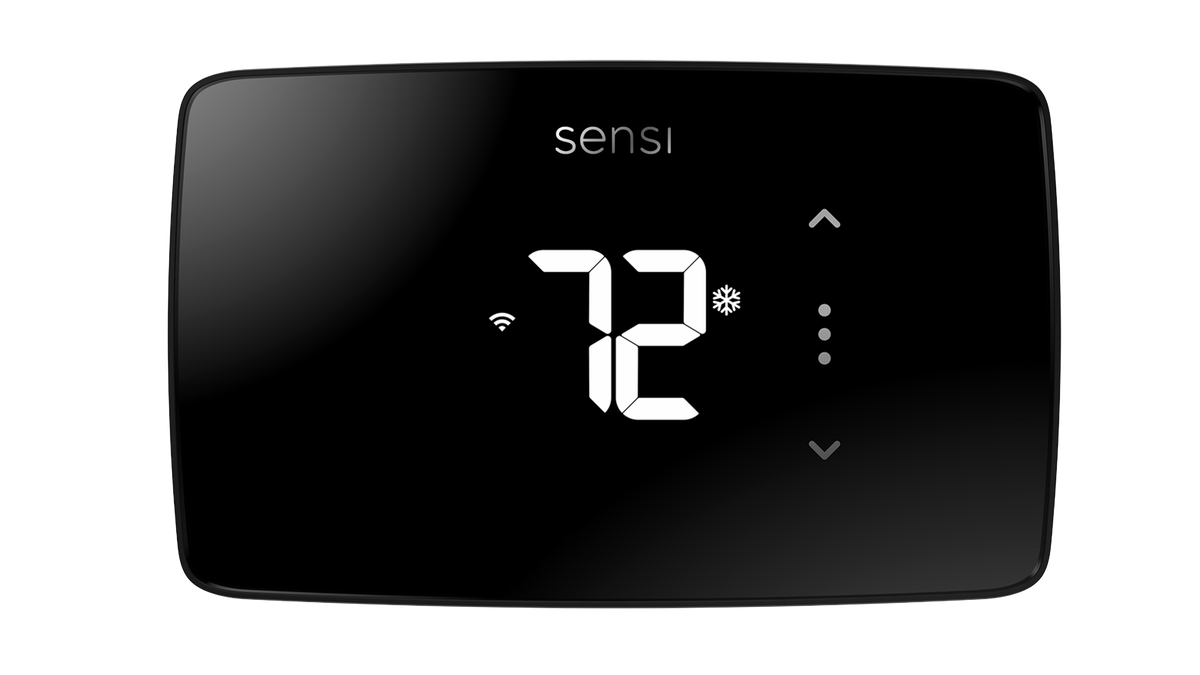
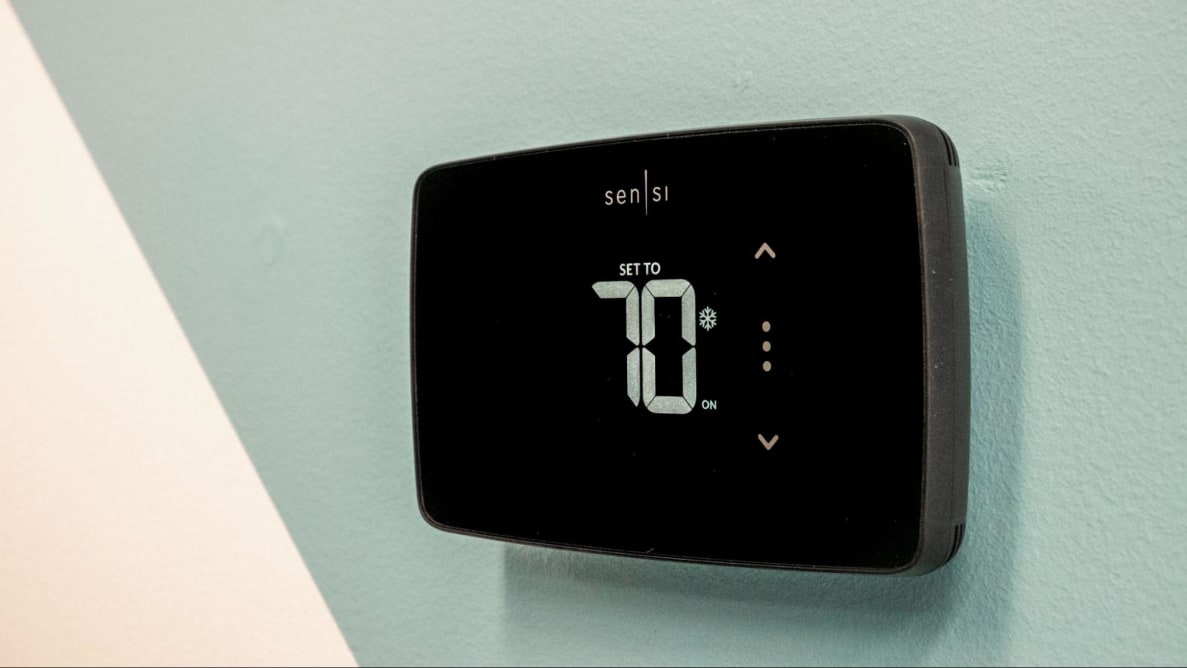
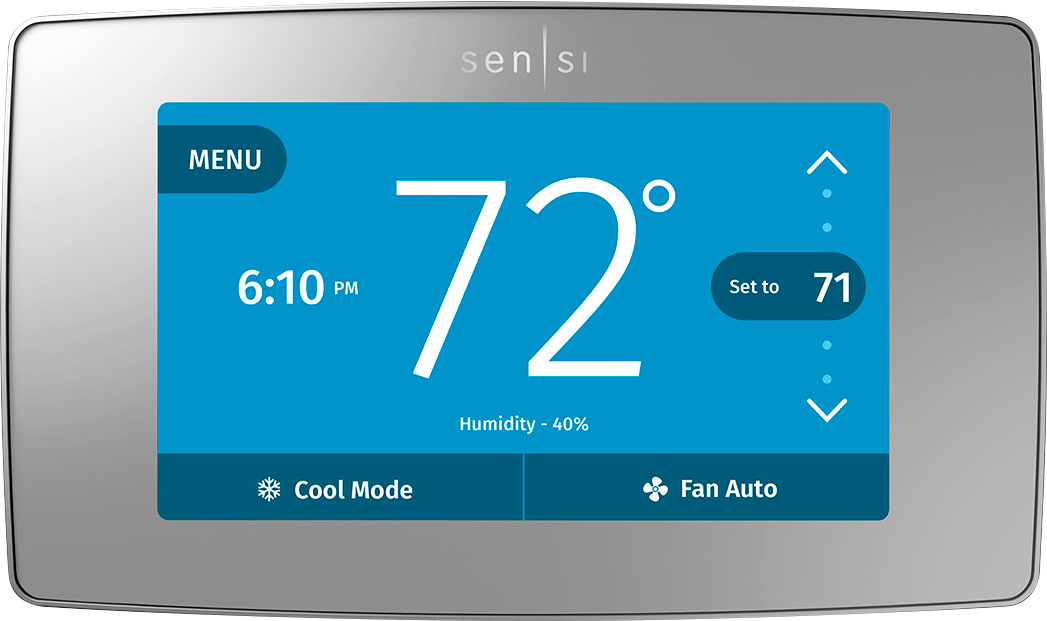
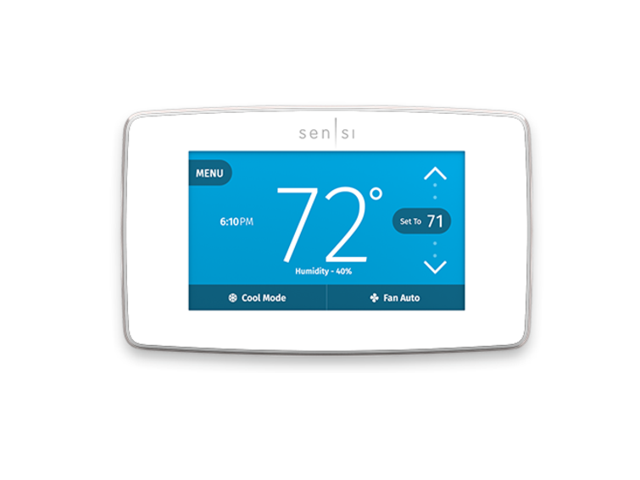
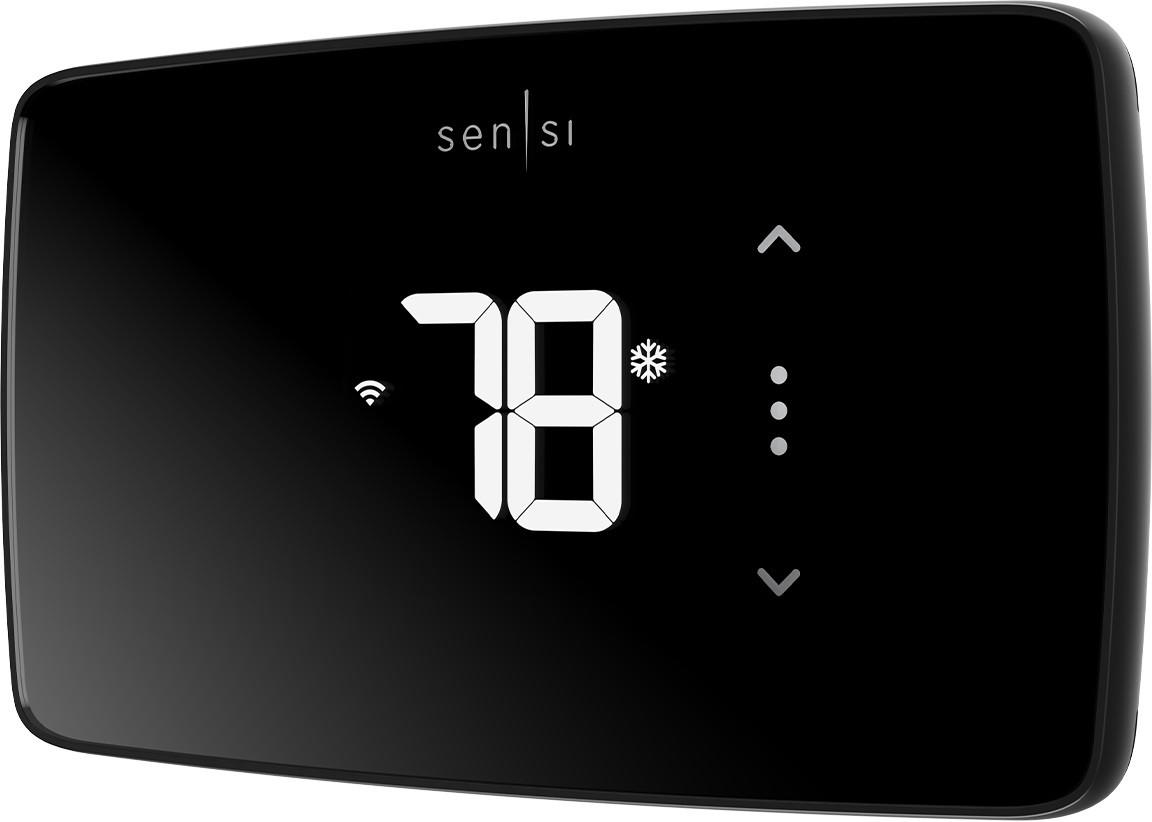
The answer depends on the specific Sensi model. While most Sensi Smart Thermostats ideally require a C-wire for optimal performance, the Sensi Touch Smart Thermostat and Sensi Lite Smart Thermostat are designed with C-wire alternatives. The original Sensi Wi-Fi Smart Thermostat generally requires a C-wire.
Always consult the product specifications and installation guide for your specific Sensi model to confirm whether a C-wire is mandatory or if alternative wiring configurations are possible. Ignoring this requirement can lead to thermostat malfunction and potentially damage your HVAC system.
Troubleshooting: Identifying if You Need a C-Wire
Before attempting installation, check your existing thermostat wiring. Remove the cover of your old thermostat (after switching off the power at the breaker!) and look for a wire connected to the "C" terminal. If you find one, you're in luck! Simply connect this wire to the "C" terminal on your new Sensi Smart Thermostat.
If there's no wire connected to the "C" terminal, don't panic. Here's what to do:
- Check for an unused wire: Sometimes, an unused wire is tucked behind the existing thermostat or at the furnace/air handler. If you find one, you can connect it to the "C" terminal at both ends.
- Inspect the wiring diagram: Locate the wiring diagram inside your furnace or air handler. This diagram shows how the wires are connected and can help you identify the C-wire terminal.
- Use a multimeter: If you're comfortable working with electrical components, a multimeter can help you verify the voltage between the "R" (power) terminal and the "C" terminal. You should read approximately 24VAC.
Options When You Don't Have a C-Wire
If you've confirmed that you don't have a C-wire, you have several options to install your Sensi Smart Thermostat:
- Use a C-Wire Adapter: A C-wire adapter, also known as a power extender kit (PEK), allows you to create a C-wire connection by repurposing one of the existing wires. This typically involves connecting the adapter to the furnace/air handler and then reconfiguring the thermostat wiring. Sensi often provides or recommends specific C-wire adapters that are compatible with their thermostats. Follow the manufacturer's instructions carefully when installing a C-wire adapter.
- Install a New Thermostat Wire: This is the most reliable solution, but it can also be the most labor-intensive. It involves running a new thermostat wire from the furnace/air handler to the thermostat, ensuring a dedicated C-wire connection. This is best left to a qualified HVAC technician. The cost of this option depends on the distance between the thermostat and the HVAC unit, the difficulty of running the wire, and the hourly rate of the technician. Expect to pay anywhere from $150 to $500 or more.
- Choose a Sensi Model Designed for C-Wire Alternatives: As mentioned earlier, the Sensi Touch Smart Thermostat and Sensi Lite Smart Thermostat offer C-wire alternative wiring options. These models can function using only the R, W, Y, and G wires in many installations. Consult the installation guide to determine if this configuration is suitable for your HVAC system.
- Utilize a Fast-Stat Common Maker: The Fast-Stat Common Maker is another device that creates a dedicated common wire connection without pulling new wires. It operates similarly to a C-wire adapter but may offer greater compatibility with different HVAC systems.
Cost Comparison: C-Wire Solutions
Here's a cost breakdown of the different C-wire solutions:
- C-Wire Adapter: $20 - $50 (plus installation if you hire a technician)
- Installing a New Thermostat Wire: $150 - $500+ (professional installation required)
- Sensi Touch Smart Thermostat or Sensi Lite Smart Thermostat: No additional cost if your system is compatible with the C-wire alternative wiring. Price of the thermostat itself (typically $100-$200).
- Fast-Stat Common Maker: $50 - $100 (plus installation if you hire a technician)
Professional Installation: When to Call an HVAC Technician
While installing a Sensi Smart Thermostat is generally a DIY-friendly project, there are situations where it's best to call a qualified HVAC technician:
- You're not comfortable working with electrical components.
- You're unsure about your HVAC system's wiring.
- You need to run a new thermostat wire.
- You encounter unexpected problems during installation.
Hiring a professional ensures the thermostat is installed correctly and safely, preventing potential damage to your HVAC system. A technician can also diagnose any underlying issues with your wiring and recommend the best solution for your specific needs.
Tips for a Smooth Sensi Smart Thermostat Installation
- Turn off the power: Always turn off the power to your HVAC system at the breaker before working on any wiring.
- Take pictures: Before disconnecting any wires, take pictures of the existing wiring configuration for reference.
- Label the wires: Label each wire before disconnecting it to avoid confusion during reinstallation.
- Follow the instructions: Carefully read and follow the manufacturer's instructions for your Sensi Smart Thermostat.
- Test the system: After installation, thoroughly test the heating, cooling, and fan functions to ensure everything is working correctly.
Energy Efficiency and Cost Savings with Sensi Thermostats
Properly installed Sensi Smart Thermostats contribute to significant energy savings. By allowing you to create custom schedules, remotely adjust the temperature, and monitor energy usage, you can optimize your HVAC system for maximum efficiency. Studies have shown that programmable thermostats can save homeowners up to 10-12% on their heating and cooling costs. Sensi thermostats provide even greater potential for savings through their smart features and Wi-Fi connectivity.
Conclusion: Choosing the Right Path for Your Sensi Installation
The C-wire requirement for Sensi Smart Thermostats is an important consideration during installation. By understanding the role of the C-wire, assessing your existing wiring, and exploring the available options, you can ensure a successful and efficient installation. Whether you choose to use a C-wire adapter, install a new wire, or opt for a Sensi model designed for C-wire alternatives, taking the time to plan and execute the installation carefully will result in a comfortable, energy-efficient home and long-term savings on your energy bills. Always prioritize safety and consult with a qualified HVAC technician when needed.