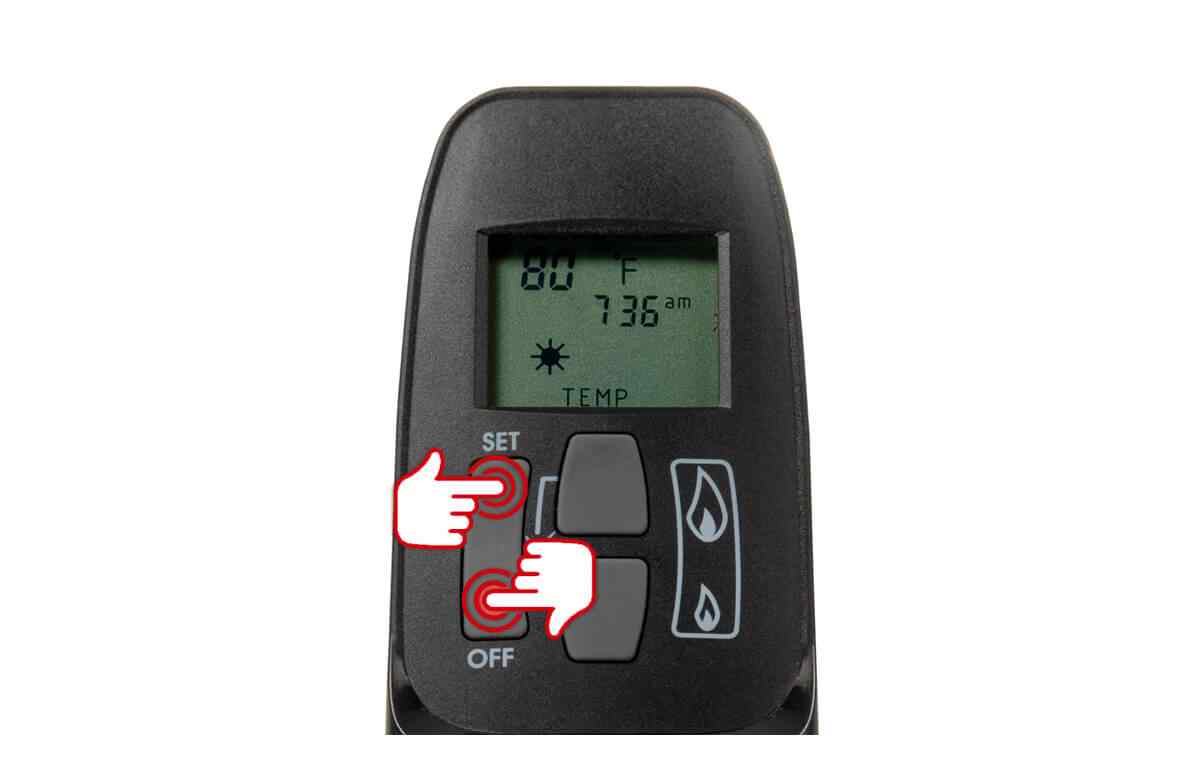
Valor Fireplace Remote Instructions

Valor fireplaces are known for their elegant design and efficient heating capabilities. A key component of their user-friendly experience is the remote control, which allows homeowners to manage flame height, temperature, and other features from the comfort of their couch. This article provides comprehensive instructions and troubleshooting tips for Valor fireplace remotes, catering to homeowners, HVAC technicians, and facility managers alike.
Understanding Your Valor Fireplace Remote
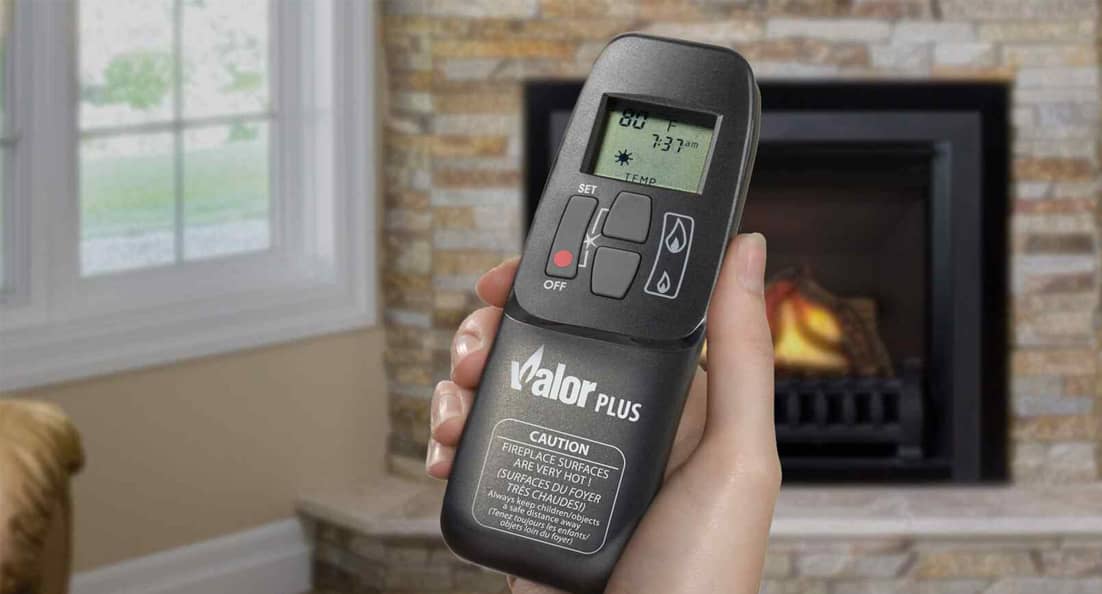
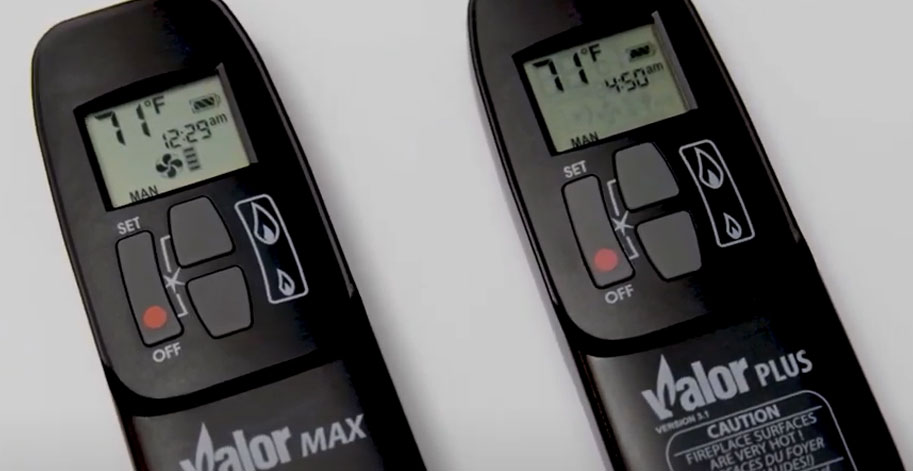
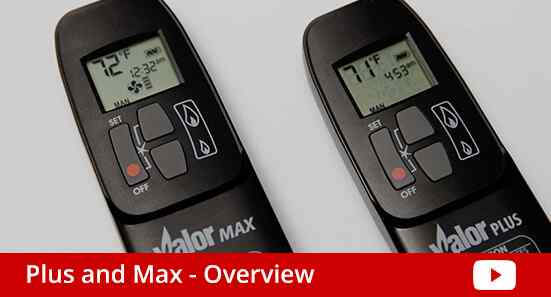
Valor remotes vary slightly depending on the fireplace model, but they generally share common functionalities. These include:
- On/Off Button: Controls the fireplace's primary operation.
- Flame Height Control: Adjusts the intensity of the flame.
- Thermostat Mode: Maintains a desired room temperature.
- Timer Function: Sets a duration for the fireplace to operate.
- Fan Control (if applicable): Manages the speed of the fireplace fan.
- Mode Button: Cycles through different operating modes.
- Up/Down Arrows: Used for adjusting temperature, flame height, and timer settings.
- Comfort Control: (Some models) Allows the fireplace to automatically adjust flame height to maintain a consistent room temperature.
- Child Lock: Prevents accidental operation of the fireplace.
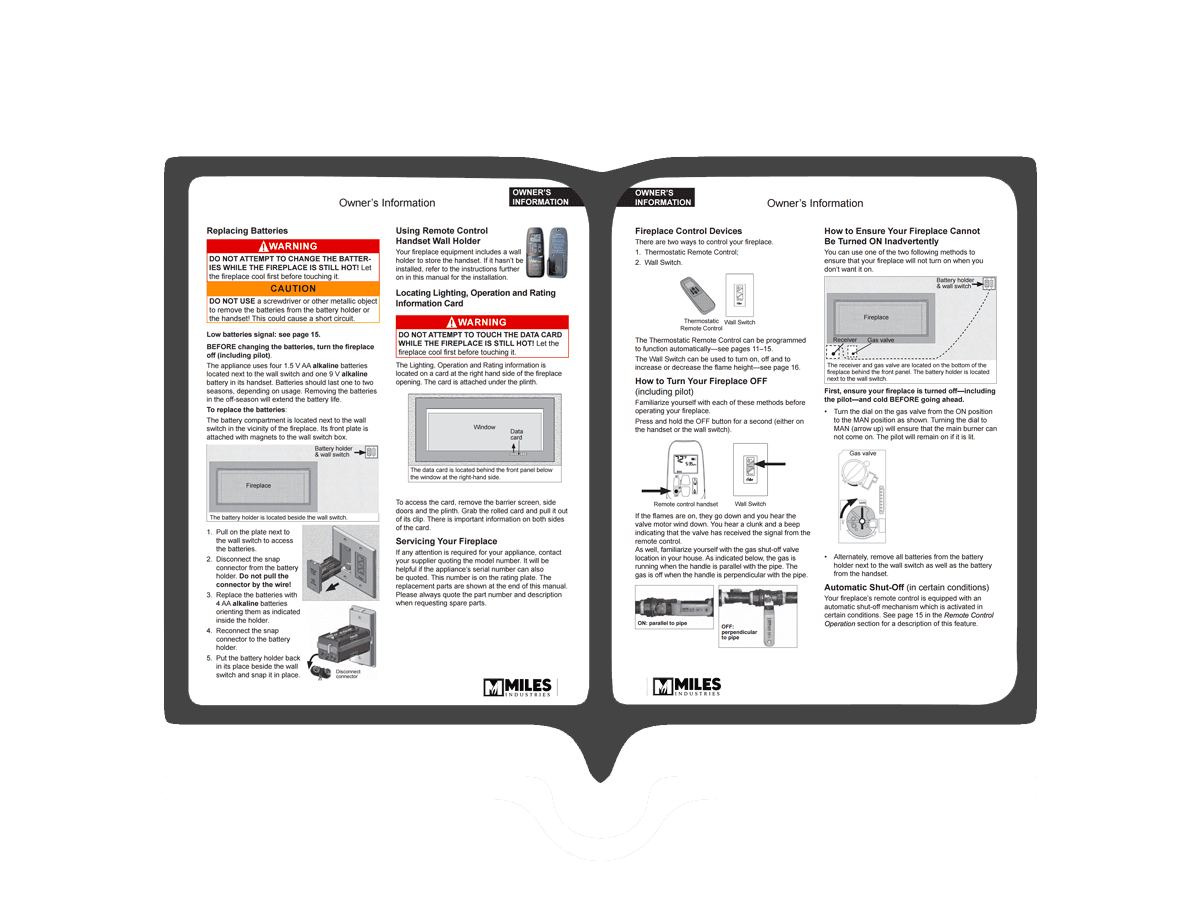
Consult your specific Valor fireplace manual for a detailed explanation of your remote's features. Most manuals can be found on the Valor website using the model number.
Initial Setup and Synchronization
Before operating your Valor fireplace with the remote, it's crucial to ensure proper synchronization. This process varies slightly depending on the remote model, but the general steps are as follows:
- Install Batteries: Open the battery compartment on the back of the remote and install fresh batteries, paying attention to the polarity (+/-) markings. Always use high-quality alkaline batteries for best performance and longevity.
- Locate the Receiver: The fireplace receiver is typically located behind the control panel or within the fireplace unit itself. Refer to your fireplace manual for its exact location.
- Enter Synchronization Mode: On some models, you might need to press and hold a "Sync" or "Learn" button on the receiver until an indicator light flashes. Other models may require a specific sequence of button presses on the remote itself, usually indicated in the user manual.
- Activate Remote Synchronization: Within a specified time (usually a few seconds) after activating the receiver's synchronization mode, press and hold the "On/Off" button on the remote until the indicator light on the receiver confirms synchronization, typically by changing color or going solid. Some remotes may display a confirmation message on the remote screen.
- Test Operation: After successful synchronization, test the remote by turning the fireplace on and off, adjusting the flame height, and testing other features.
Important Note: Interference from other electronic devices can sometimes disrupt the synchronization process. Try moving any potential sources of interference, such as Wi-Fi routers or cordless phones, away from the fireplace during synchronization.
Operating Instructions
Once the remote is synchronized, you can operate the fireplace as follows:
Basic Operation
- Turning On/Off: Press the "On/Off" button to turn the fireplace on or off.
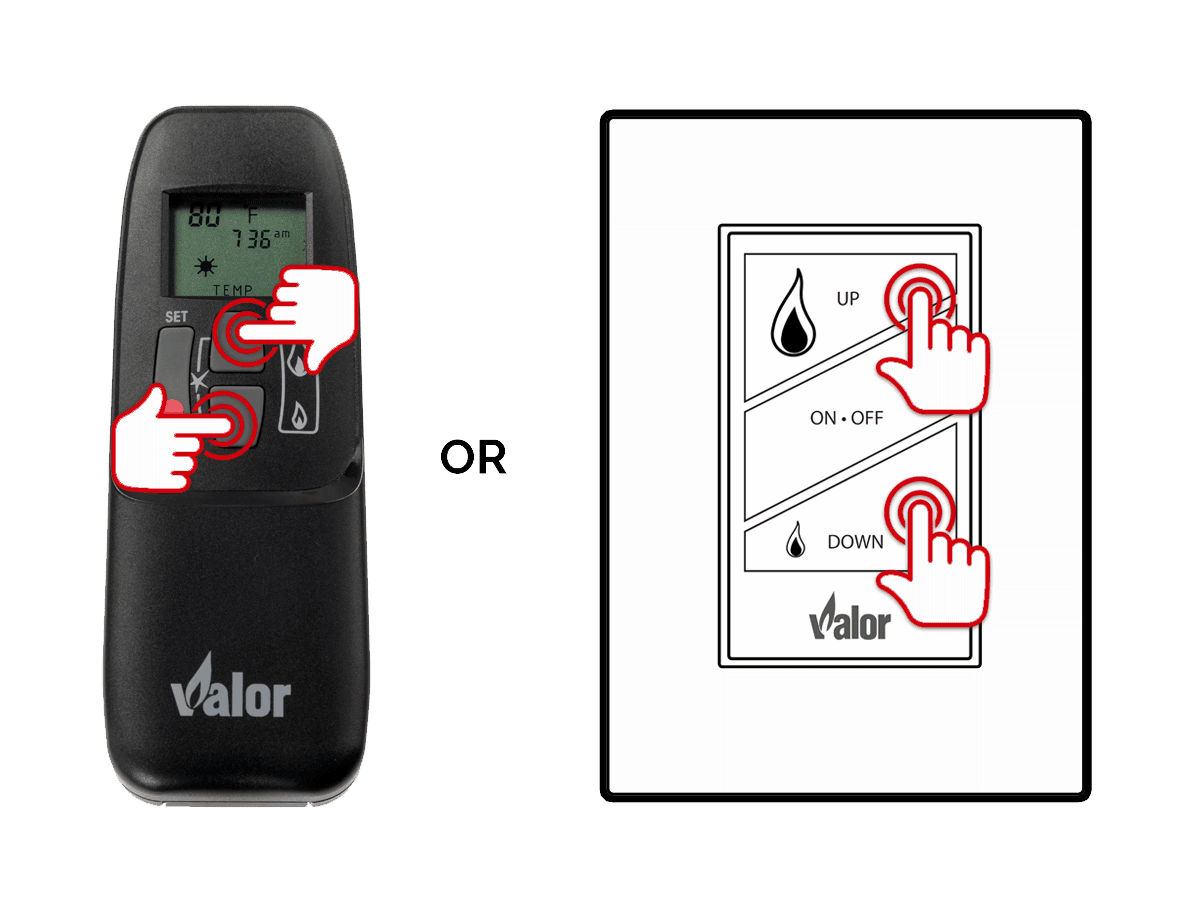
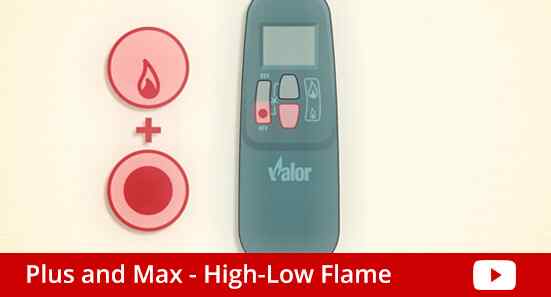
- Adjusting Flame Height: Use the "Up" and "Down" arrow buttons to increase or decrease the flame height. Some models may have separate buttons specifically for flame height adjustment.
Thermostat Mode
Thermostat mode allows the fireplace to maintain a consistent room temperature.
- Activate Thermostat Mode: Press the "Mode" button until the display shows "Thermostat" or a similar indication.
- Set Desired Temperature: Use the "Up" and "Down" arrow buttons to set the desired room temperature.
- Monitor Operation: The fireplace will automatically adjust the flame height to maintain the set temperature. The remote will typically display the current room temperature and the set temperature.
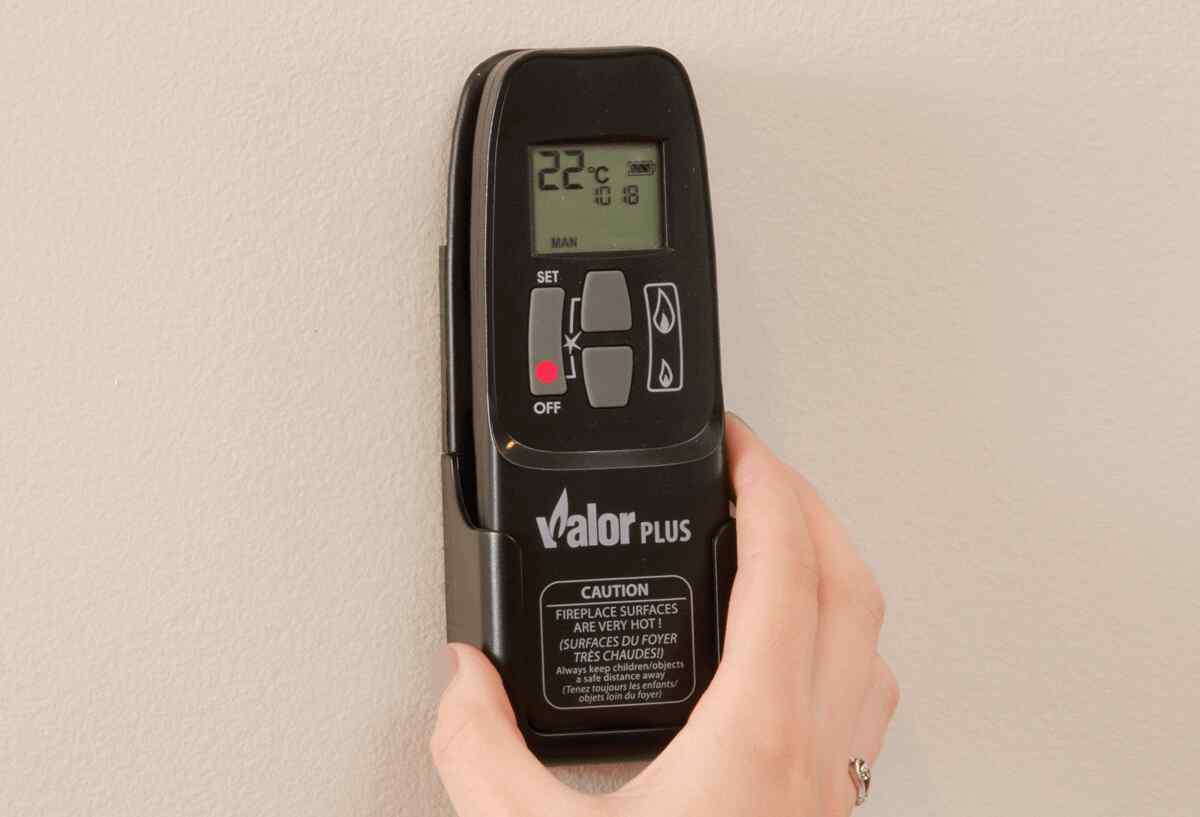
HVAC Technicians Note: Advise homeowners that the thermostat reading on the remote may not be perfectly accurate, as it reflects the temperature near the remote itself. For optimal comfort, place the remote in a central location away from drafts or direct sunlight.
Timer Function
The timer function allows you to set a specific duration for the fireplace to operate.
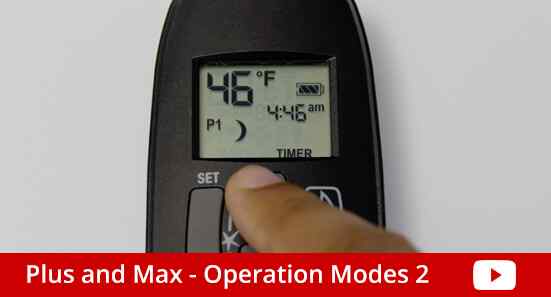
- Activate Timer Mode: Press the "Mode" button until the display shows "Timer" or a similar indication.
- Set Duration: Use the "Up" and "Down" arrow buttons to set the desired operating time (usually in hours or minutes).
- Start Timer: The fireplace will automatically turn off after the set duration has elapsed.
Fan Control (If Applicable)
Some Valor fireplaces are equipped with a fan to circulate heat more effectively. If your remote has fan control buttons:
- Adjust Fan Speed: Press the fan control buttons to increase or decrease the fan speed. Some models may have multiple fan speed settings, while others may have a simple on/off function.
Facility Managers Note: Ensure that fan vents are kept clean and free of obstructions to maintain optimal airflow and prevent overheating.
Troubleshooting Common Issues
Here are some common issues encountered with Valor fireplace remotes and their solutions:
- Remote Not Responding:
- Check Batteries: Replace the batteries with fresh ones.
- Synchronization Issues: Re-synchronize the remote with the receiver following the steps outlined above.
- Obstructions: Ensure there are no obstructions between the remote and the receiver.
- Receiver Problems: If the receiver isn't responding, consult a qualified HVAC technician. The receiver may need to be inspected or replaced.
- Incorrect Temperature Readings:
- Remote Placement: Ensure the remote is placed in a location that accurately reflects the room temperature (away from drafts, direct sunlight, or heat sources).
- Calibration: Some remotes may have a calibration setting. Refer to your manual for instructions.
- Flame Height Fluctuations:
- Gas Pressure: Fluctuations in gas pressure can affect flame height. Contact your gas company if you suspect a problem with gas pressure.
- Thermocouple Issues: A faulty thermocouple can also cause flame height fluctuations. Consult a qualified HVAC technician.
- Remote Display Issues:
- Low Battery: A low battery can cause display problems. Replace the batteries.
- LCD Damage: If the display is damaged, the remote may need to be replaced.
Homeowner Tip: Keep your Valor fireplace manual in a safe and accessible location for future reference.
Maintenance Tips
Proper maintenance can extend the life of your Valor fireplace remote and ensure reliable operation.
- Clean the Remote Regularly: Use a soft, damp cloth to clean the remote. Avoid using harsh chemicals or abrasive cleaners.
- Replace Batteries Regularly: Replace the batteries at least once a year, even if they are not completely drained. This can prevent corrosion and damage to the remote.
- Store the Remote Properly: When not in use, store the remote in a safe place away from extreme temperatures, moisture, and direct sunlight.
- Professional Inspection: Schedule regular inspections and maintenance of your Valor fireplace by a qualified HVAC technician. This will help identify and address any potential problems before they become major issues.
HVAC Technician Best Practice: During routine fireplace maintenance, check the remote's functionality and synchronization as part of your service checklist.
Cost Considerations
The cost of replacing a Valor fireplace remote can vary depending on the model. A replacement remote can range from $100 to $300 or more. Consider the cost of regular battery replacement as well. While not a major expense, using high-quality batteries can improve performance and longevity. Factor in the cost of professional maintenance and repairs to ensure the long-term reliability of your fireplace system.
Efficiency and Lifespan
Valor fireplaces are known for their energy efficiency. Proper operation of the remote, especially utilizing the thermostat mode, can help optimize energy consumption. The lifespan of a Valor fireplace remote can vary depending on usage and maintenance, but with proper care, it should last for many years. The fireplace itself, with regular maintenance, can last for 15-20 years or even longer.
By following these instructions and tips, homeowners, HVAC technicians, and facility managers can ensure the proper operation and longevity of their Valor fireplace remote, enjoying the comfort and efficiency of their Valor fireplace for years to come. Always consult the specific owner's manual for your model for the most accurate information.